Instagram blocks right-click to prevent saving
When you try to right-click on an image in an Instagram post, you’ll notice the “Open image in new tab” and “Save image as” options are missing from the context menu.
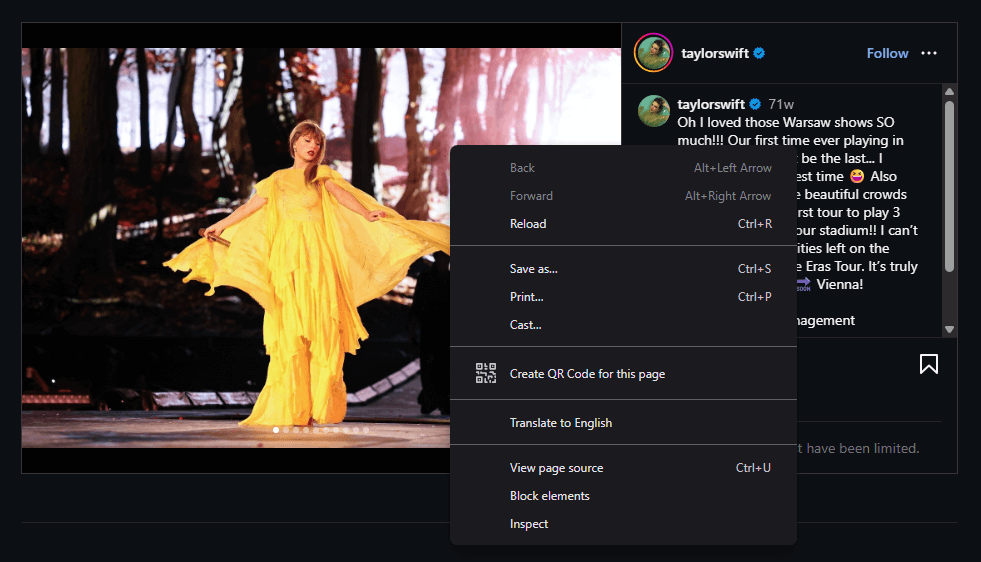
Instagram blocks the right-click menu to prevent you from saving their images.
Saving and opening images
Bellevue removes this restriction. With the extension installed, right-clicking on an Instagram image shows the full context menu with all the standard options.
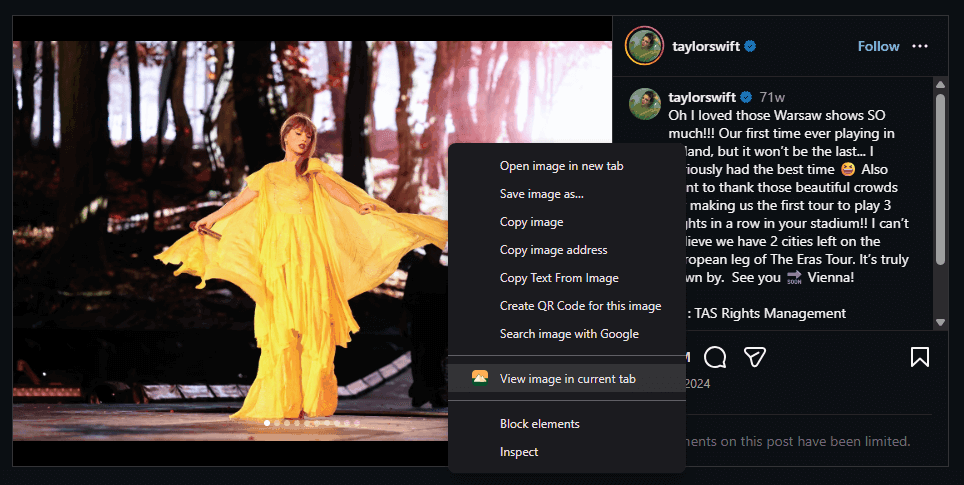
You can now save images, open them in a new tab, or use any other browser feature that Instagram was blocking.
Full-size images without scaling
When you open an Instagram image in a new tab, you get the full-size original instead of the scaled-down version displayed in the feed.
Looking for more Instagram improvements? Bellevue also enables you to view full-size Instagram profile pictures.
Join 60,000+ users who’ve upgraded their image viewing. Install Bellevue →