To get a full-size Instagram post image, open the post at its own address, right-click the photo and choose Inspect, then open the src address of the photo’s <img>, inside the element just before the one developer tools selects. On a post’s own page that address is the original. Profile pictures can’t be enlarged by hand: the page only loads a small, signed copy, and the full-size picture’s address isn’t anywhere on the page.
Instagram makes two ordinary things hard in a desktop browser. Right-click a photo in a post and the browser’s image options are missing. Right-click a profile picture and you get the options, but the image that opens is a small thumbnail. This guide explains why each happens, what Chrome’s developer tools can do about it alone, and what the Bellevue extension changes on instagram.com.
View Instagram images at full size. Install Bellevue →
Post images: the missing right-click menu
Right-click a photo in an Instagram post and Chrome shows the menu for a page, not for an image. “Open image in new tab”, “Save image as” and “Copy image” are all gone.
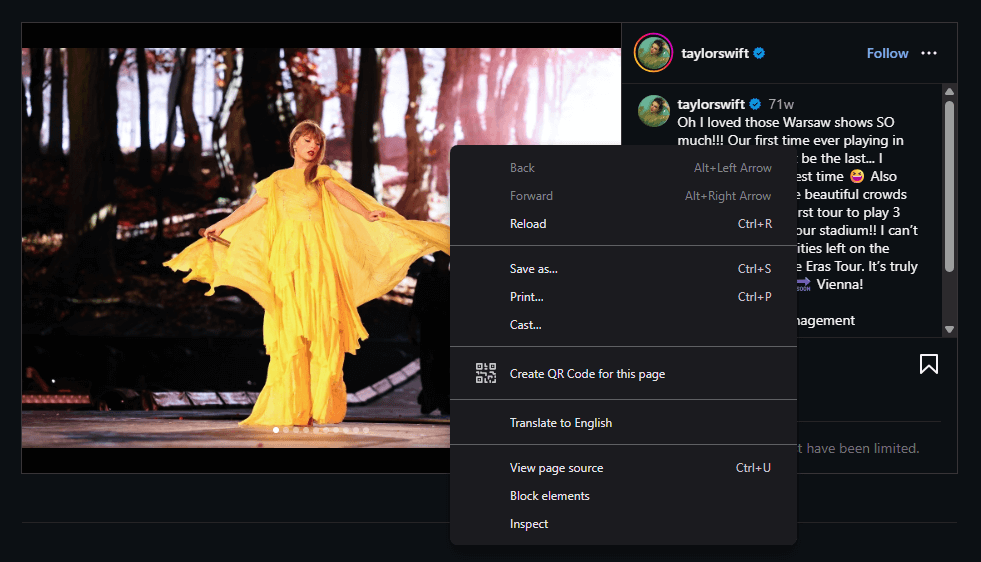
The image itself isn’t protected. Instagram places an empty, transparent element on top of it, so your right-click lands on that element instead of on the picture, and Chrome has no image to offer options for.
Doing it by hand
A post opened from a profile grid shows in a dialog over the grid, and that dialog loads a smaller copy than the post’s own page does (see below). Start from the post’s own page instead:
- Open the post at its own address. Opening a post from a profile grid already changes the address to
instagram.com/p/…/, so reloading the page leaves the dialog for the post’s page. - Right-click the photo and choose Inspect. Chrome’s developer tools open with the transparent element selected.
- The element just before it holds the photo’s
<img>. Copy the address in that image’ssrcattribute and open it in a new tab.
Deleting the transparent element instead (select it, press Delete) brings the right-click menu back, and on a post’s own page “Open image in new tab” then opens the same original.
Why the dialog shows a smaller copy
In the dialog, the <img> lists its sizes in srcset, and Chrome loads whichever entry suits the space the photo is drawn in. Its src attribute, which Chrome ignores when srcset is present, points at the original. On a post’s own page the <img> has no srcset, so src is the copy Chrome loads.
Checked signed in on 15 September 2026, in Chromium with a 1400-pixel-wide window, on three photos from NASA’s Instagram account opened from its profile grid:
| Post | Largest in srcset (dialog) |
src (dialog) |
Post’s own page |
|---|---|---|---|
| 1 | 1080×953 | 1280×1129 | 1280×1129 |
| 2 | 1080×608 | 1440×810 | 1440×810 |
| 3 | 1080×864 | 1405×1124 | 1405×1124 |
In each of the three posts, srcset stopped at 1080 pixels wide, and the dialog, which drew the photo 852 pixels wide, loaded that 1080-pixel entry. So in the dialog, even with the transparent element deleted, “Open image in new tab” gives the 1080-pixel copy. The src in the dialog and the photo on the post’s own page were the same original file.
Signed out
Signed out, a profile grid shows each photo scaled down to fit 640 pixels, and opening a post from the grid asks you to log in. A post’s own page still loads the original with no srcset: on 15 September 2026, post 1 loaded the same 1280×1129 file signed out. But a sign-up prompt covers the page, so right-click doesn’t reach the photo. The <img> is still in the page, with the original in its src, so it can be found in the Elements panel of developer tools.
Post images with Bellevue
Bellevue removes the blocking element as posts load, in the dialog and on a post’s own page, so the normal image menu is back.
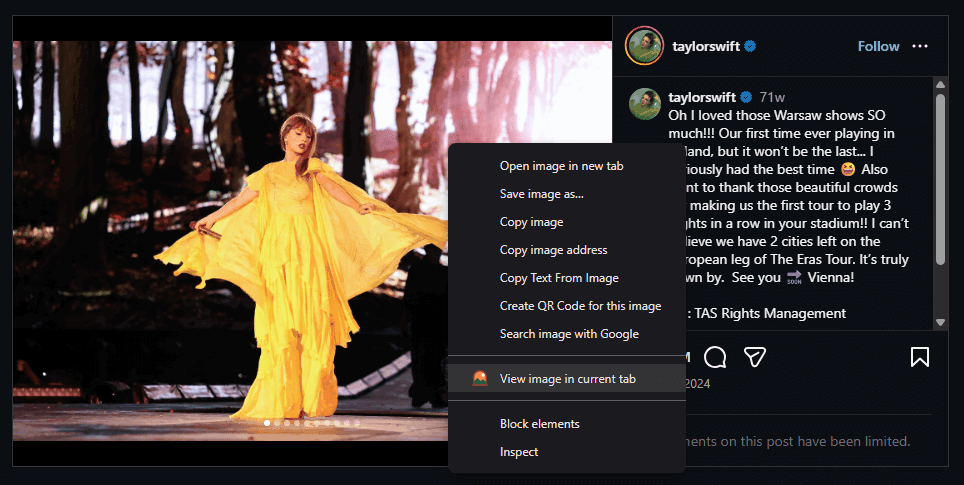
It also clears the srcset on photos in the post dialog, so the dialog loads the original from src, and “Open image in new tab” and “Save image as” use it. Checked signed in on 15 September 2026: on post 1, the photo in the dialog went from the 1080-pixel copy to the 1280×1129 original. A post’s own page already shows the original, so only the blocking element changes there. Thumbnails in grids are left as they are.
Hover zoom on grids
By default, holding Alt over an image shows it in Bellevue’s hover popup, and tapping Ctrl opens it in Bellevue’s viewer; the guide to full-size images on hover explains both. Some Instagram grids show scaled-down copies: Explore and search when signed in, and profile grids when signed out. There, Bellevue looks up the post the grid cell links to and shows the full post image instead of the grid copy. Checked on 15 September 2026, signed in: an Explore cell loaded at 255×319 opened as its 1818×2272 original. Checked on 16 September 2026, signed out: on NASA’s profile grid, post 1’s cell loaded at 640×565 opened as its 1280×1129 original, and post 2’s at 640×360 as 1440×810. Signed-in profile grids and the feed already load the original.
Profile pictures: a thumbnail in a new tab
On a profile page, right-clicking the profile picture works as expected, but the picture that opens in a new tab is tiny.
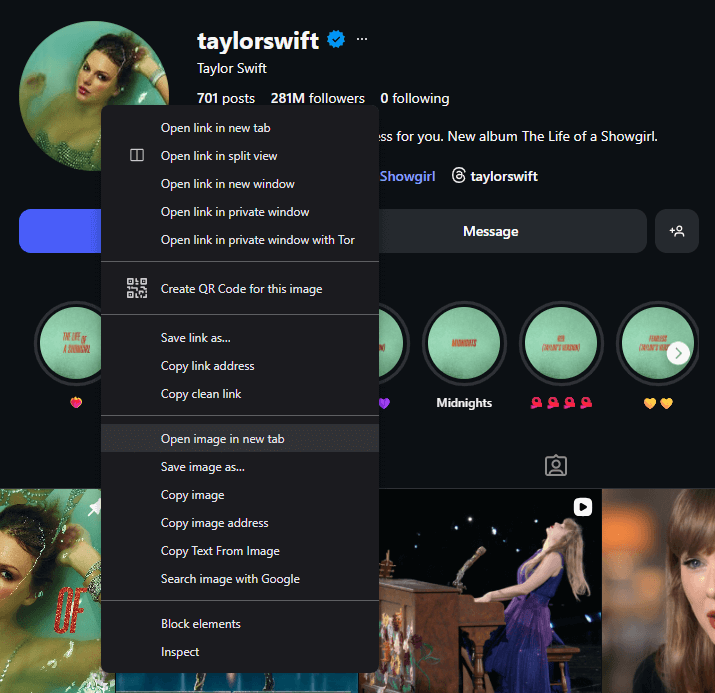
The page only ever loads a downsized copy, signed in or signed out. On NASA’s profile it’s 150×150, and its address says so in the stp query parameter: stp=dst-jpg_s150x150_tt6. It’s tempting to change s150x150 to something bigger. It doesn’t work: that parameter is covered by the signature in the same address (the oh parameter). Checked on 15 September 2026: changing the size to s1080x1080 and deleting stp altogether both got 403 Forbidden with the message “URL signature mismatch”.
Why there’s no manual fix
The larger picture exists, but the profile page never references it. Its address only comes back from Instagram’s API, in answer to a request made with a signed-in session, so there is no URL on the page to find or edit. Most other sites are different: their profile pictures open at full size by editing the address, as the guide to sites where the address does work shows.
Profile pictures with Bellevue
When you’re signed in to Instagram, Bellevue requests the profile’s high-resolution picture with the same query Instagram’s web app runs for a profile page, and swaps it into the page. Right-clicking the profile picture and choosing “Open image in new tab” then opens the full-resolution version. Checked signed in on 3 October 2026: NASA’s profile picture went from 150×150 to 1080×1080.
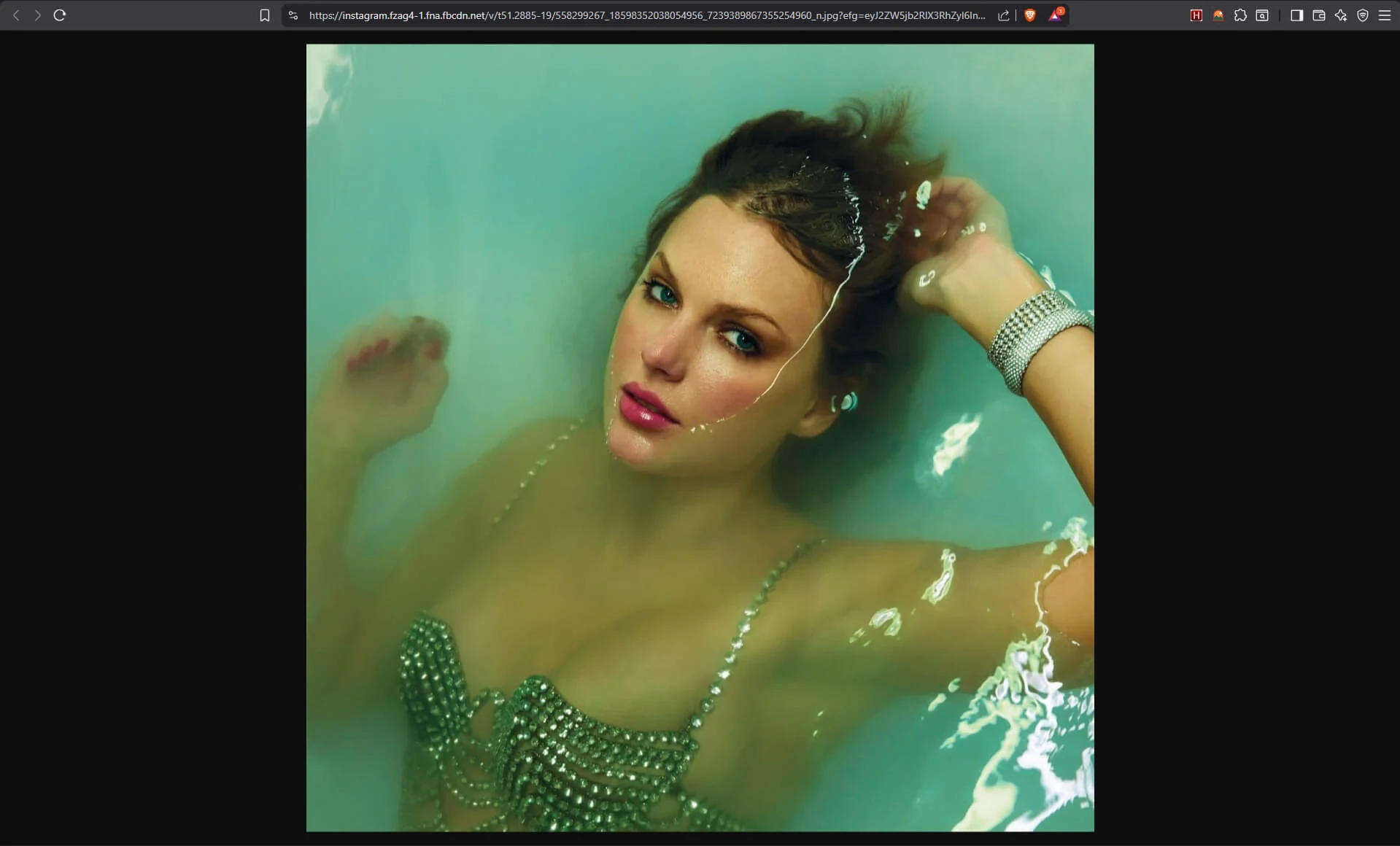
Signed out, Instagram only hands that picture to a signed-in session, so the page keeps its 150×150 copy, with or without Bellevue.
Profile pictures everywhere else
Only the picture at the top of a profile page is swapped into the page. Elsewhere, in the feed, in comments, in the list of likers, in suggestions and in the stories tray, profile pictures are still drawn small, but Bellevue’s hover popup, its Ctrl-tap viewer and View image in current tab open them at full size, with the same lookup. Checked signed in on 3 October 2026:
- In the comments on NASA’s post 1, a commenter’s picture opened as its 1080-pixel original with a Ctrl tap, and so did NASA’s own picture beside the post.
- In the stories tray on the home feed, pictures drawn 74 pixels wide opened at 569 to 1080 pixels.
- The small picture beside a post’s author in the feed, drawn 32 pixels wide, opened at 804 to 1080 pixels.
How large the result is depends on what the account uploaded. Accounts that still have Instagram’s default picture have nothing larger than about 224 pixels. Bellevue remembers each picture it looks up, so hovering the same picture again or revisiting a profile usually doesn’t make another request.
Viewing without leaving the page
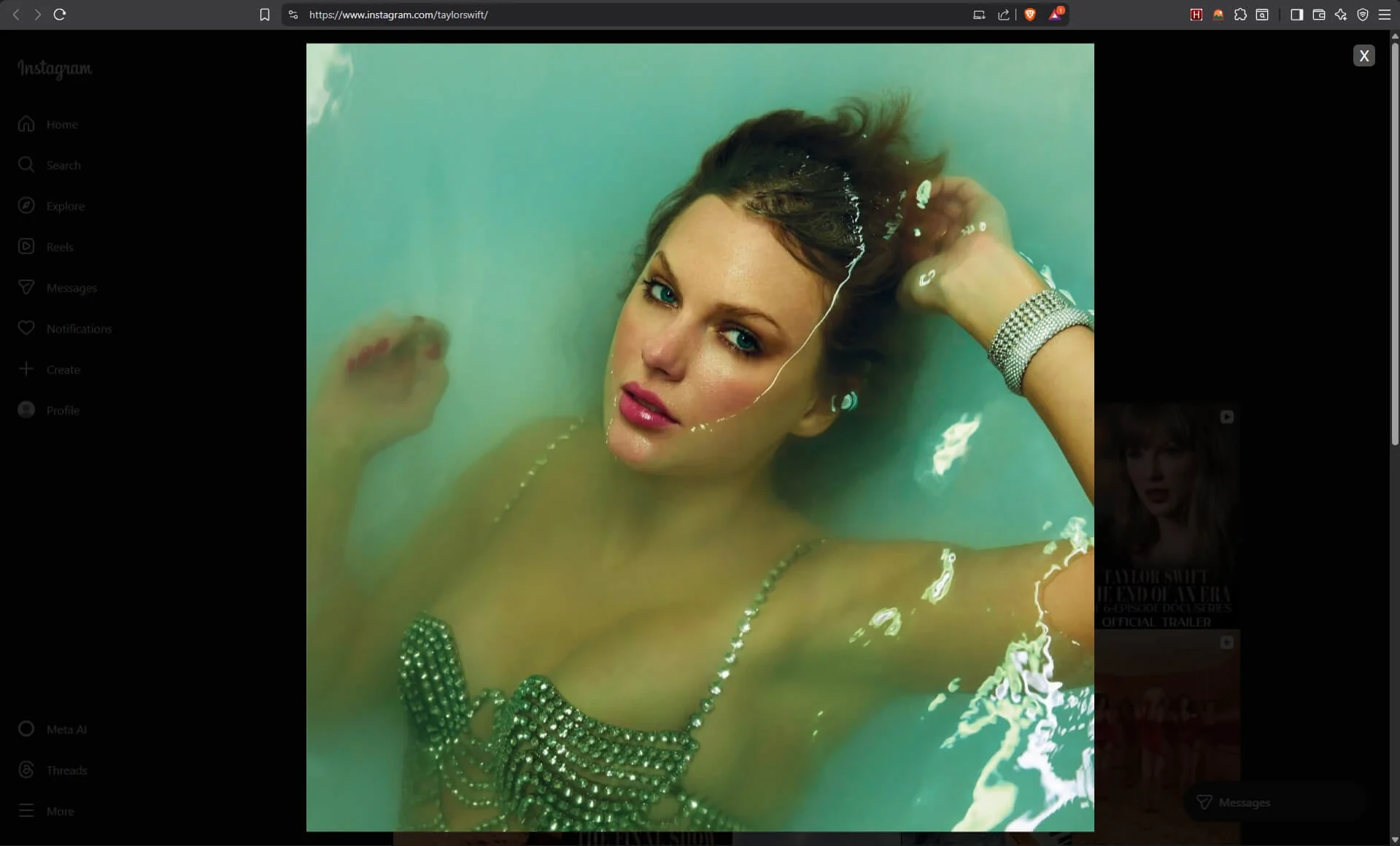
Bellevue also adds View image in current tab to Chrome’s image menu. It opens the image in an overlay on top of the page, with the same zoom, pan and rotate controls Bellevue adds to Chrome’s image viewer.
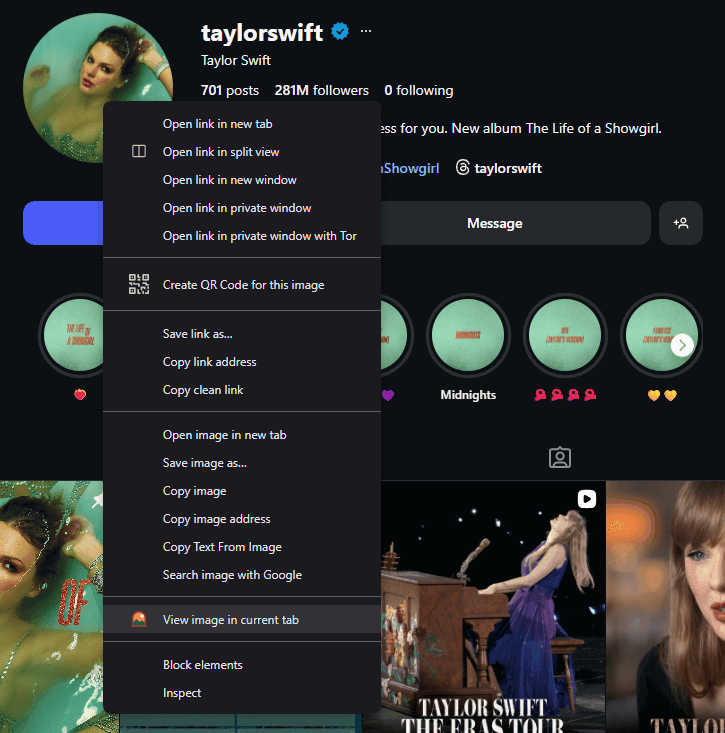
Press Esc to close the overlay and carry on scrolling.
Summary
- Post images: Instagram covers them with a transparent element. Open the post at its own address and, in developer tools, open the photo’s
srcaddress, which there is the original. The dialog opened from a grid loads a smaller copy fromsrcset. - Signed out: profile grids show scaled-down copies, and a post’s own page still loads the original, but a sign-up prompt covers it.
- Profile pictures: the page only loads a small, signed copy, and editing its address gets “URL signature mismatch”.
- With Bellevue: the right-click menu works on posts, the post dialog loads the original, and the picture at the top of a profile page loads in full resolution when you’re signed in. These changes to instagram.com’s pages can be turned off under Sites in Bellevue’s settings.
- Hover zoom and the viewer open the full post image from grids and, signed in, any profile picture at full size: in the feed, comments, suggestions and stories. They stay on when the Instagram changes are turned off.
View Instagram images at full size. Install Bellevue →