A profile picture that opens small in a new tab is a resized copy, and on most sites the size is written in its address: =s160 on YouTube, ?size=64 on Discord, _medium on Steam. Remove that size, or raise it, and the site serves the largest copy it keeps, usually the upload. It stops working where the address is signed, as on Instagram, and on sites like Steam whose largest copy is still small. With Bellevue, hold Alt over an avatar on these sites and the largest copy appears in a popup.
This guide covers the one rule, the address to edit on each site, and how big each site’s largest copy actually is. Every size in it was checked on 21 September 2026 on official and public accounts.
Why profile pictures open small
Sites keep one upload and generate fixed sizes from it. The page asks for the size it draws, usually under 300 pixels, and Open image in new tab opens exactly that copy. A YouTube channel page loads its avatar at 160×160, and a video page loads the same avatar at 48×48.
Find the address and edit it
To edit the address you first need it in a tab of its own:
- Right-click the picture and choose Open image in new tab. This works on X, Reddit, Pinterest, Bluesky, Steam and Twitch.
- Where that item is missing, press Ctrl + Shift + C and click the picture. That happens when a site replaces Chrome’s menu (Discord), lays something over the picture (a YouTube channel’s avatar) or draws it as a background. Developer tools open on the element under the cursor. Find the
<img>nearby, or thebackground-imagein the Styles pane, then right-click its address and choose Open in new tab.
Then change the size as the table says. Sizes in pixels, and the largest copy depends on what was uploaded, so it varies from one account to the next:
| Site | Size in the page’s address | Change it to | Page copy | Largest copy (sample) |
|---|---|---|---|---|
| Discord | ?size=80 |
?size=4096 |
80×80 | 299×299 to 1500×1500 |
| YouTube | =s160-c-k-… |
=s0 |
160×160 | 1359×1362 |
| Bluesky | /avatar_thumbnail/ |
/feed_fullsize/ |
128×128 | 1023×1023 |
| Steam | _medium.jpg |
_full.jpg |
64×64 | 184×184 |
| Twitch | -70x70.png |
-600x600.png |
70×70 | 600×600 |
| X | _200x200.jpg |
.jpg |
200×200 | 400×400 |
?width=64&… |
nothing (delete from ?) |
64×64 | 256×256 | |
/280x280_RS/ |
/originals/ |
280×280 | 432×432 | |
stp=…s150x150… |
no edit works | 150×150 | 1080×1080, signed in only |
Sample: member avatars on discord.com and bot avatars opened from discord.bots.gg, NASA on YouTube, Bluesky’s own profile, avatars on Robin Walker’s Steam profile, Twitch’s own channel, NASA on X, the r/nasa icon, and NASA on Pinterest and on Instagram.
Raising the size past what the site keeps doesn’t enlarge anything. Asking Discord for 4096 or YouTube for =s2560 returns the stored size and stops there.
Discord
Set ?size=4096 on an avatar’s cdn.discordapp.com address and Discord returns the largest copy it has, 299 to 1500 pixels for the avatars checked. Avatars, server icons and banners all carry the size in that query:
https://cdn.discordapp.com/avatars/<user id>/<hash>.webp?size=80
https://cdn.discordapp.com/icons/<server id>/<hash>.webp?size=80&quality=lossless- Open discord.com in Chrome and find the avatar in a server’s member list or next to a message. Discord replaces Chrome’s right-click menu with its own, so use Ctrl + Shift + C as above: clicking the avatar selects its
<img>. Open itscdn.discordapp.comaddress in a new tab. - Replace everything from the
?with?size=4096and press Enter.
4096 is a ceiling, not a promise. The page loads avatars at 32 pixels in member lists and 80 beside messages, and three members’ avatars came back at 640×640, 1000×1000 and 299×299 (an animated one). Three bot avatars came back at 1024×1024, 1024×1024 and 1500×1500. Server icons follow suit: a server icon shown at 80×80 is 512×512, and the icon of the Discord Developers server 800×800. With no ?size= at all, Discord serves 128 pixels.
The desktop app has no image menu and no way to open an avatar in a tab, so the way in is discord.com in a browser. Links to attachments, which end in a signed ?ex=…&is=…&hm=… tail, are images people posted rather than avatars, and editing that tail breaks them.
YouTube
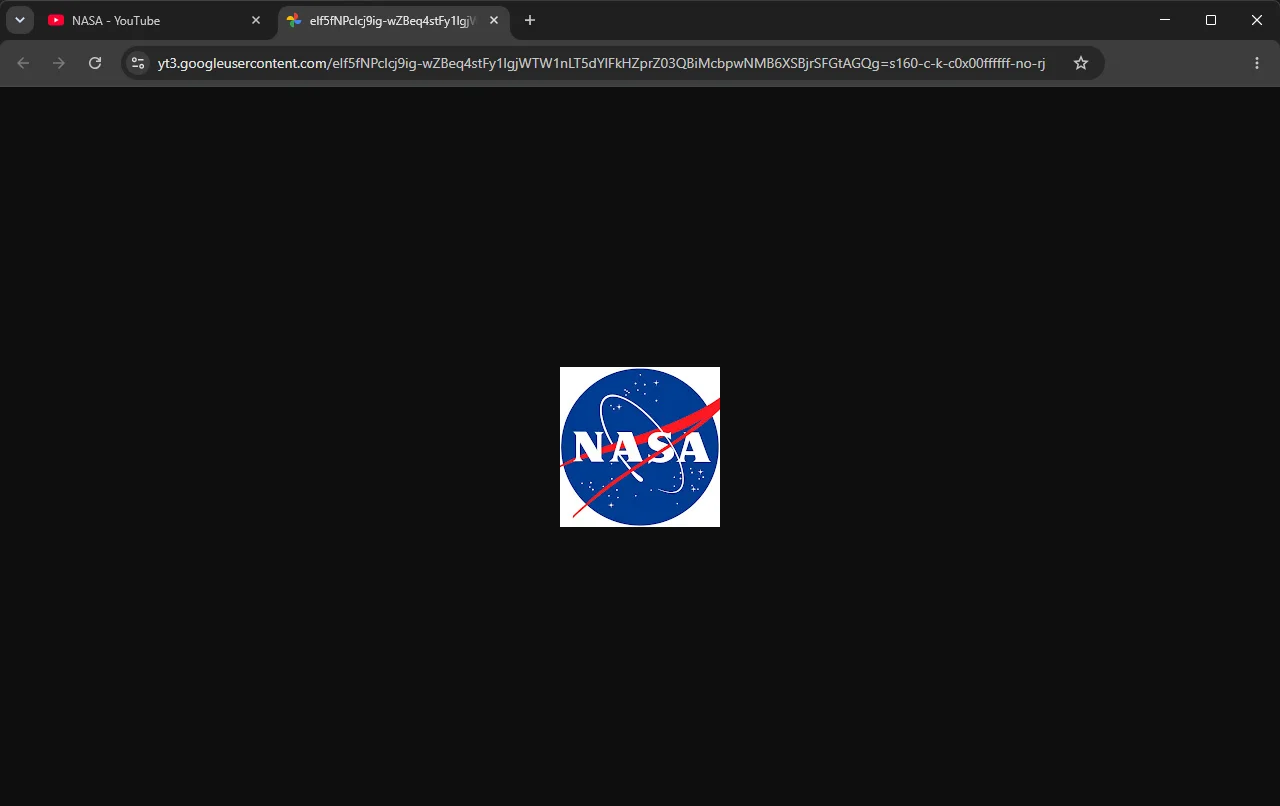
Replace everything from the = with =s0 and YouTube serves the largest copy it keeps. Channel avatars live on yt3.googleusercontent.com or yt3.ggpht.com, and the suffix describes the copy: =s160-c-k-c0x00ffffff-no-rj is 160 pixels, cropped.
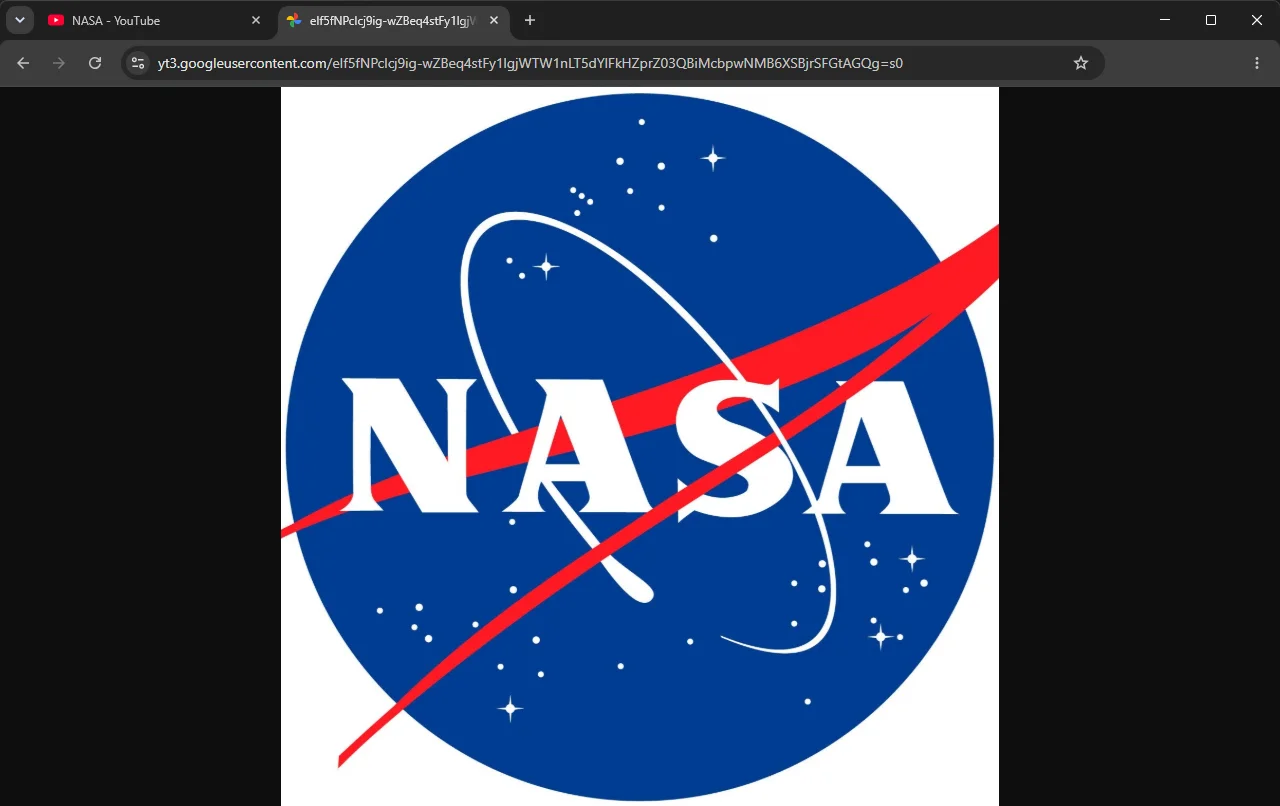
NASA’s avatar is 1359×1362 at =s0, and YouTube’s own is 960×960. =s800 returned an 800-pixel copy of NASA’s, smaller than the largest, so =s0 is the value to remember.
Channel banners work the same way, and there the edit also removes the crop. The channel page loads a 1138×188 strip, =w1138-fcrop64=…, and =s0 returned the whole 2048×1152 banner for both channels, including the parts the page cuts off.
Bluesky
Change the preset in the address to feed_fullsize. Bluesky serves every image from cdn.bsky.app/img/<preset>/plain/<account>/<image>, and feeds and replies show avatars as avatar_thumbnail, 128×128:
https://cdn.bsky.app/img/avatar_thumbnail/plain/did:plc:…/bafkrei…@jpeg
https://cdn.bsky.app/img/feed_fullsize/plain/did:plc:…/bafkrei…@jpeg
Bluesky’s own avatar is 1023×1023 at feed_fullsize. The profile page itself loads the avatar preset, a 1000×1000 square, so there the gain is the shape rather than the size: feed_fullsize is the full copy Bluesky stores, not cropped to a square. One personal account’s avatar, in a reply on Bluesky’s profile, was 1323×1076.
Banners are the exception. The page loads them as banner, which was 3000×1000 for both banners checked, larger than their feed_fullsize copies: 1500×500 for The New York Times and 1000×750 for Bluesky’s own. So the page’s copy is already the banner, enlarged and cropped to 3:1, and feed_fullsize adds only the edges of a banner that wasn’t uploaded at 3:1, like Bluesky’s.
All of this works signed out.
Steam
Steam’s largest avatar is 184×184, and there is no larger copy. Avatars on avatars.fastly.steamstatic.com come in three sizes: the bare <hash>.jpg is 32×32, _medium.jpg 64×64 and _full.jpg 184×184. Change the ending to _full.jpg, or for a bare <hash>.jpg insert _full before .jpg. Endings like _large, _huge and _original all answered 404.
Animated avatar frames are separate files on shared.fastly.steamstatic.com, 225×225 PNGs drawn over the avatar, and the _full edit doesn’t apply to them.
Twitch
Twitch profile pictures end in a size, -profile_image-70x70.png in the channel header and sidebar. Change it to -600x600. That’s the largest copy: -1000x1000 and the bare name without a size both failed to load, on Twitch’s own channel and on Twitch Gaming’s.
X, Reddit, Pinterest and Instagram
These four have their own guides, so here is the method in one line each.
- X: delete the size suffix,
_200x200or_normal, and keep.jpg. Banners lose their trailing/600x200. NASA’s picture is 400×400 and its banner 1500×500. More in X profile pictures and banners. - Reddit: delete everything from the
?. That removes the crop too: u/nasa’s 450×450 crop became its 500×500 upload. More in uncropped Reddit profile pictures. - Pinterest: replace the size folder with
originals, and if it answers 403, change.jpgto.png, then.webp, then.gif. More in Pinterest profile pictures and covers. - Instagram: there’s no manual fix. The page only has a 150×150 copy whose address is signed, and the larger picture only comes from Instagram’s API to a signed-in session. See why Instagram profile pictures need a signed-in session.
Sites that sign their addresses
Some sites sign every image address, as Instagram does, so a changed size usually gets an error. There, the largest copy the page itself loads is the most you can get, with one small exception on Facebook.
- Facebook loads NASA’s profile picture at up to 720×720, signed out. Its address carries two sizes:
cstp=mx800x800, the most it will serve, andctp=s720x720, the copy asked for. Raisingctptos800x800returned 800×800, and anything above 800 answered 400 Bad Request. - LinkedIn shows NASA’s company logo at 200×200. Changing
company-logo_200_200to800_800answered 403 Forbidden. - TikTok already loads the picture on NASA’s profile at 1080×1080, so opening that one in a new tab is enough, signed out. A 100-pixel avatar elsewhere on the page answered 403 when its crop size was raised to 1080.
Profile pictures with Bellevue
With Bellevue installed, hold Alt over an avatar on Discord, YouTube, Bluesky, Steam, Twitch, X, Reddit or Pinterest and the largest copy appears in a popup beside the cursor. Tap Ctrl instead to open it full-screen with zoom and pan, and tap again to close it. The guide to full-size images on hover covers the popup’s settings.
The popup and the Ctrl tap both showed the largest copy on each site tried: 1359×1362 for NASA’s YouTube avatar, 1023×1023 for Bluesky’s, 600×600 on Twitch, 184×184 on Steam, 500×500 for u/nasa on Reddit, 432×432 on Pinterest, and 640×640 and 1000×1000 for members’ avatars in a Discord member list and chat. On TikTok, LinkedIn and Facebook it shows the copy the page loaded, since those sites sign their addresses.
Opening a profile picture in its own tab loads the largest copy too. Open a small YouTube, Bluesky, Twitch, Steam, X, Reddit or Discord avatar in a new tab, and Bellevue changes the address before it loads. On Discord and YouTube, where Open image in new tab is missing, press Shift while the popup shows the avatar to open it in a background tab. Pinterest works the other way: Bellevue swaps the upload into the profile page itself, so the picture is already full size when you open it.
Where the sites stop, Bellevue stops too:
- Discord: discord.com in Chrome only, not the desktop app.
- Instagram: 1080×1080 for the picture at the top of a profile page, signed in; elsewhere, and signed out, the page’s 150×150 copy.
- Steam: still 184×184.
Summary
- A profile picture that opens small is a resized copy. On most sites the size is in its address, and removing or raising it (
?size=4096,=s0,feed_fullsize,_full,-600x600) opens the largest copy the site keeps. - That copy is never larger than the upload, and some sites keep only a small one: 184 pixels on Steam, 600 on Twitch.
- Instagram, Facebook, LinkedIn and TikTok sign their addresses, so the most you get is about the copy the page loads: 150 pixels on Instagram signed out, 200 on LinkedIn, 1080 on TikTok, and 800 on Facebook after raising
ctp. - With Bellevue, hold Alt over an avatar on Discord, YouTube, Bluesky, Steam, Twitch, X, Reddit or Pinterest to see the largest copy, or tap Ctrl to open it full-screen.
See every profile picture at full size. Install Bellevue →