How to Rotate and Flip Images in Chrome
Turn or mirror an image with one line of CSS, see why a photo shows up sideways, keep a turned copy, or press Q, E, H or V in Bellevue.
How Chrome shows you an image, where it stops, and what Bellevue does about it.
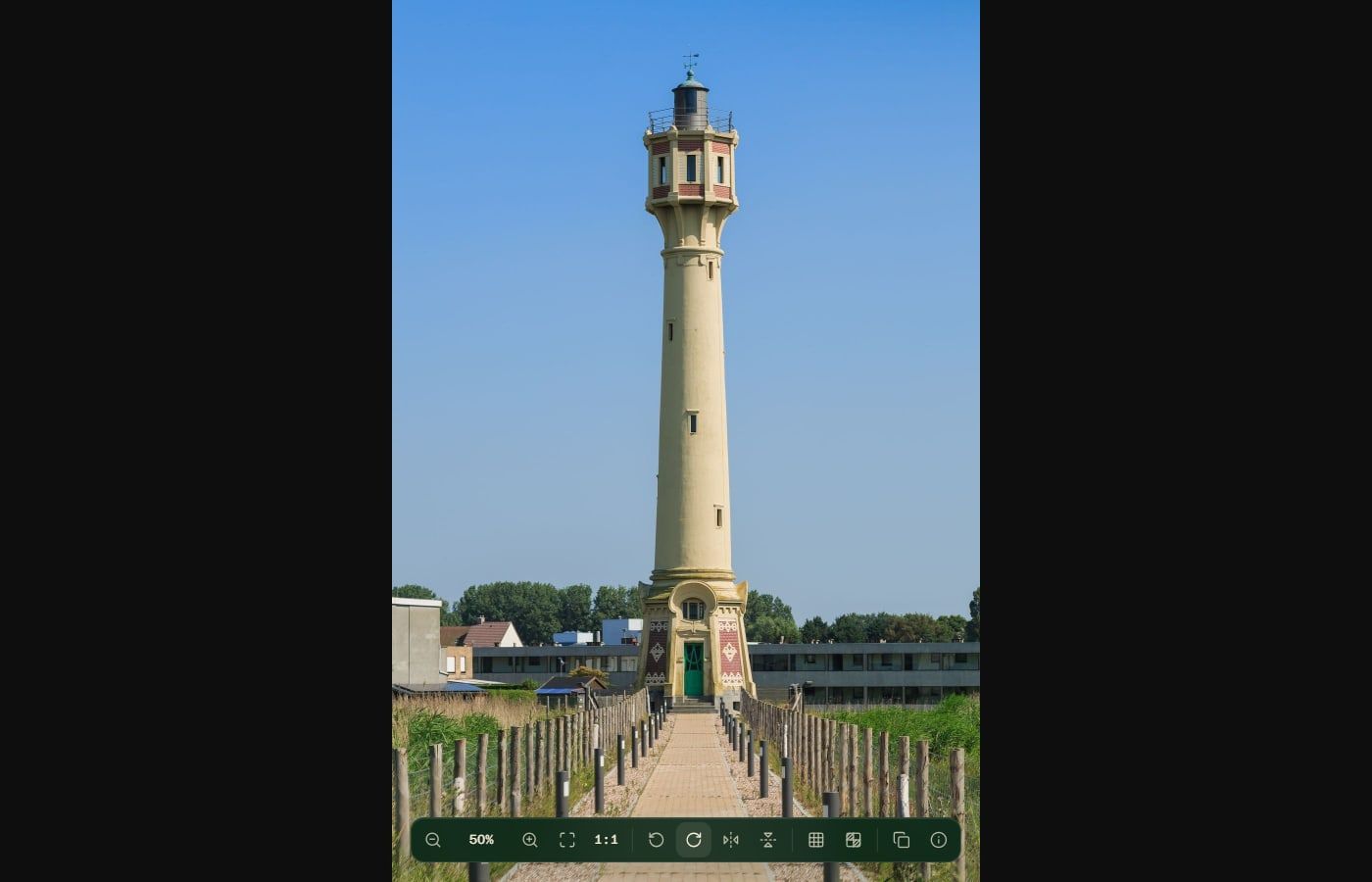
Turn or mirror an image with one line of CSS, see why a photo shows up sideways, keep a turned copy, or press Q, E, H or V in Bellevue.
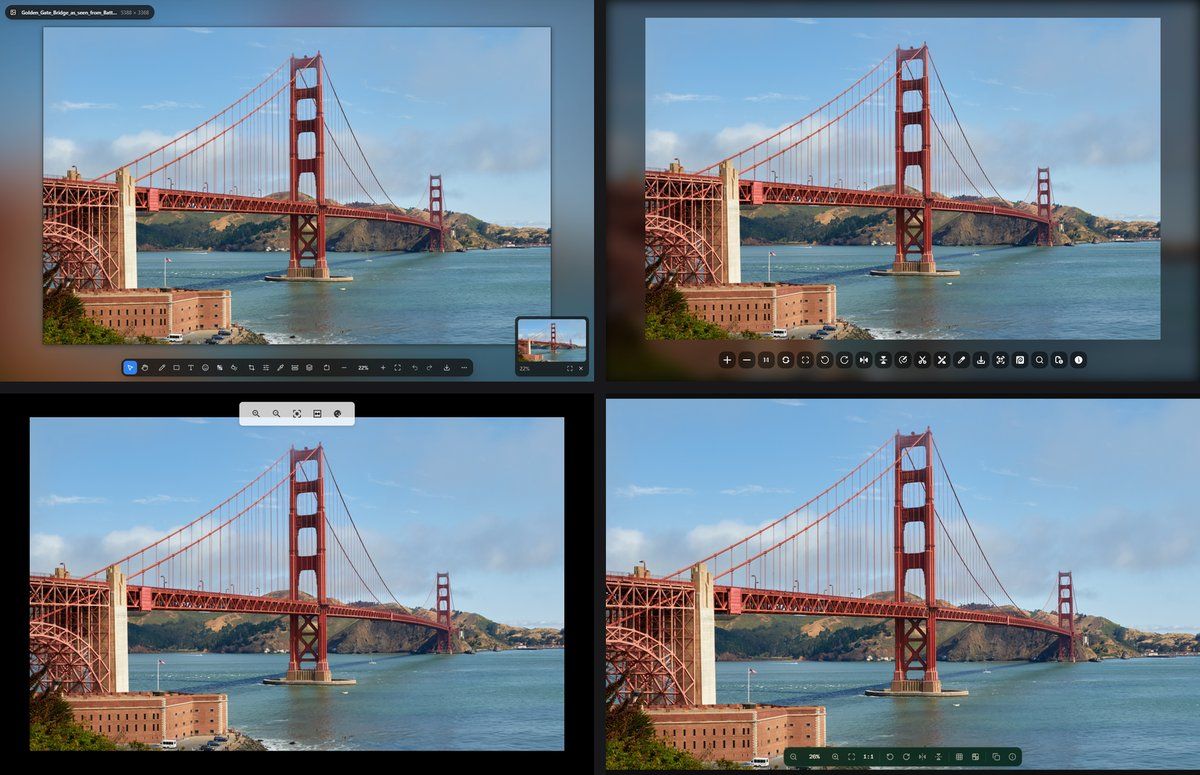
Chrome's image viewer has two sizes. Six extensions that do more, tested on the same photo, SVG and GIF, and on the same two thumbnails.
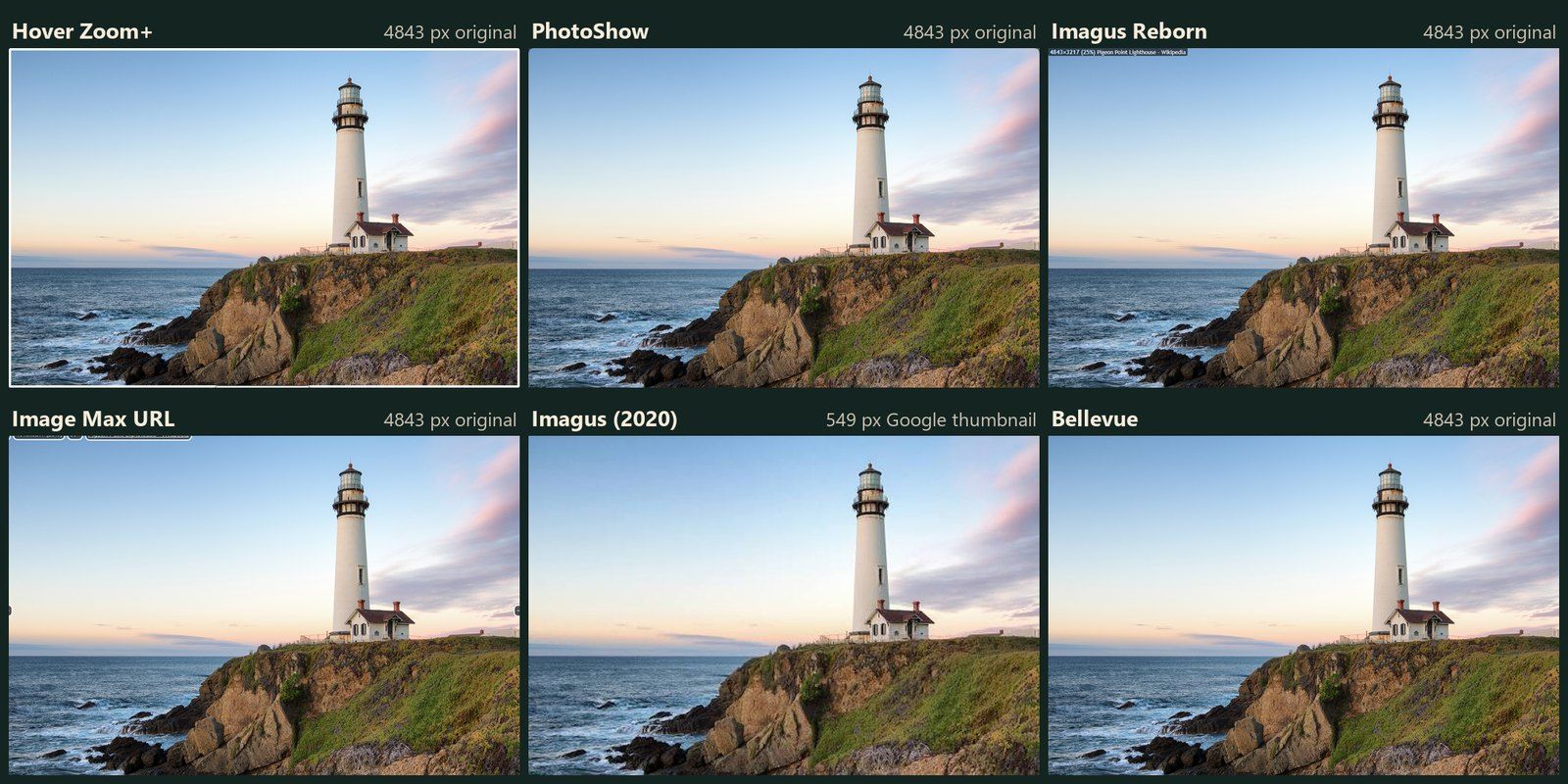
The original Imagus still installs on Firefox, Image Max URL is a real add-on there, and Imagus Reborn needs one permission. Six hover-zoom add-ons, tested in Firefox.
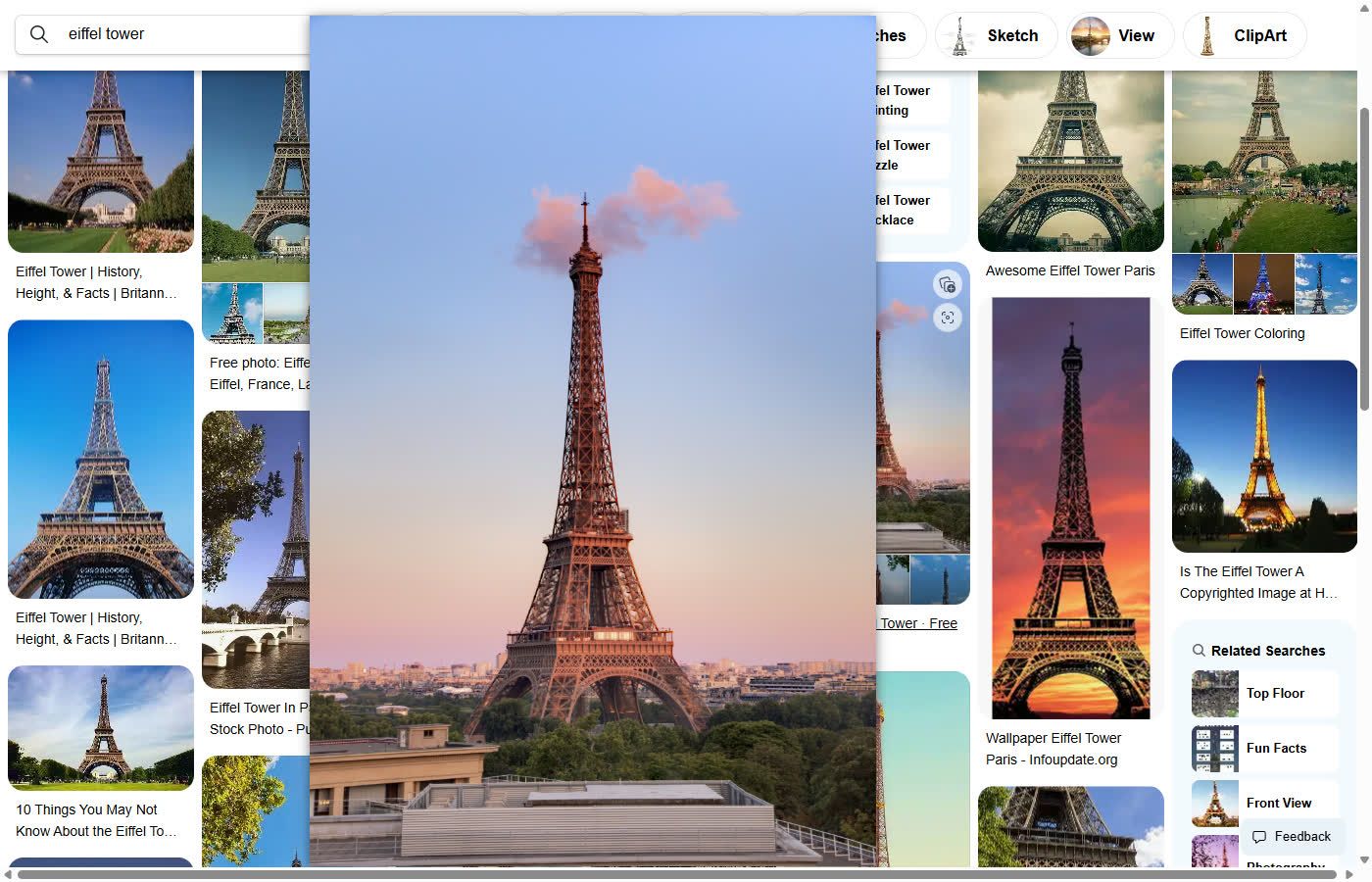
Open a result and click View image, read why some results stay small, find a bigger copy with the size filter, or hold Alt over a result and let Bellevue show the file.
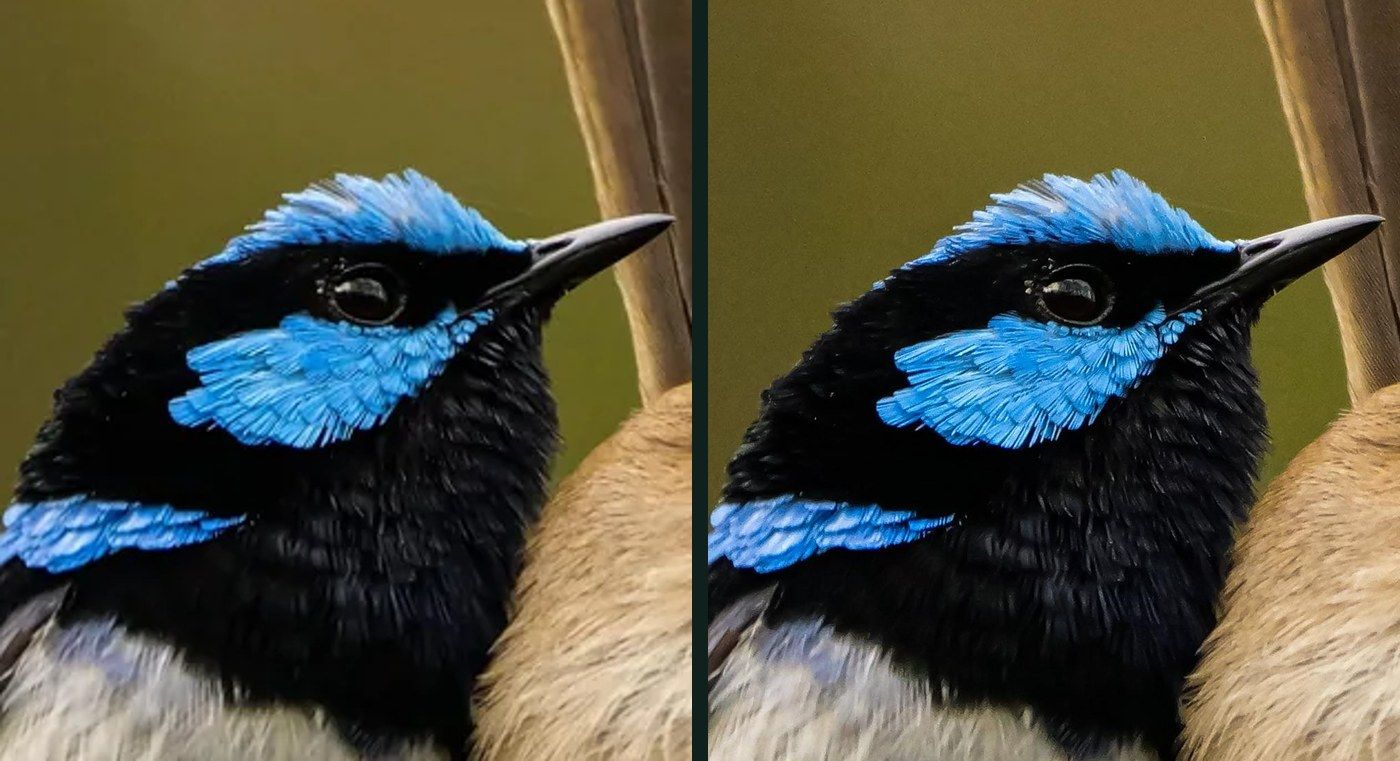
Reddit's feed shows a resized copy, and a JPEG uploaded with EXIF data is re-saved at quality 75, at full size. How to see the file that's there, and how to upload without the re-save.
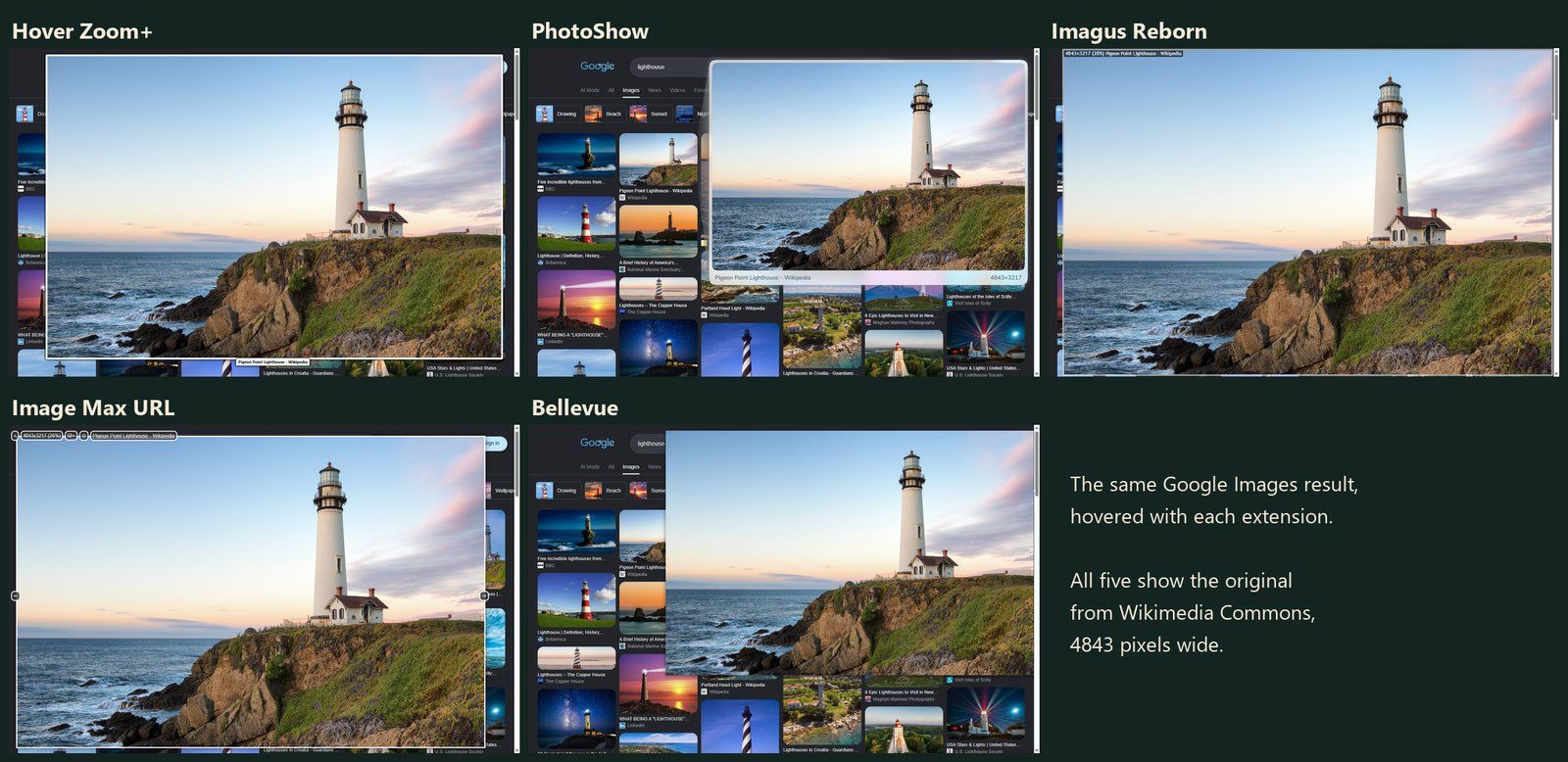
Imagus left the Chrome Web Store on 31 August 2026. Five hover-zoom extensions that still work, tested on the same Reddit, Pinterest and Google Images thumbnails.
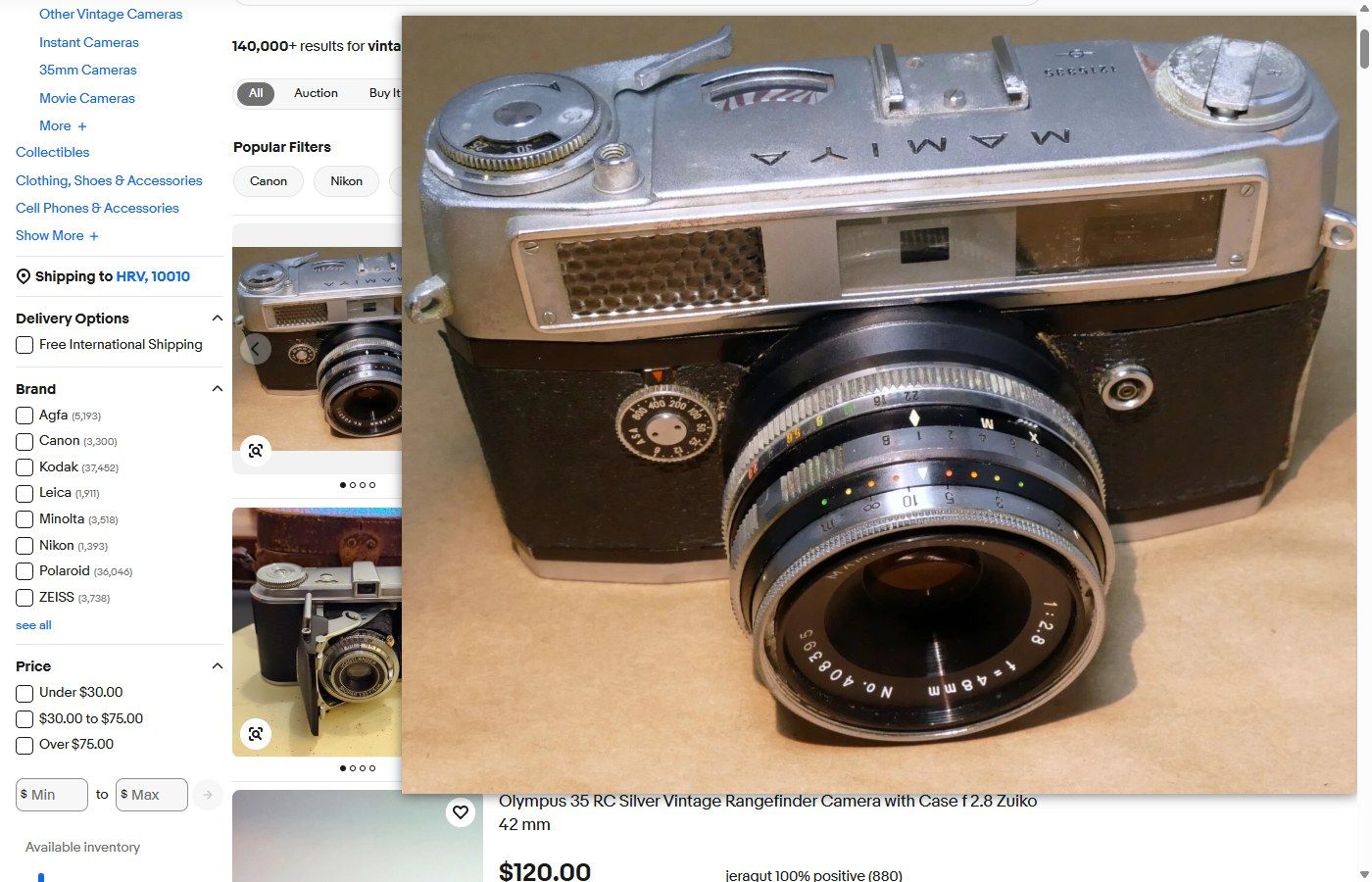
Change the size code in an eBay image address to s-l1600 for the largest copy, see why a listing's gallery already shows it, or let Bellevue open it from search results.
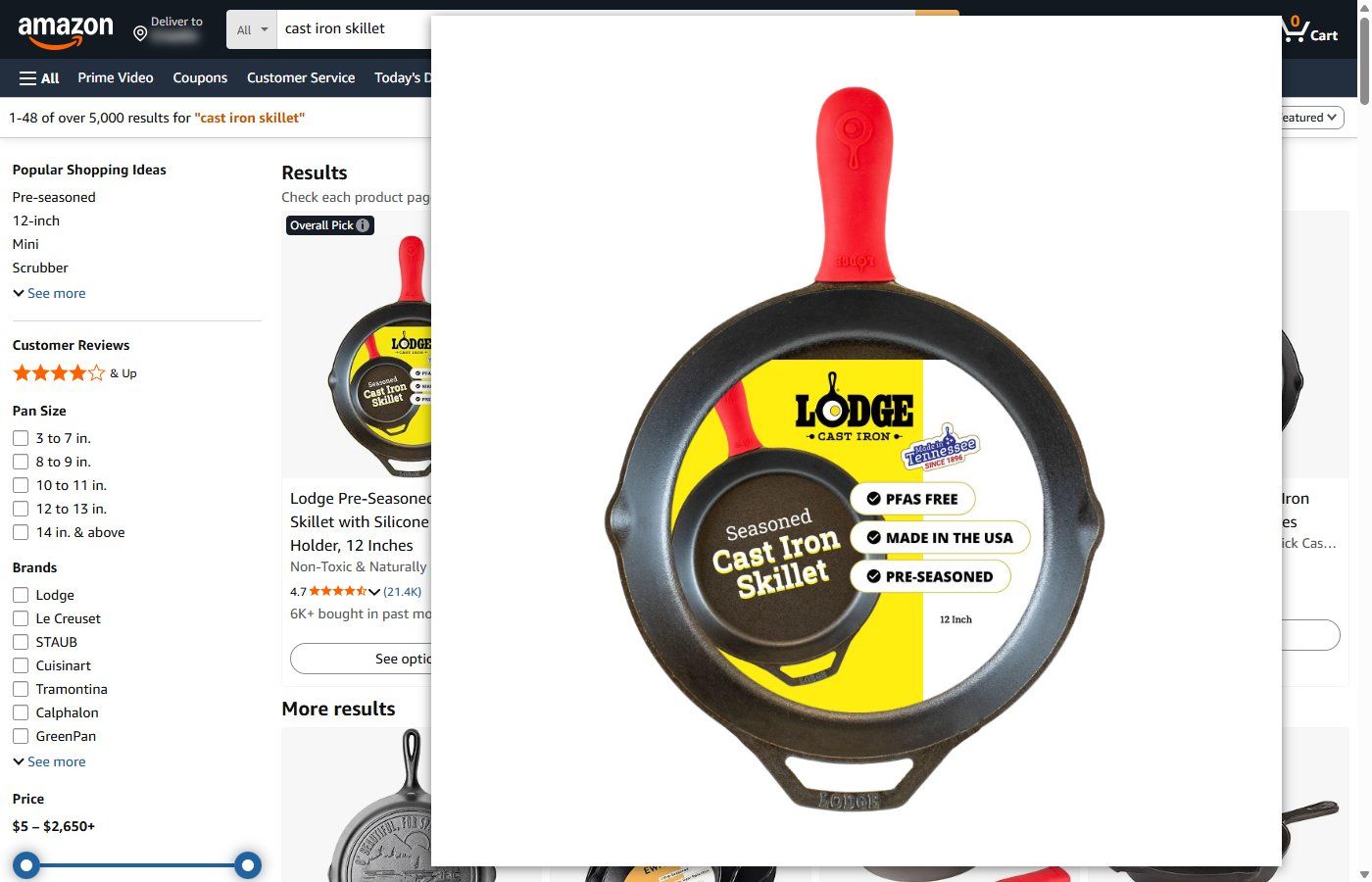
Delete the size code from an Amazon image address to open the seller's upload, see where Amazon's zoom stops at 1,500 pixels, or let Bellevue open originals from search results.
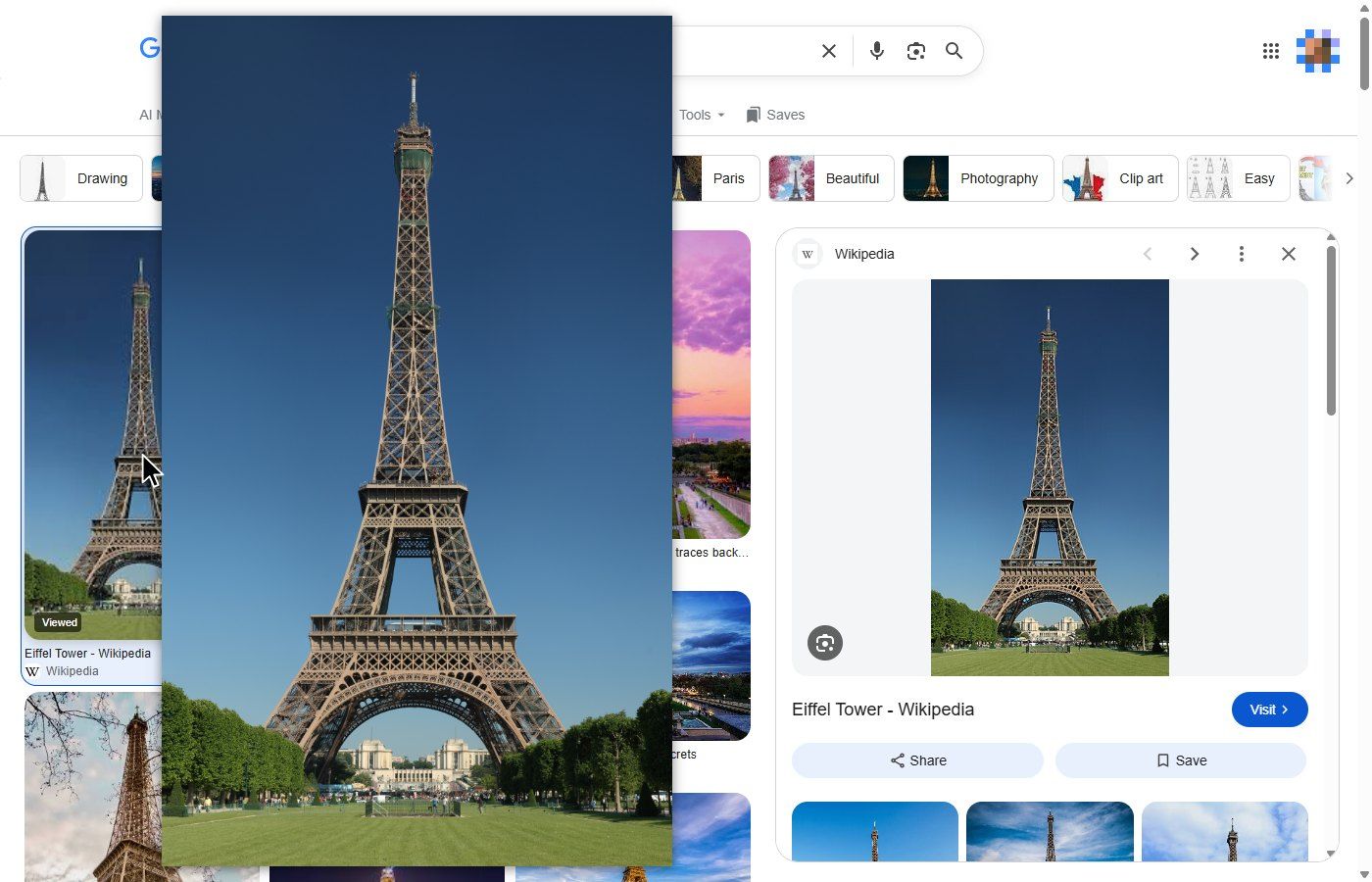
Open the sharp preview in a new tab, search for a bigger copy when the source is small, or hold Alt over a result and let Bellevue show the file, or the original where it can find one.
Remove or raise the size in a profile picture's address to open the upload, see where that stops working, or let Bellevue open originals as you hover.
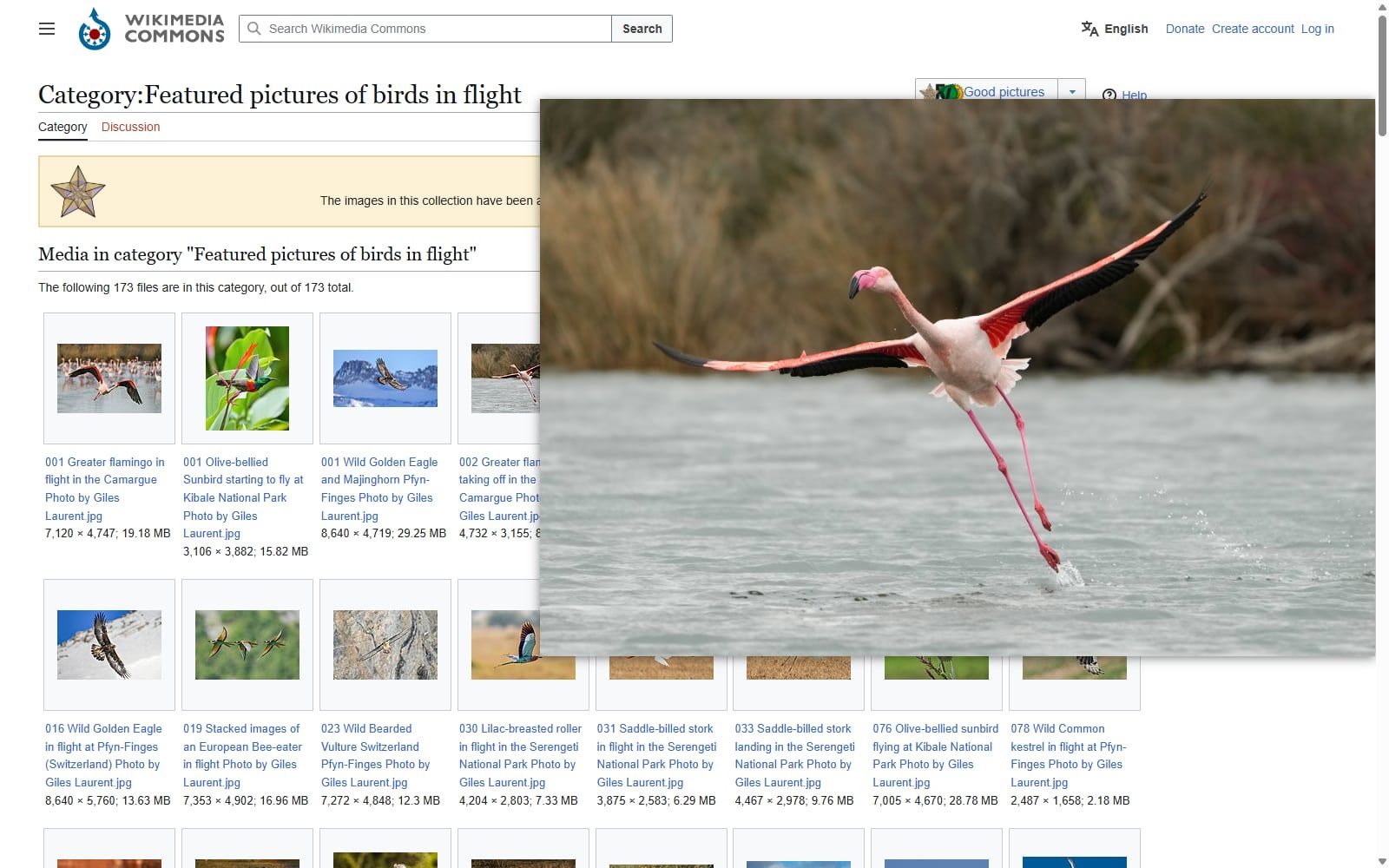
Chrome has no hover preview. Hold Alt over a thumbnail to see the original in a popup, tap Ctrl to open it full-screen, or show it on every hover.
Swap the size folder in a Pinterest image address for originals, change .jpg to .png when it answers 403, or let Bellevue load the original for you.
Sign in and open the illustration's link on its Pixiv artwork page, see why a pasted address gives 403, or let Bellevue open originals signed in or out.
Open See full size image in Fandom's gallery, delete the resize instruction from any Fandom image address, or let Bellevue show the original full-screen.
Change name= to orig in an X image address, switch webp to jpg when signed out, or let Bellevue open the original with zoom and pan.
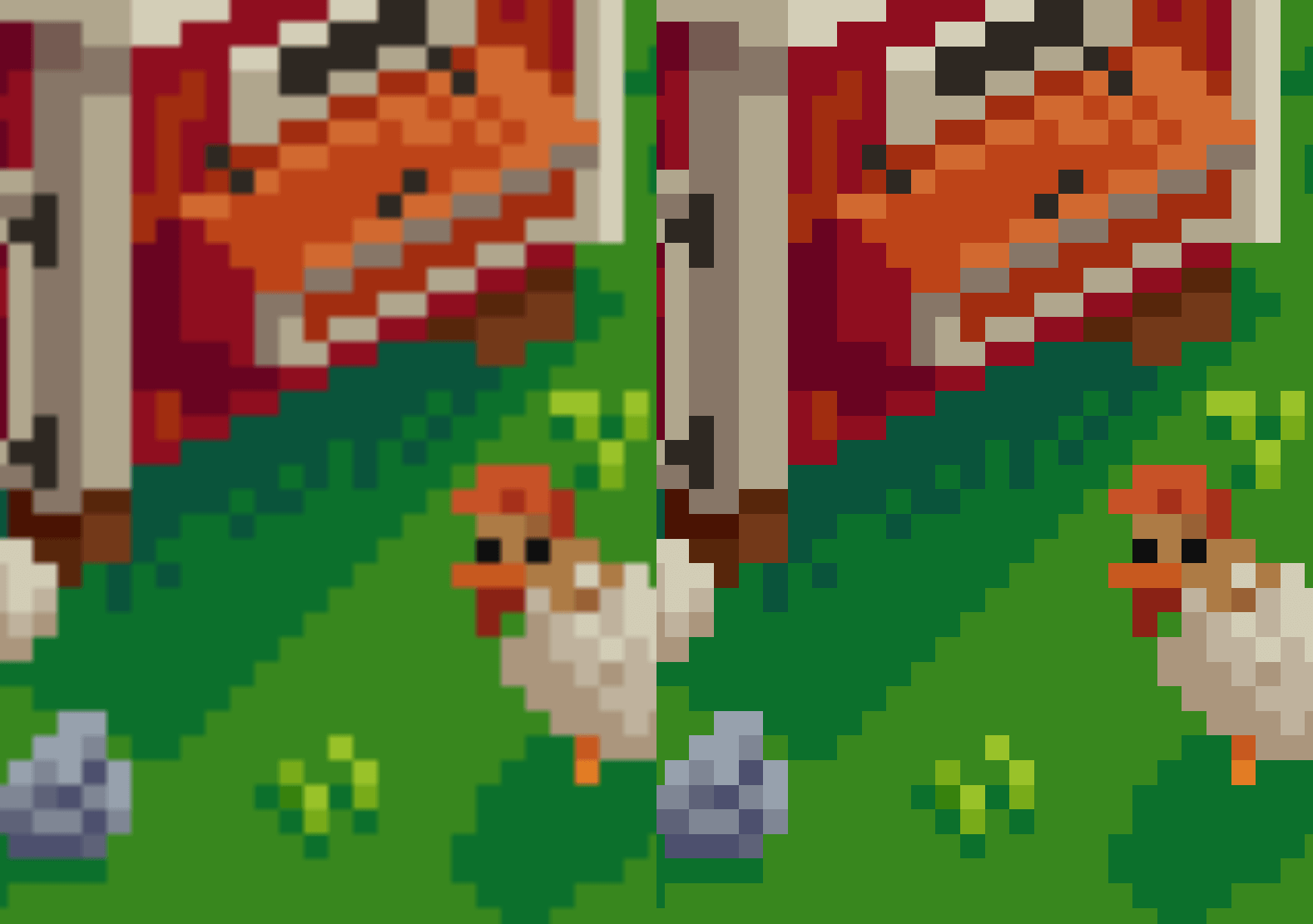
Paste one line into the console of an image's tab, add image-rendering: pixelated to an image on a page, or press P in Bellevue's viewer.
Open an Instagram post at its own address and copy the photo's original from developer tools, or let Bellevue open posts and any profile picture at full size.
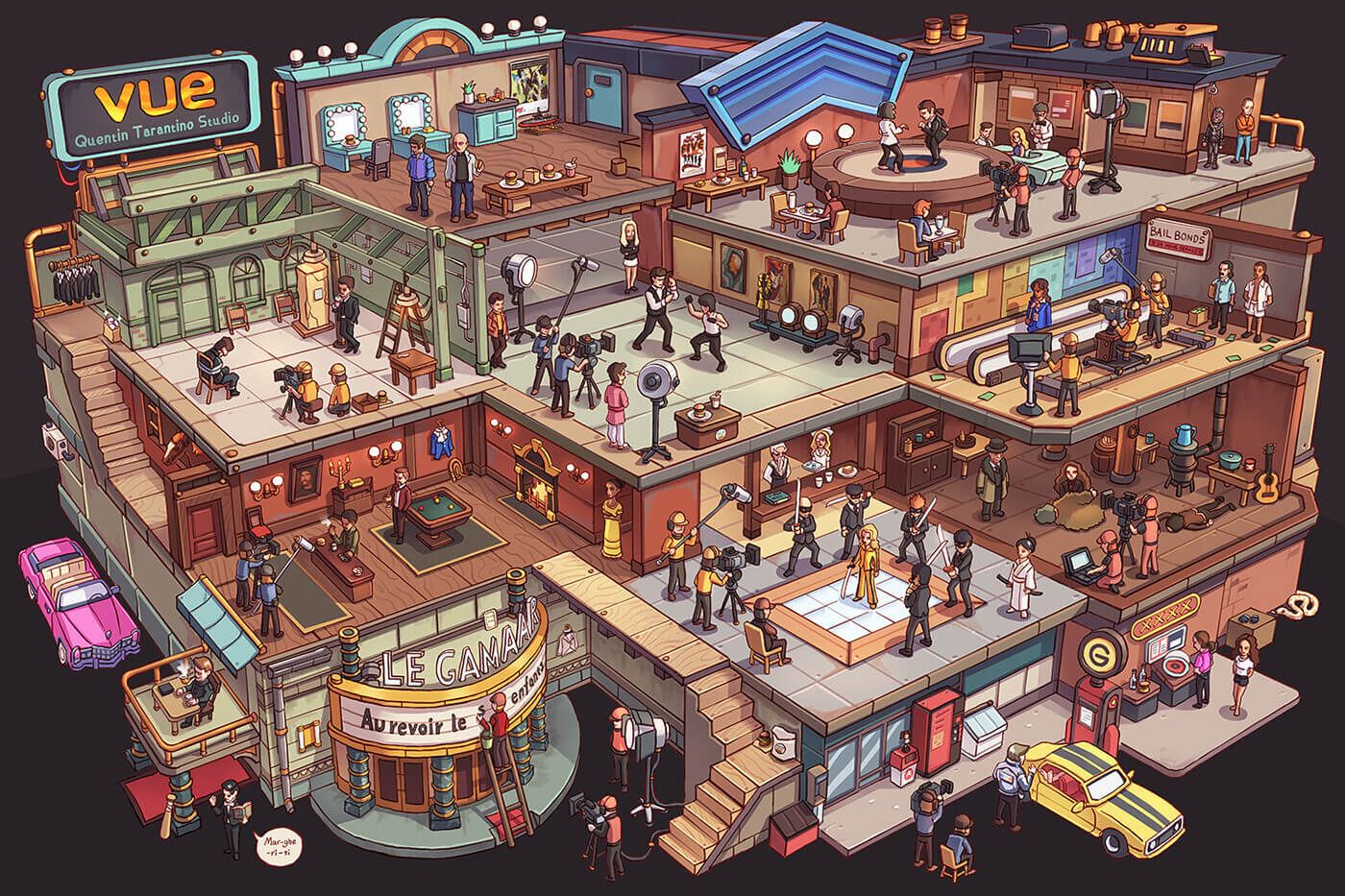
Open the full-resolution file, pinch into a detail, sweep the picture row by row with a map in a second tab, or search it in one motion with Bellevue.
Click through the ad page once, open the full-size file in its own tab and keep its address, or let Bellevue click through and show it full-screen.
Step Chrome's page zoom from 25% to 500%, pinch toward a detail on a touchpad, scroll sideways with Shift, or let Bellevue zoom toward your cursor.

Get full-size Reddit images from the lightbox, find banner addresses by hand, or let Bellevue do it.
The original, where the site keeps one.
Free for Chrome, Microsoft Edge and Firefox.