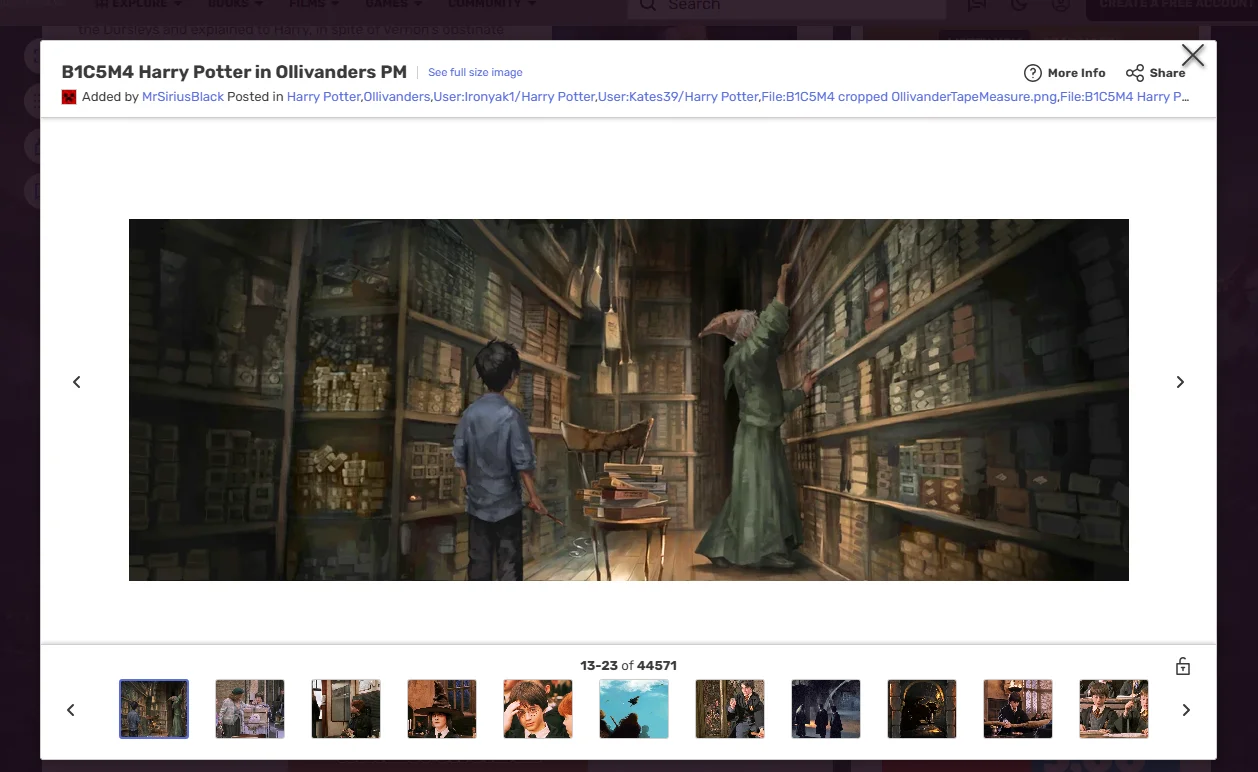
To get a full-size image from a Fandom wiki, click the image to open Fandom’s gallery, move the mouse over the gallery, then right-click See full size image in its header and choose Open link in new tab. From any Fandom image address, delete everything between /revision/latest and the ?, such as /scale-to-width-down/250. What’s left is the address of the original upload.
Fandom wikis are full of images worth a closer look: maps, character art, item sprites, screenshots. On the page, most of them are scaled-down copies. Clicking one opens Fandom’s gallery, a box that doesn’t fill the window, shows another scaled-down copy and can’t be zoomed. This guide shows where Fandom links the original, how its image addresses work, and what the Bellevue extension changes in the gallery.
View Fandom images full-screen with zoom and pan. Install Bellevue →
Getting the original by hand
From the gallery
- Click the image in the article. Fandom’s gallery opens.
- Move the mouse over the gallery. Its header and the strip of thumbnails appear.
- Right-click See full size image, next to the image’s name in the header, and choose Open link in new tab.
The gallery itself shows a scaled-down copy too. Checked on 15 September 2026 in Chromium with a 1400×900 window: the gallery box was 1175×718, and the illustration above was shown from a 1000×362 copy of its 4140×1500 original.
From the article
Each image in an article links to its original. Right-click the image and choose Open link in new tab, rather than Open image in new tab, which opens the scaled-down copy. On the Harry Potter Wiki’s Harry Potter article, 286 of the 289 images linked to their own original on 15 September 2026; the other three were icons.
From any image address
- Right-click the image and choose Copy image address.
- Paste it into the address bar.
- Delete everything between
/revision/latestand the?, and press Enter.
This works the same on every Fandom wiki, because they all serve images from one shared host. If an address already has nothing after /revision/latest, it’s already the original.
How Fandom image addresses work
Every Fandom wiki serves its images from static.wikia.nocookie.net. An image in an article looks like this:
https://static.wikia.nocookie.net/<wiki>/images/a/ab/Example.png/revision/latest/scale-to-width-down/250?cb=20240101000000Everything up to /revision/latest identifies the file. What comes after it, here scale-to-width-down/250, tells the server how to resize it. Other images use other instructions in the same place, such as top-crop/width/…/height/… for cropped thumbnails. The cb value at the end can stay as it is.
Remove the resize instruction and you get the original upload:
https://static.wikia.nocookie.net/<wiki>/images/a/ab/Example.png/revision/latest?cb=20240101000000That address has the upload’s full pixel size, but the server sends it to Chrome as WebP. To get the file in the format it was uploaded in, add &format=original to the end. Checked on 15 September 2026: the Ollivanders illustration arrives as a 0.7 MB WebP, and with &format=original as the 8.5 MB PNG, both 4140×1500.
Pinterest puts the size in its image addresses too, as a folder that can be swapped for originals; the guide to full-size Pinterest images shows how.
How much you gain
It depends on how the article lays the image out, and on how large the upload was. Measured on 15 September 2026, on three images from the Harry Potter Wiki’s Harry Potter article:
| Image | In the article | Original |
|---|---|---|
| Harry in Ollivanders’ wand shop | scale-to-width-down/250, 250×91 |
4140×1500 |
| Harry meeting the Weasleys | scale-to-width-down/250, 250×104 |
1920×800 |
| Portrait in the infobox | scale-to-width-down/268, 268×357 |
360×480 |
Sample: Ollivanders’ wand shop, meeting the Weasleys, infobox portrait. Each size was read from the file itself.
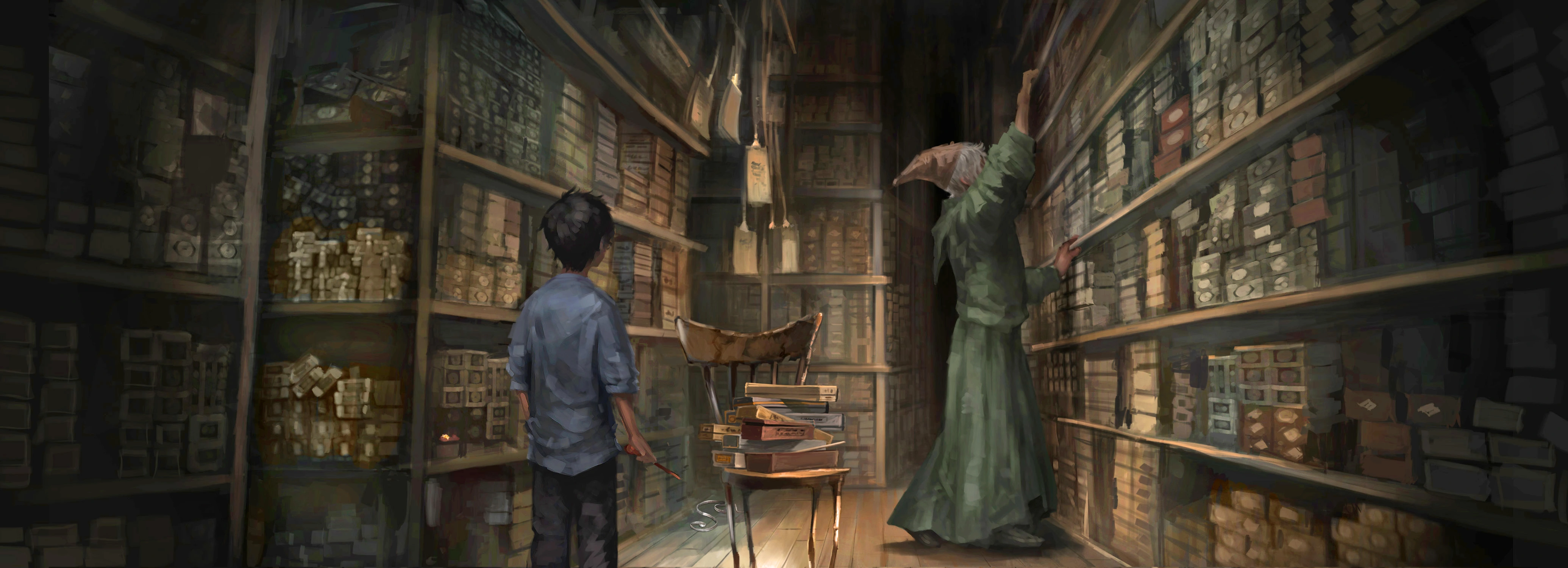
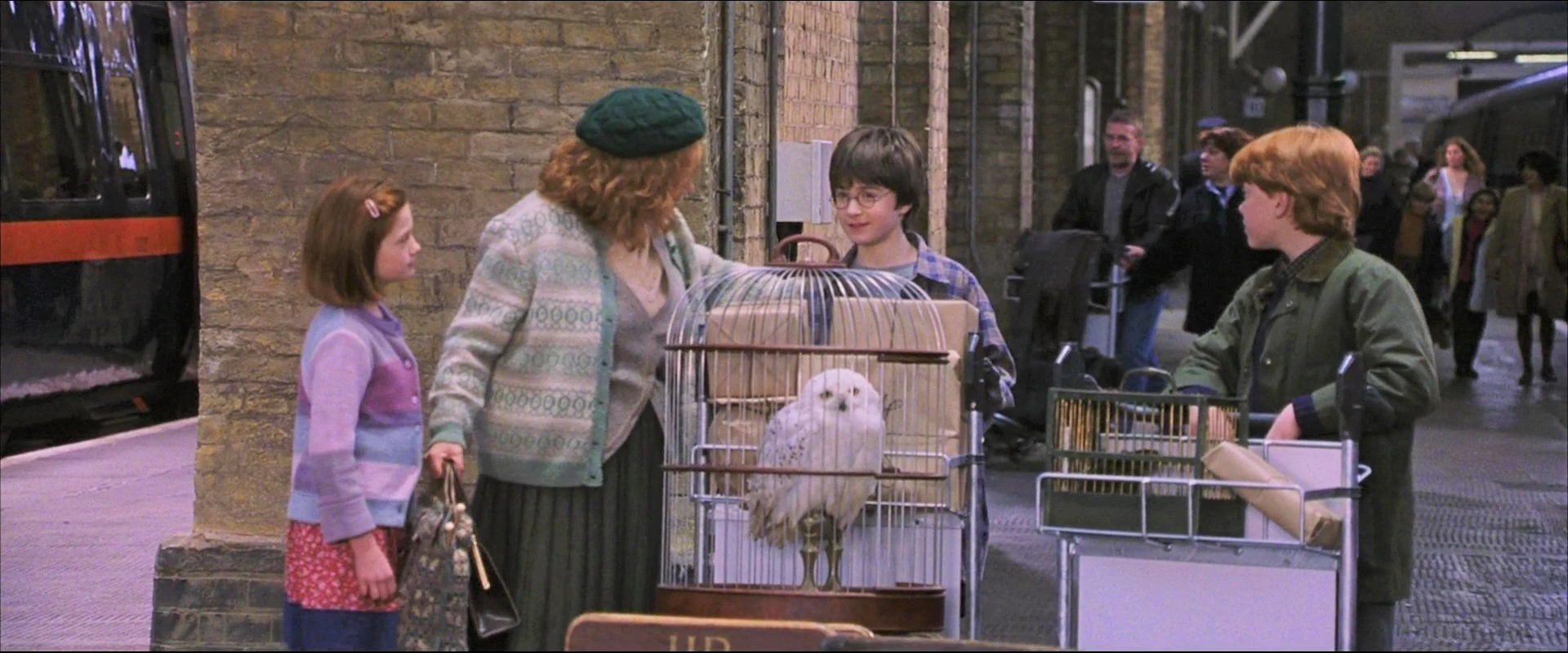
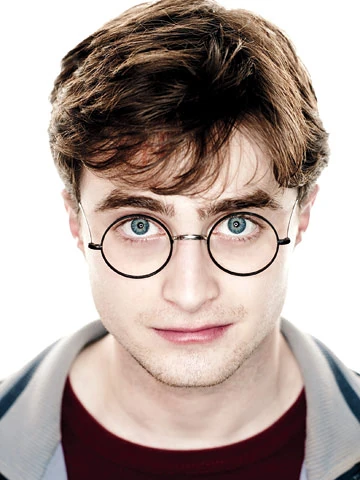
The article showed the Ollivanders illustration at about a sixteenth of its width. The portrait gains less, because it was only 360 pixels wide to begin with. Of the 289 images in that article, 253 were resized with scale-to-width-down, to widths between 17 and 268 pixels; the other 36 had no resize instruction.
Fandom with Bellevue
Clicking an image in a Fandom article opens Fandom’s gallery. With Bellevue installed, that gallery changes in three ways, image tabs open at full size, and a thumbnail shows its original on hover.
Full-screen
The gallery expands to fill the whole browser window. The gallery’s header and the strip of thumbnails at the bottom are hidden, and appear again when you move the mouse over where they are.
Full-size
The gallery shows the image its See full size image link points to, the same original you’d reach by trimming the address, instead of Fandom’s scaled-down copy. Checked on 15 September 2026: the Ollivanders illustration loaded at 4140×1500 instead of 1000×362.
Zoom and pan
The image gets the same smooth zoom and pan controls that work on standalone images. Scroll the mouse wheel to zoom in and out, centered on your cursor, and click and drag to pan around. Large maps and detailed art are where this pays off most, as in the guide to viewing wimmelbilder.
Image tabs
A scaled-down Fandom image opened in its own tab, with Open image in new tab or by pasting its address, is sent on to its original. Checked on 15 September 2026: the article’s 250×91 copy of the Ollivanders illustration opened as the 4140×1500 original.
Hover over a thumbnail
Hold Alt over an image in an article and Bellevue’s hover zoom shows its original in a popup beside the cursor, found by the same address trim as above. Tap Ctrl instead to open it full-screen, without going through Fandom’s gallery. The hover guide covers both.
The infobox of the Zelda wiki’s Hyrule article shows a picture of the kingdom from each game, 268 pixels wide. Measured on 22 September 2026, for three of them:
| Image | In the infobox | Original |
|---|---|---|
| Breath of the Wild screenshot | 268×151 | 3000×1687 |
| Breath of the Wild artwork | 268×168 | 3000×1880 |
| Four Swords Adventures artwork | 268×197 | 811×597 |
Each size was read from the file itself.
Summary
- Fandom’s gallery links the original as See full size image, and each image in an article links to it too.
- Fandom images come from
static.wikia.nocookie.net, with the resize instruction after/revision/latest. Delete that instruction, keeping?cb=…, to open the original on any Fandom wiki, and add&format=originalfor the uploaded format instead of WebP. - Bellevue makes Fandom’s gallery full-screen, shows the original in it with zoom and pan, opens scaled-down image tabs as the original, and shows the original of a hovered thumbnail with Alt. The gallery changes can be turned off under Sites in Bellevue’s settings.
View Fandom images full-screen with zoom and pan. Install Bellevue →