The original, on hover.
Thumbnails are resized copies. Hold Alt over one and Bellevue shows the original beside the cursor; tap Ctrl to open it full-screen. Works on almost any site.
Add to Chrome— it's freeThree keys, three distances
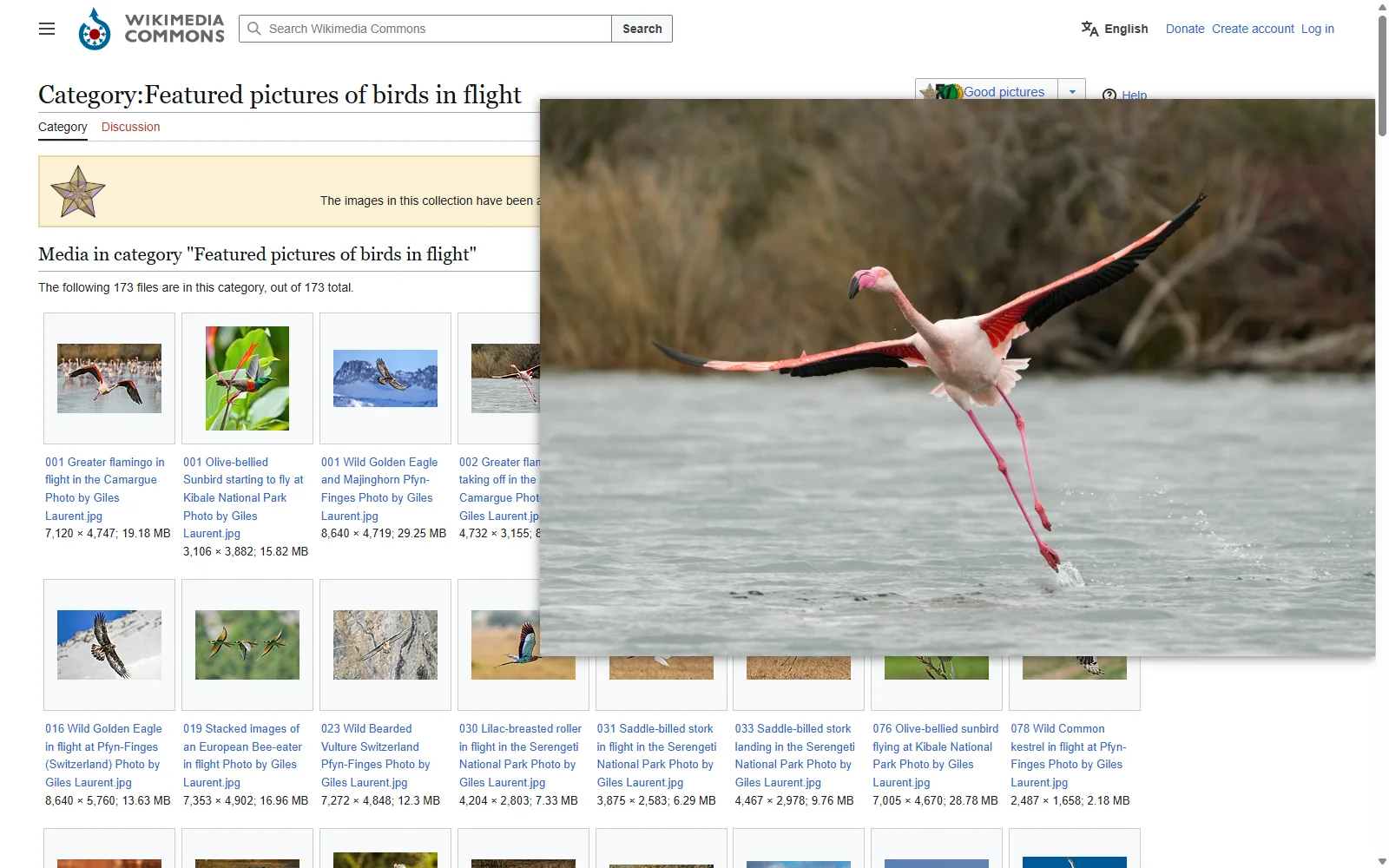
Hold Alt to glance
Hold Alt (Option on a Mac) over an image and the original appears beside the cursor, following it across the image. It appears once the original has loaded, and a small original isn't enlarged. Let go and it's gone.
Photo: Giles Laurent, CC BY-SA 4.0

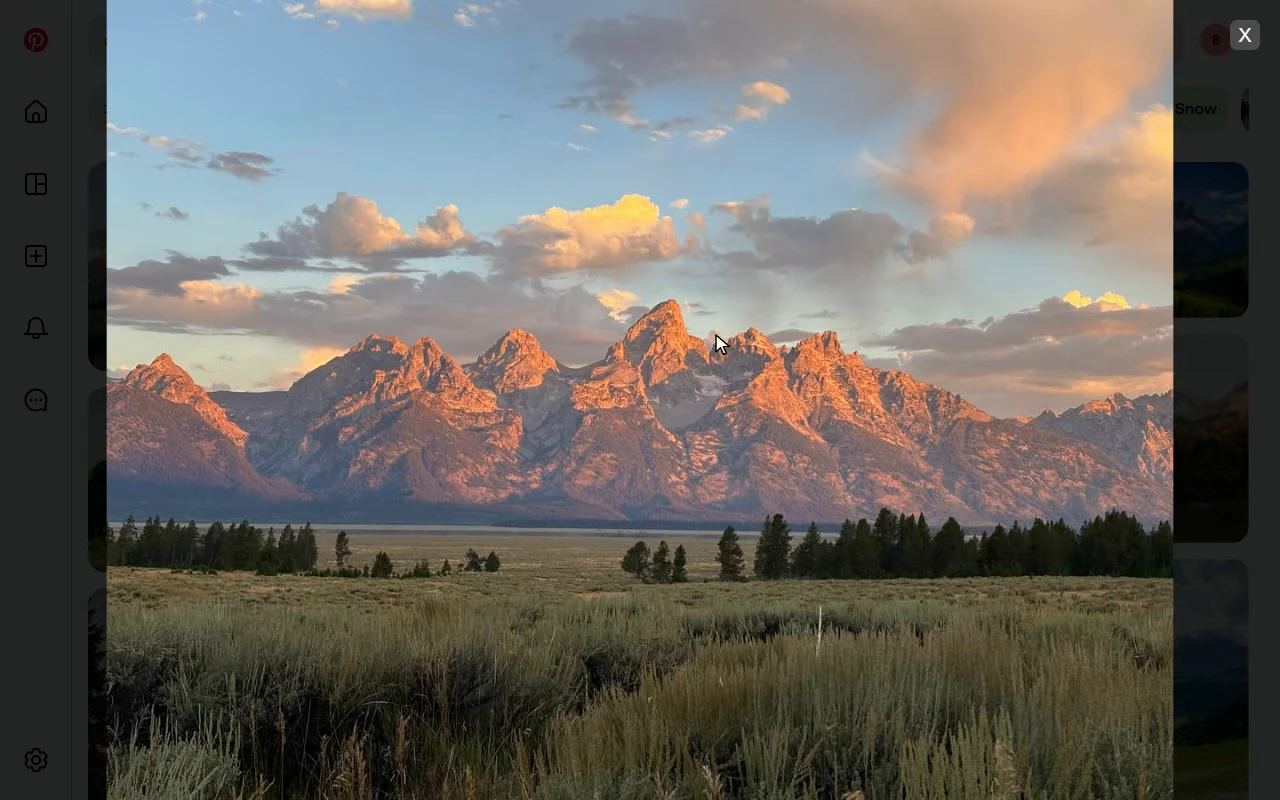
Tap Ctrl to look closely
Tap Ctrl over an image and the original opens full-screen in Bellevue's viewer. Zoom with the wheel, drag to pan, rotate, and tap Ctrl again to close. Ctrl+C, Ctrl+click and Ctrl+wheel still do what they did.
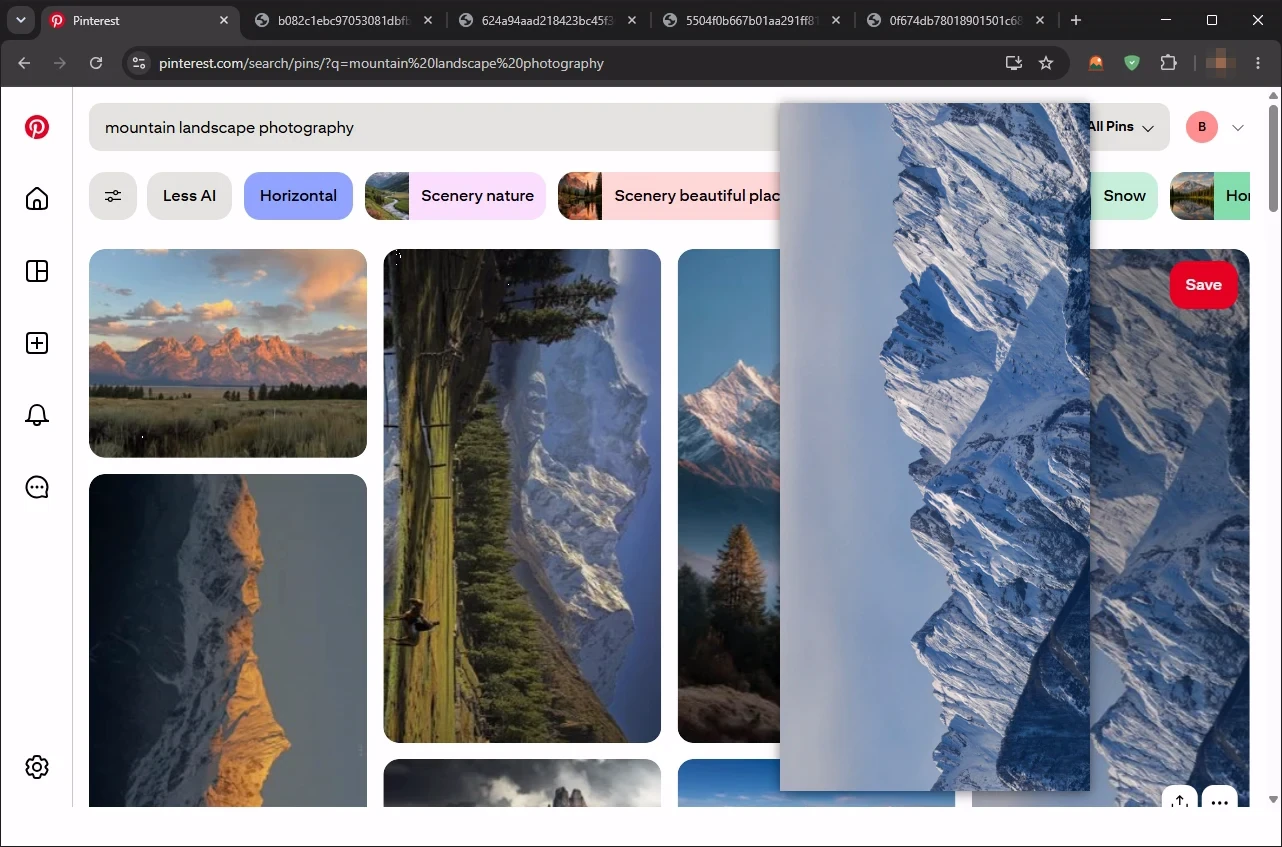
Press Shift to keep it
With the popup up, press Shift and the original opens in a background tab beside the page. Sweep a grid, queue the ones you want, and go through the tabs later.
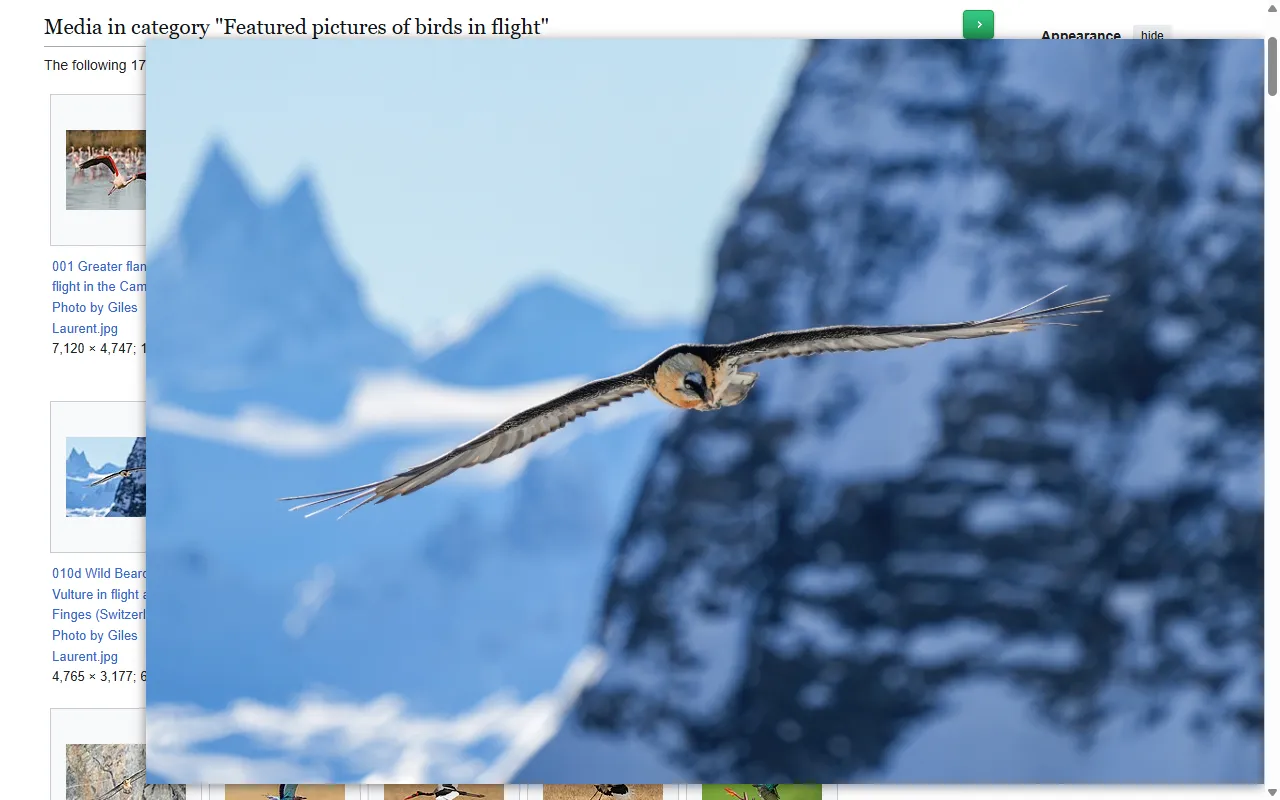
The file behind the thumbnail
Finds the original
On the sites Bellevue supports, it rewrites the thumbnail's address, reads the page for a link to the original, or asks the site for it. Where there's nothing larger, it shows the image the page loaded.
Photo: Giles Laurent, CC BY-SA 4.0
_Photo_by_Giles_Laurent.jpg)
| Page | Width the page loaded | Width in the popup |
|---|---|---|
| Wikimedia Commons | 120, 120, 120 | 7120, 3106, 8640 |
| 236, 235, 235 | 3200, 4096, 3840 | |
| Amazon | 259, 277, 281 | 1828, 2560, 2223 |
Checked signed in on 16 September 2026 (Commons on 21 September), on a Commons gallery, a Pinterest search and an Amazon search, for the first three images in view, in pixels. See all six sites.
One lookup, three ways in
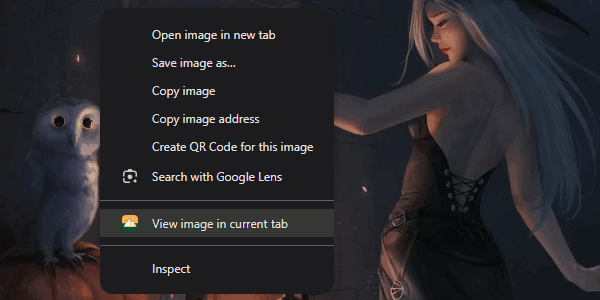
The popup, the Ctrl tap and View image in current tab in Chrome's image menu all run the same lookup, so all three open the same original.
Hundreds of sites, tested one by one
Social
- X
- Bluesky
- Tumblr
- Threads
Art and photos
- Pixiv
- DeviantArt
- ArtStation
- Flickr
- 500px
- Behance
- Unsplash
Shops
- Amazon
- eBay
- Etsy
- AliExpress
- Shopify stores
Image search
- Google Images
- Bing Images
- DuckDuckGo
- Yandex Images
- Brave Search
- Ecosia
Reference
- Wikimedia Commons
- Fandom
- IMDb
- Goodreads
- Letterboxd
- Spotify
Sites change their pages, so the list changes as they do. Each site on it has its own test, run against the live site.
Hover zoom doesn't reach images inside embedded frames, video, or Chrome's own pages. See where it stops.
On a key, or on every hover
Three modes
The popup can show only while you hold the key, on every hover with the key held to keep it away, or never, and every key can be rebound. Holding the key is the default, because a popup at every pause covers the page on the way to a link.
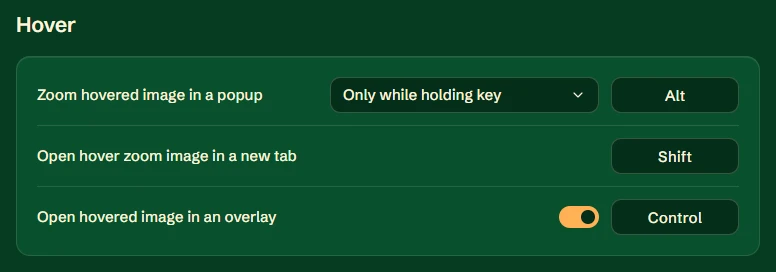
Coming from Hover Zoom+ or Imagus? Bellevue's popup works the same way, and the same lookup opens the original in its full-screen viewer and in the viewer it puts on Reddit, X and Fandom. Compare hover-zoom extensions.
The step-by-step, with measurements: read the hover guide. Zoom, drag panning and the rest of the viewer work on images across the web. See the viewer.