Bing Images still has the View image button that Google took away. Click a result, then View image at the top right of the panel that opens, and the picture opens in its own tab at the size the website it came from has it. Bing prints that size under the title before you click View image, so you know what you’ll get. If it’s small, that’s the file the site gave Bing, and the size filter can find a bigger copy elsewhere. Or, with the Bellevue extension, hold Alt over any result and see the file right over the results, without opening anything.
Every size below was checked on 13 October 2026 in Chromium 149, signed out of Bing, in a 1400 × 900 window, on Bing’s standard results layout.
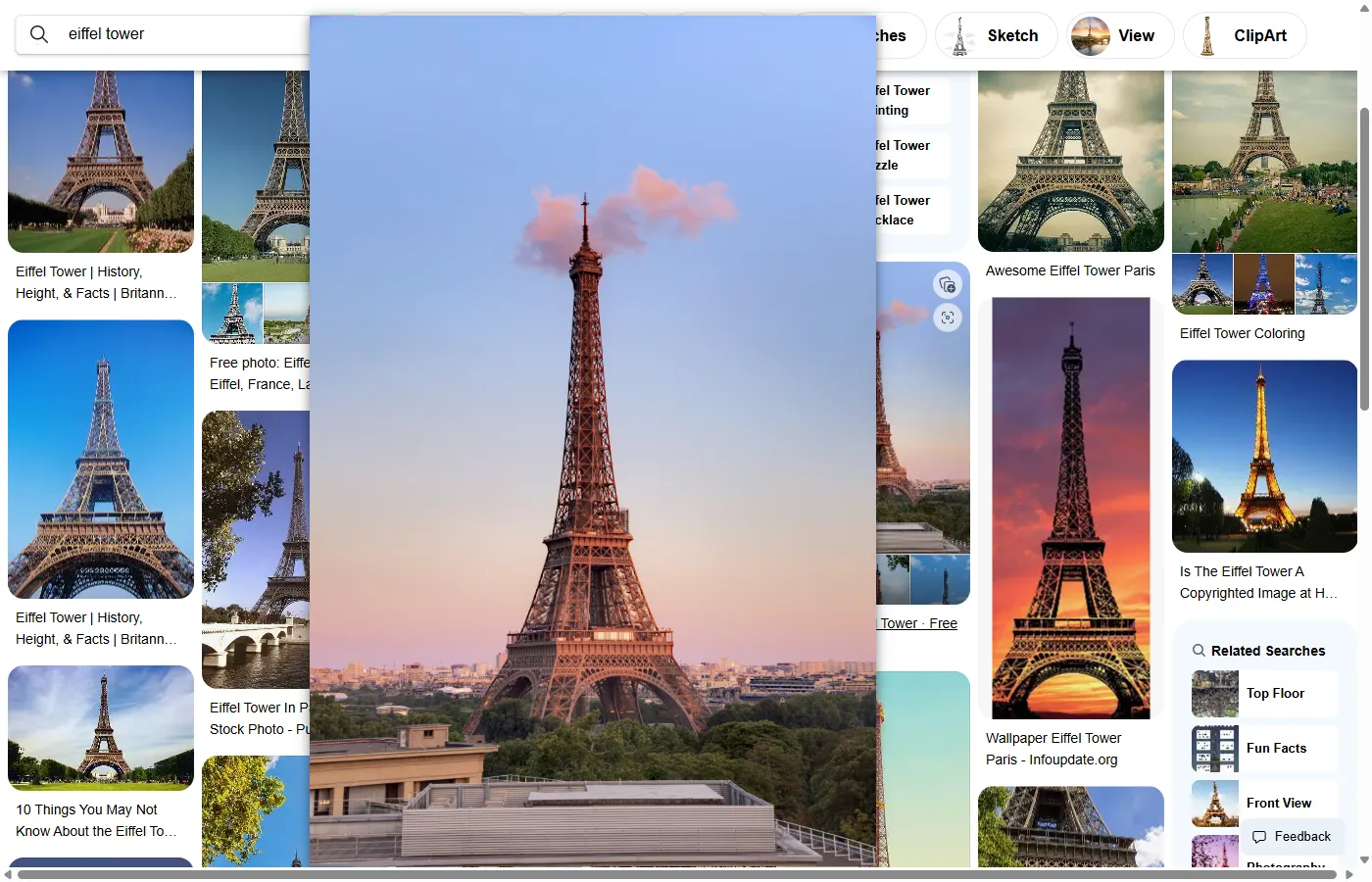
See Bing Images results at full size without a click. Install Bellevue →
Open the full-size image with View image
- Search, then switch to Images.
- Click a result. A detail panel opens over the results.
- Read the line under the title: the site’s name, the file’s size and type, such as
2500 × 1717 jpeg, and an age, such as7 yrs ago. - Click View image at the top right. The file opens in a new tab.
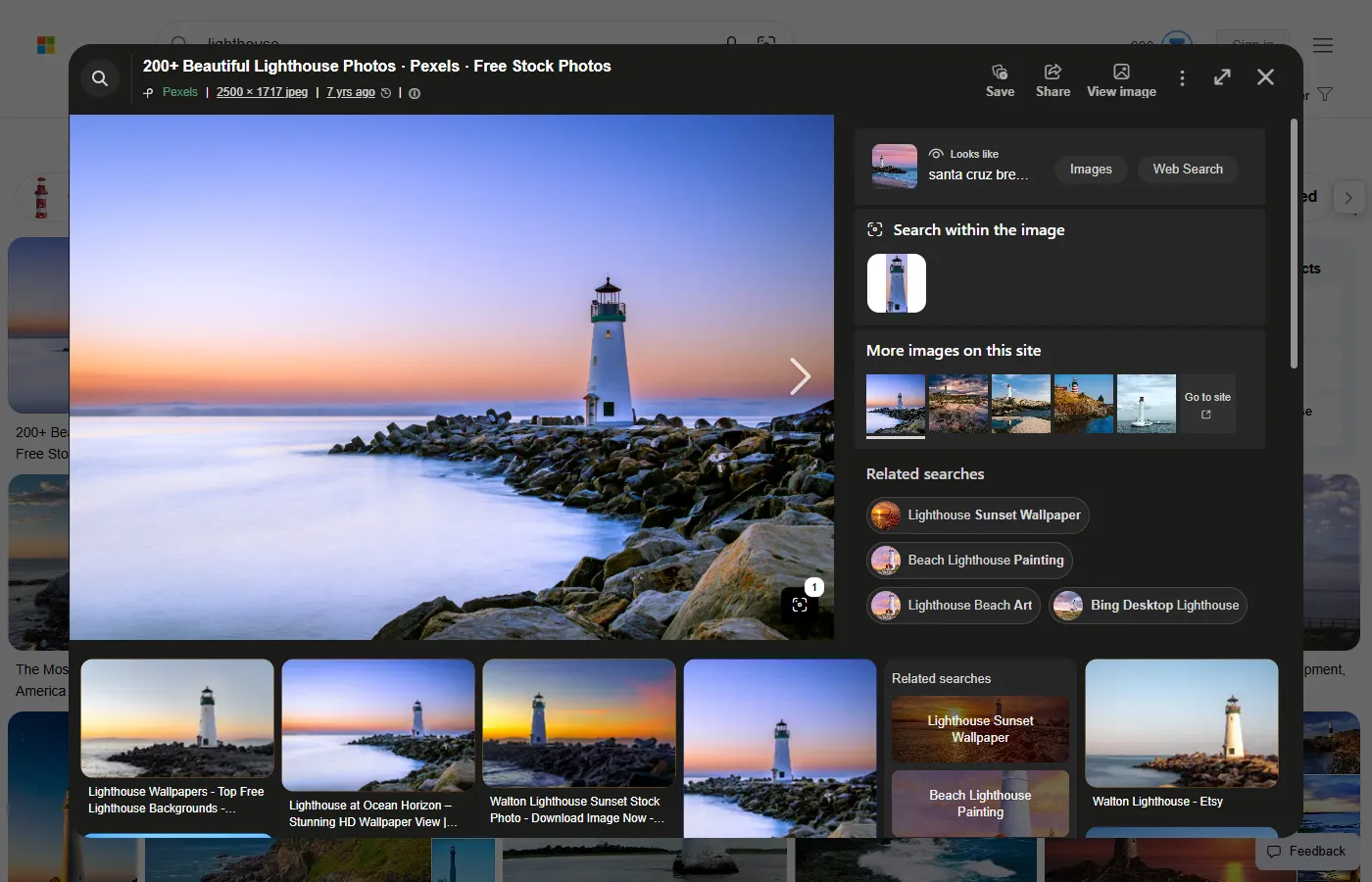
The big picture in the panel is already the site’s file, loaded from the site itself, so right-clicking it and choosing Open image in new tab gets the same thing. Bing loads it as soon as the panel opens, which is the reverse of Google Images, whose preview starts on Google’s own blurry copy and switches over a moment later. The guide to full-size images from Google Images covers that one.
Why some results are small or blurry
The grid shows Bing’s own small copies, 188 to 353 pixels wide in this window, either from th.bing.com or embedded in the page as data. View image skips them and goes to the website, so what you get is the file that site gave Bing. For the first 10 results of five searches, that ran from 626 pixels wide to 5000, and the size Bing lists was the real one: for all 48 of the 50 results that loaded, the new tab matched it exactly. A small number there means a small file, though the site may have a bigger one it doesn’t share.
Two things keep the file you get small or out of reach:
- Stock-photo previews. Five of the first 10 red fox results were previews from stock sites. Alamy’s were 1,040 to 1,300 pixels wide, with its name stamped across the picture, and opening them in a new tab doesn’t remove the stamp. Freepik’s were 626 to 2,000 pixels wide. Either way, what Bing links to is the site’s preview, not its full file.
- A site that doesn’t answer. The first red fox result’s address redirected to a server that didn’t respond. Bing’s panel stretched its own 474 × 401 copy across the space, while the line above it still said
1927 × 1631, and View image opened a tab saying “This site can’t be reached”.
Asking Bing’s thumbnail server for a bigger size doesn’t help either. Asked for 2000 × 3000, it returned an image 2000 pixels wide for all three results tried, whatever the file’s size: 2000 × 2592 for a 1056 × 1600 photo of the Eiffel Tower, and 2000 × 3000 for the first the starry night result, a 1920 × 1358 picture. Stretching Bing’s copy doesn’t add detail the file never had.
Find a bigger copy
Bing can only show what a site has. For a bigger copy, filter by size, or look for the same picture elsewhere.
- Image size → Large or Extra large. The Image size menu under the search box offers All, Small, Medium, Large, Extra large, and At least…, which takes a width and a height. With Extra large, every one of the first 10 results for eiffel tower and for red fox was at least 1,024 pixels on its longer side. Large let in 582 × 605 and 800 × 800.
- No
imagesize:. Google’s operator for an exact size doesn’t work on Bing.red fox imagesize:1920x1080returns “There are no results for red fox”. Use At least… instead. - Visual Search. Point at the picture in the detail panel and a Visual Search button appears in its corner. Bing describes it as finding “pages that are using the image, related images, and other information” (Microsoft Support), so it’s where to look for other sites carrying the same picture.
- In Edge, right-clicking any image on any page offers Visual Search too (Microsoft Edge).
Full-size Bing results with Bellevue
With Bellevue installed, hold Alt over a result in the grid. The site’s file appears in a popup beside the cursor, without opening the detail panel. Bing writes the file’s address into every result, and Bellevue opens that address.
- Tap Ctrl over a result to open it full-screen, then zoom and pan in the image once it’s open. Tap again to close it.
- Move along the grid with Alt held, and the popup follows the cursor from one result to the next.
For the first three results of five searches, the table gives the width of Bing’s thumbnail, the size Bing lists, the width of what View image opens and the width in Bellevue’s popup:
| Search | Bing’s thumbnail | Size Bing lists | View image | Bellevue’s popup |
|---|---|---|---|---|
| eiffel tower | 190, 190, 190 | 1056 × 1600, 1067 × 1600, 2700 × 1820 | 1056, 1067, 2700 | 1056, 1067, 2700 |
| the starry night | 188, 195, 200 | 1920 × 1358, 2651 × 2162, 5000 × 3959 | 1920, 2651, 5000 | 1920, 2651, 5000 |
| mountain wallpaper 4k | 263, 263, 353 | 3840 × 2160 for all three | 3840, 3840, 3840 | 3840, 3840, 3840 |
| nike air max 90 | 198, 198, 198 | 1184 × 1184 for all three | 1184, 1184, 1184 | 1184, 1184, 1184 |
| red fox | 224, 283, 303 | 1927 × 1631, 1600 × 1068, 1920 × 1200 | didn’t load, 1600, 1920 | 224, 1600, 1920 |
Widths in pixels, read from the decoded images.
Across the first 10 results of the five searches, the popup showed the same file as View image in 48 of 50. The other two were results whose site’s file didn’t load, and for those the popup showed Bing’s grid thumbnail, smaller than the 474-pixel copy Bing’s panel showed for the first red fox result. Unlike on Google Images, Bing already links the site’s file, so what Bellevue saves is the click into the panel and the trip to a new tab, not pixels.
Where Bellevue stops:
- The detail panel. Holding Alt over the big picture in Bing’s panel does nothing. Use View image there, or close the panel and hold Alt over the result in the grid.
- Sites that don’t answer. The popup shows Bing’s grid thumbnail instead.
The guide to full-size images on hover covers the popup’s settings, and Bellevue’s hover zoom the other sites it works on.
A note on using the images
Bing’s License menu filters for All Creative Commons, Public domain, Free to share and use, and Free to modify, share, and use, each with a commercial-use variant. Without it, treat a result as under copyright. Opening the full-size file doesn’t change who owns it.
Summary
- Click a result, read the size under its title, and click View image to open the file in a new tab.
- The size Bing lists is the size of the file the site gave it. Stock sites give a preview, and Alamy’s carry its name.
- For a bigger copy, use Image size → Extra large or At least…. Bing has no
imagesize:. - With Bellevue, hold Alt over a result in the grid to see the file without a click, and tap Ctrl to open it full-screen.
See Bing Images results at full size without a click. Install Bellevue →