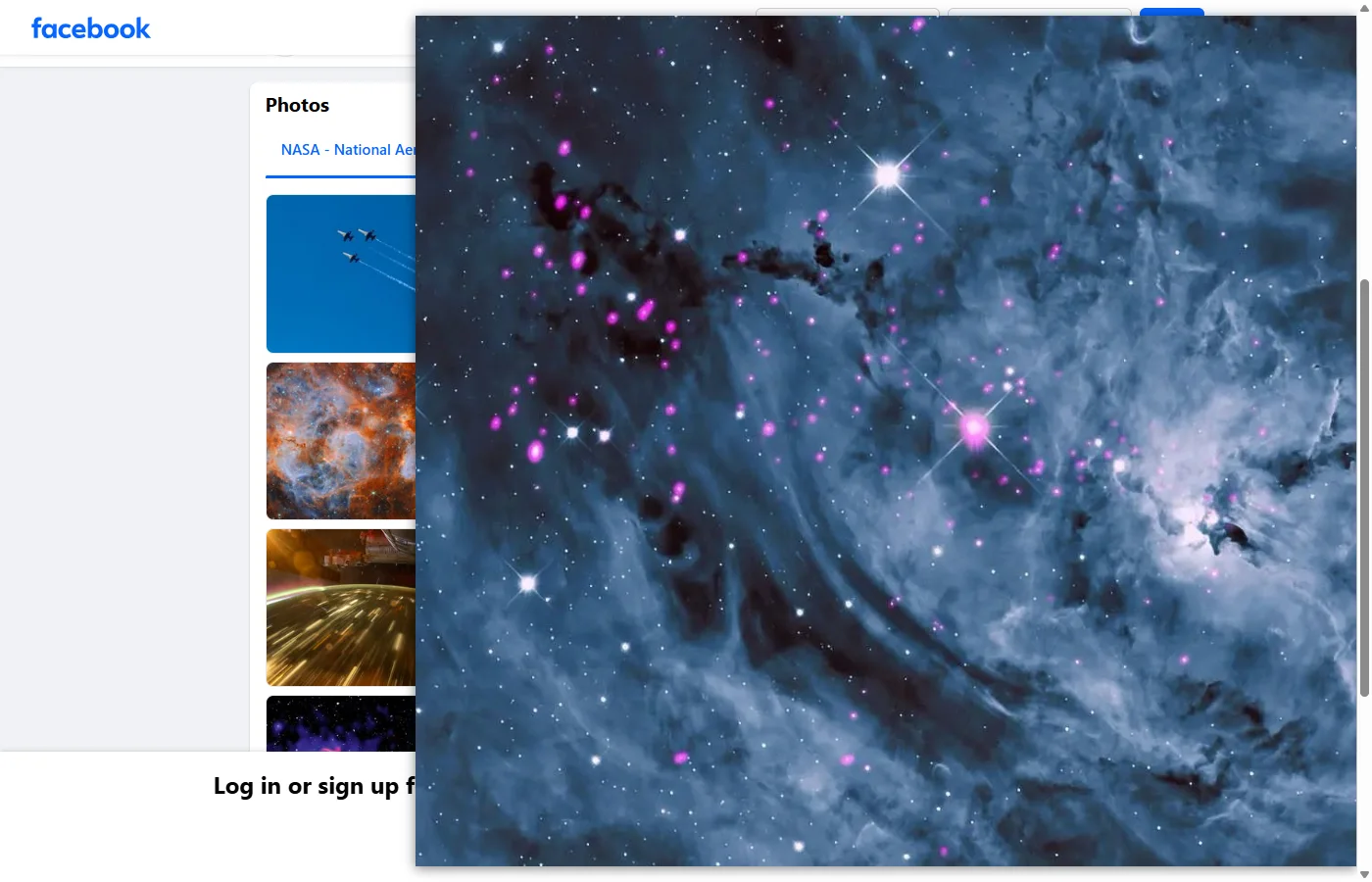
A photo in the Facebook feed or a Photos tab is a smaller copy, or a square crop of one, so Open image in new tab from there opens only that copy. Click through to the photo first: its own page loads the largest copy, up to 2,048 pixels on the long side in the photos checked, and the same menu item then opens it. From the feed, deleting ctp= from the image’s address gets the same copy. Marketplace listings have no zoom on a computer, so a new tab is the way to see those photos at 100%. With the Bellevue extension, hold Alt (Option on a Mac) over any of them and the largest copy appears in a popup, without leaving the page.
Every size below was checked on 2 November 2026 on public Pages such as NASA’s and on Marketplace, in Chromium, in a 1400 × 900 window at 100% scaling, signed in unless noted, with Bellevue 2.2.0 where it’s named. The methods cover photos you can already open. They don’t reach locked profiles or private posts. The phone apps weren’t tested.
See Facebook photos at full size. Install Bellevue →
Why “Open image in new tab” opens a small copy
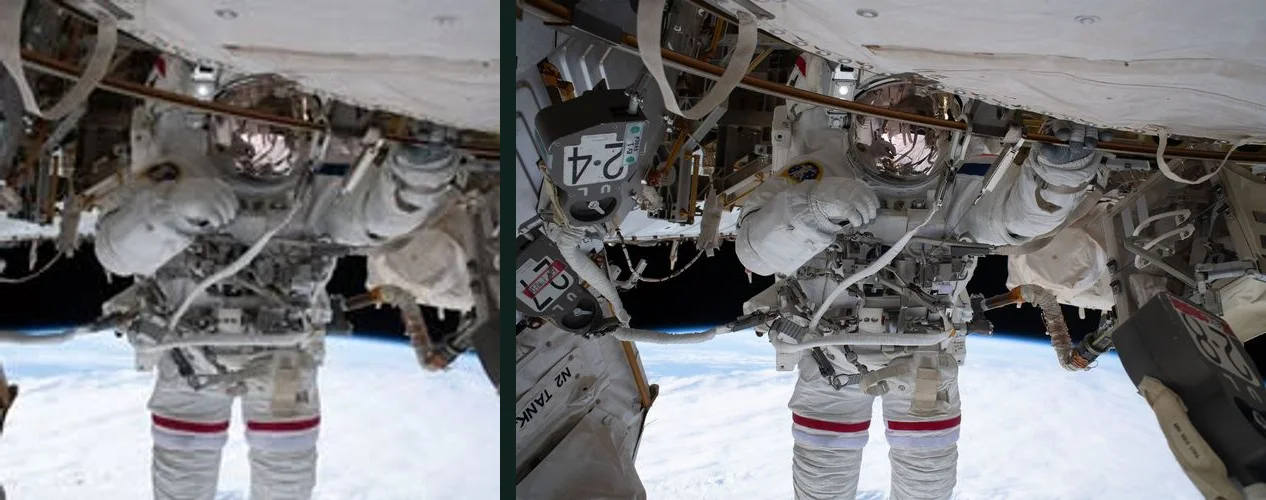
Facebook’s pages load a copy chosen for the layout, which can even be smaller than the space it fills, and a right-click opens that copy. The photo’s own page asks for the largest one.
| Image | The page loads | Largest copy |
|---|---|---|
| NASA’s cover photo | 960 × 697 | 2047 × 1487 |
| National Geographic’s cover photo | 960 × 320 | 3000 × 1000 |
| A landscape photo in the feed | 810 × 540 | 2048 × 1365 |
| A portrait photo in the feed | 512 × 640 | 1080 × 1350 |
| NASA’s profile picture | 200 × 200 | 800 × 800 |
| A tile in NASA’s Photos tab | 206 × 206, cropped | 2048 × 1365 |
A tile isn’t only smaller. It’s a square cut from the middle of the photo, so part of the picture is missing as well.
See a Facebook photo at full size
In a browser on a computer:
- Click the photo, so that it opens on its own page.
- Right-click it and choose Open image in new tab. The tab title gives the copy’s width and height.
- Click the image in that tab. The browser first fits it to the window: a 2,047-pixel photo showed 1,238 pixels wide, and a click took it to 2,047.
Once the photo is open in its own tab, Chrome’s viewer zooms and pans in it.
To stay on Facebook, use the photo page’s own controls, which work on the same copy:
- Zoom In, the magnifying glass with a plus at the top right of the photo, starts from a fitted view, 1,040 pixels wide for that photo. Four clicks took it to 2,080, about 100%, and it stopped there. Drag to pan.
- The mouse wheel doesn’t zoom.
- Enter fullscreen, the arrows beside the magnifying glasses, gives the photo more room but still fits it to the screen. Facebook’s help page gives the steps and no sizes.
- Download, in the post’s ⋯ menu, isn’t on every post. On the three photos where it was used, it saved the same 1080 × 1350 copy the page loaded, as JPEGs with a
.pngextension.
Enlarge a photo from the feed by editing its address
Most Facebook image addresses name two sizes. cstp=mx2048x1365 is the most the address will serve, and ctp=p180x540 is the copy being asked for. Delete the second one:
- Right-click the photo in the feed and choose Open image in new tab.
- In the address bar, delete from
&ctp=up to, but not including, the next&:…?stp=dst-jpg_tt6&cstp=mx2048x1365&ctp=p180x540&_nc_cat=…becomes…?stp=dst-jpg_tt6&cstp=mx2048x1365&_nc_cat=…. - Press Enter.
Facebook doesn’t document these values, so this comes from testing them. On all 44 addresses tried, covers, feed photos, avatars and crops, with no cookies, deleting ctp= returned the size named in cstp=.

That’s as far as the edit goes:
- Asking for more than
cstpallows, or deletingcstp, gets an error (400 Bad Request), on all 29 addresses tried. - Deleting everything after the
?gets an error too (403 Forbidden). - On a tile, deleting
ctp=gives a bigger crop and not the whole photo: 1365 × 1365 where the photo is 2048 × 1365. Click through for that. - Most Marketplace addresses have neither value, so there’s nothing to delete. A few do, and it adds little: Bellevue opened one 960 × 720 photo at 1000 × 750.
Zoom in on Facebook Marketplace photos
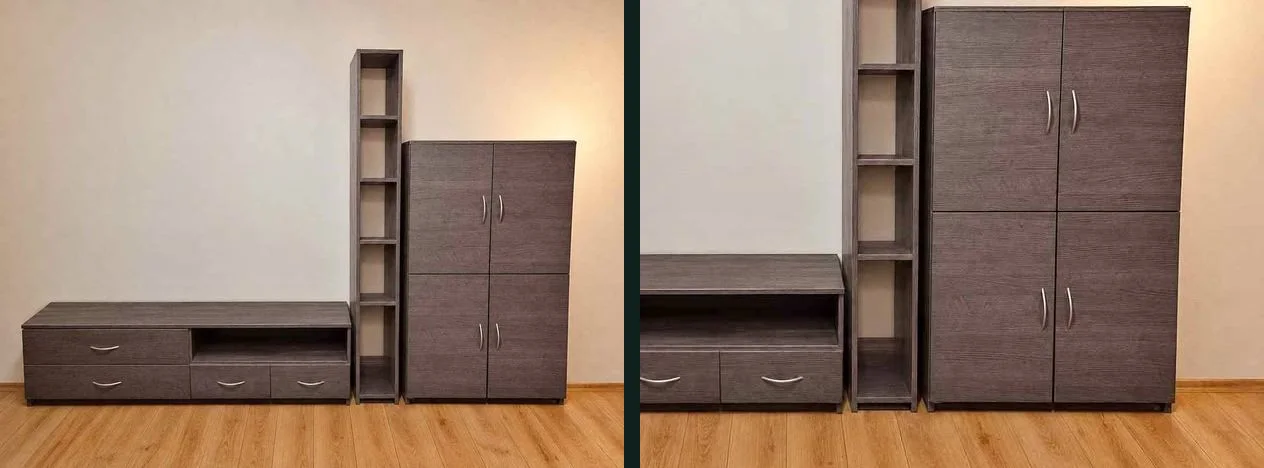
A listing’s photo has no zoom on a computer. Clicking it changed nothing on the 10 listings tried, and none had a working zoom button. In the 1400 × 900 test window, the page showed the photo at most 624 pixels wide or 768 tall, over a blurred copy of itself.
Right-click the photo, not the blurred background around it, and choose Open image in new tab, then click the image if the browser fits it to the window. On the 22 listings measured, the copy each one loaded was at most 960 pixels on its long side, and phone photos were narrower, at 443 × 960 and 720 × 960.
Signed out, a cookie dialog covers the listing, and with Bellevue most cards stayed at 261 pixels. Sign in to see Marketplace photos.
Profile pictures, covers and link previews
- Profile pictures: on a Page, clicking one opens its page at the largest size, 800 × 800 for NASA’s, and deleting
ctp=from its address does the same. The guide to full-size profile pictures covers other sites. - Covers: the widest images measured, up to 3363 × 1246. Click one to open its page.
- Link previews: a preview of an article is a resized copy of the linked site’s own image, 500 × 261 on one from The New York Times. The preview’s address contains the original’s after
url=, but opening the article is simpler.
Is there a bigger original?
Not one you can reach from a photo’s address. On the ten Pages checked, photos in posts stopped at 2,048 pixels on the long side, and many stopped sooner, at 1920 × 1280 or 1080 × 1350. That’s a limit seen in these photos, not one Facebook publishes, and the addresses don’t show whether a larger upload sits behind it. A downloader site or extension reading those addresses gets the same copies. A photo that’s soft at its largest copy only looks softer in a larger view.
Full-size Facebook photos with Bellevue
Hold Alt over a photo, tile, Marketplace card, cover, profile picture or link preview, and the largest copy opens in a popup beside the cursor, fitted to the window. Tap Ctrl instead to open it full-screen, and roll the mouse wheel to zoom in. Tap again to close it.
It shows the same copies as Facebook’s photo page: the four NASA tiles compared gave the same sizes both ways, such as 2048 × 1152 from a 1,152-pixel crop. What it adds is reaching them without leaving the page:
- Uncropped from a Photos tab. The whole photo opens over the grid, without opening each one.
- Zoom on Marketplace. On a listing, the popup and the Ctrl tap worked on the main photo and the next one, and a card opens the listing’s photo without opening the listing. Of six cards, five opened at 720 × 960 to 960 × 960, and one at 768 × 1024.
- Link previews open the linked site’s image: 1050 × 550 for that New York Times preview.
- Open image in new tab on a feed photo or cover loads the largest copy, with nothing to edit, because Bellevue removes
ctp=before the tab loads.
Where Bellevue stops:
- Tiles and cards take a moment. Bellevue reads the photo’s page each time, because the crop’s address doesn’t contain the whole photo. A tile took 1.4 to 2 seconds in these tests and a Marketplace card 2.4 to 4.1. If the page is too slow to answer, you get the larger crop instead. Covers, feed photos and profile pictures took under half a second.
- A tab opened straight on a tile’s address stays the crop. Click through to the photo instead.
- Signed out, close Facebook’s cookie and login dialogs first. Bellevue ignores Alt while the login box is selected for typing, and over the cookie dialog it can open that dialog’s own illustration. Marketplace needs signing in.
For the popup’s settings, see the guide to full-size images on hover, and for the other sites it works on, Bellevue’s hover zoom. The guide to eBay listing photos covers another place buyers inspect a photo closely.
Summary
- Click through to a Facebook photo before Open image in new tab. From the feed or a tile, that menu item opens a smaller copy or a crop.
- Delete
ctp=from an address to enlarge a photo from the feed. It doesn’t uncrop a tile. - Marketplace listings have no zoom on a computer, so open the photo in a new tab to see it at 100%. The listings measured loaded at most 960 pixels.
- Photos in posts stopped at 2,048 pixels on the long side, and covers ran wider, to 3363 × 1246.
- Bellevue shows the same largest copy from a Photos tab or Marketplace, uncropped, while Alt is held, and opens it full-screen on a Ctrl tap.
See Facebook photos at full size. Install Bellevue →