To get a full-size Pinterest image, copy the image address and replace the size folder after i.pinimg.com/, such as 236x, 736x or 1200x, with originals. If that address answers 403 Forbidden, the upload isn’t a JPEG: change .jpg at the end to .png, then .webp, then .gif. The same swap works on profile pictures.
Almost every image on Pinterest is a resized copy. Grid thumbnails are 236 pixels wide, the image on a pin’s own page is at most 1200 pixels wide, and profile pictures are 75×75 or 280×280 squares. Saving any of them, opening one in a new tab, or using Pinterest’s own Download image gets that copy. The rest of this guide explains how the addresses work, how much larger the originals measured, and what the Bellevue extension does automatically.
Save Pinterest images at full size. Install Bellevue →
How Pinterest image addresses work
Pinterest serves images from i.pinimg.com, and the first folder in the path names the size:
https://i.pinimg.com/236x/ab/cd/ef/abcdef0123456789.jpg         grid thumbnail
https://i.pinimg.com/736x/ab/cd/ef/abcdef0123456789.jpg         pin page, signed out
https://i.pinimg.com/1200x/ab/cd/ef/abcdef0123456789.jpg        pin page, signed in
https://i.pinimg.com/originals/ab/cd/ef/abcdef0123456789.jpg    the upload
The rest of the path is the same for every size. Folders like 236x, 736x and 1200x fix the width, and profile pictures use square sizes with an _RS suffix, such as 75x75_RS or 280x280_RS. The originals folder holds the image as it was uploaded.
Fandom wikis also put the size in their image addresses, as a resize instruction after /revision/latest that can be deleted; the guide to full-size Fandom images shows how.
Which copy a pin’s page shows depends on whether you’re signed in. Checked on the dark abstract wallpaper pin from the table below, on 15 September 2026 in a 1400-pixel-wide window: signed in, the page offered 736x and 1200x and loaded 1200x; signed out, it showed 736x.
Every size folder serves a JPEG, so its address ends in .jpg. The originals folder keeps the upload’s own format. For a PNG upload, only originals/….png loads, and originals/….jpg answers 403 Forbidden, which looks like a missing original but isn’t.
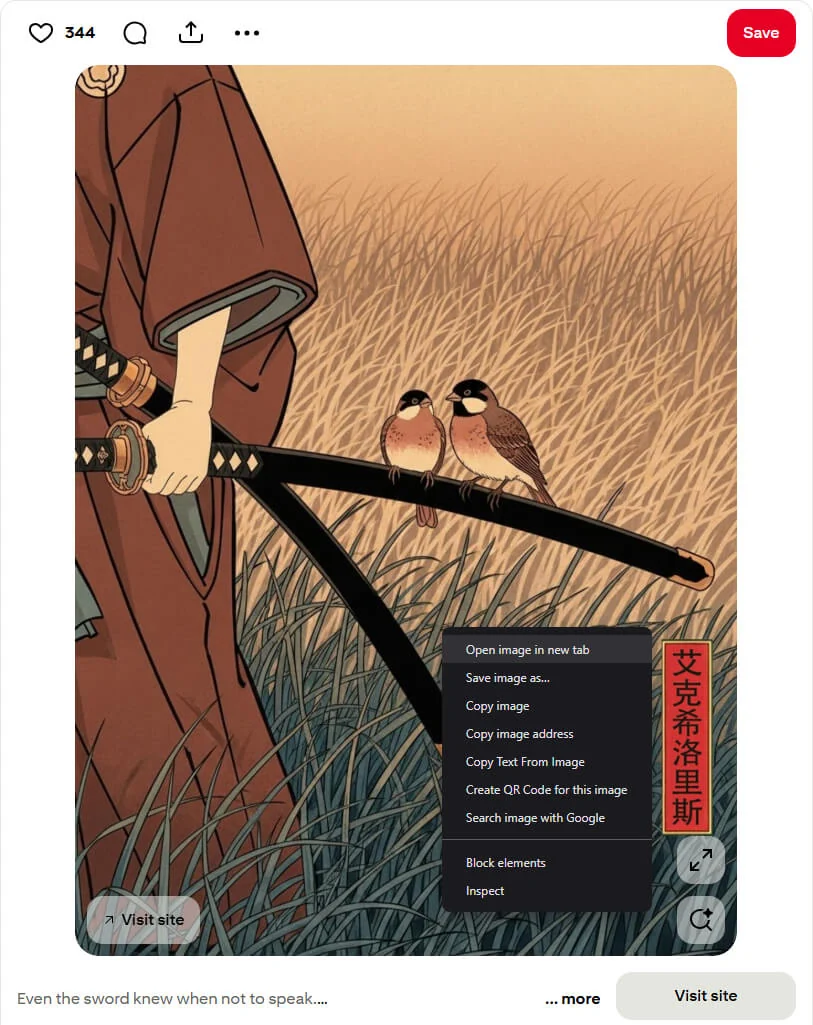
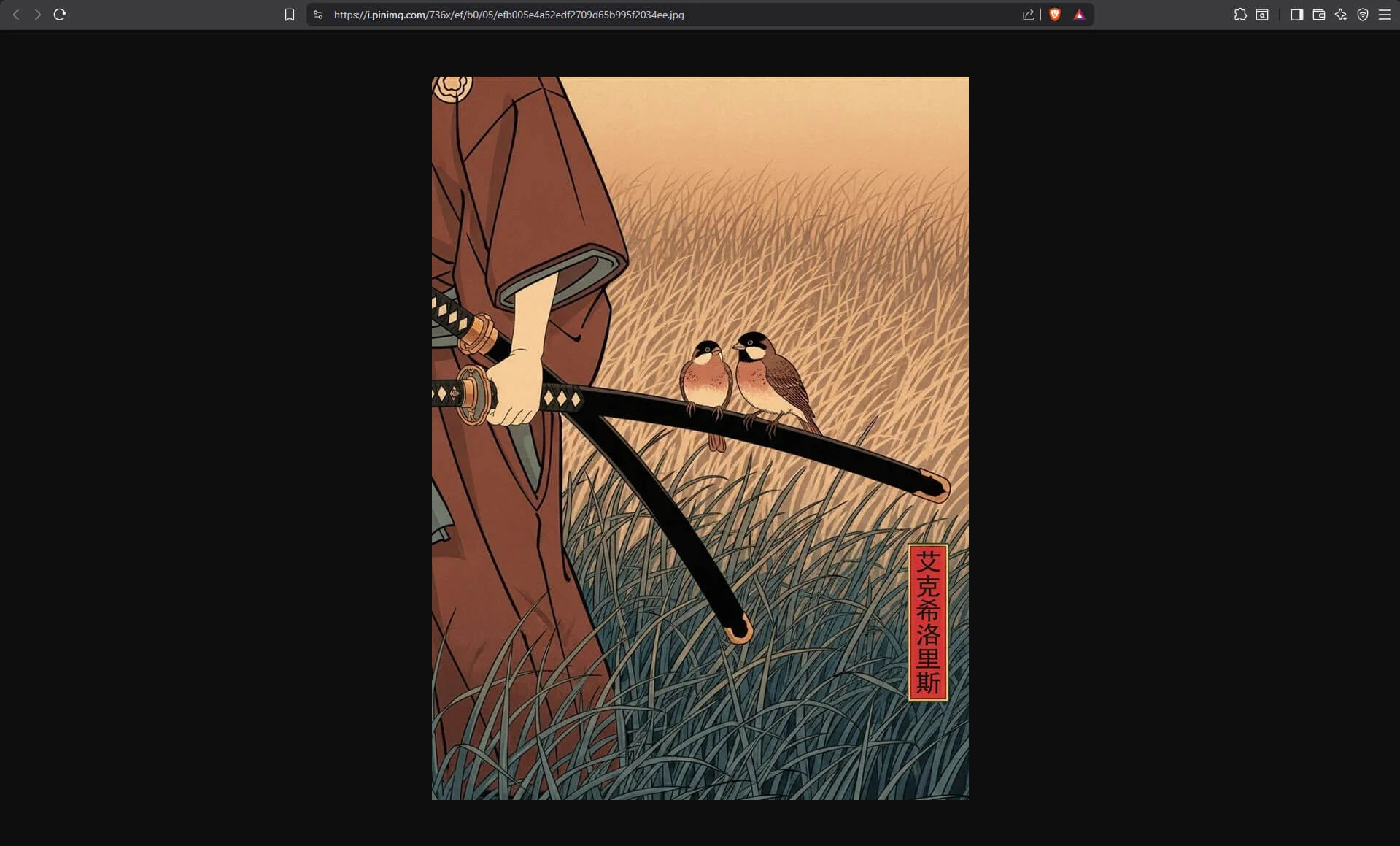
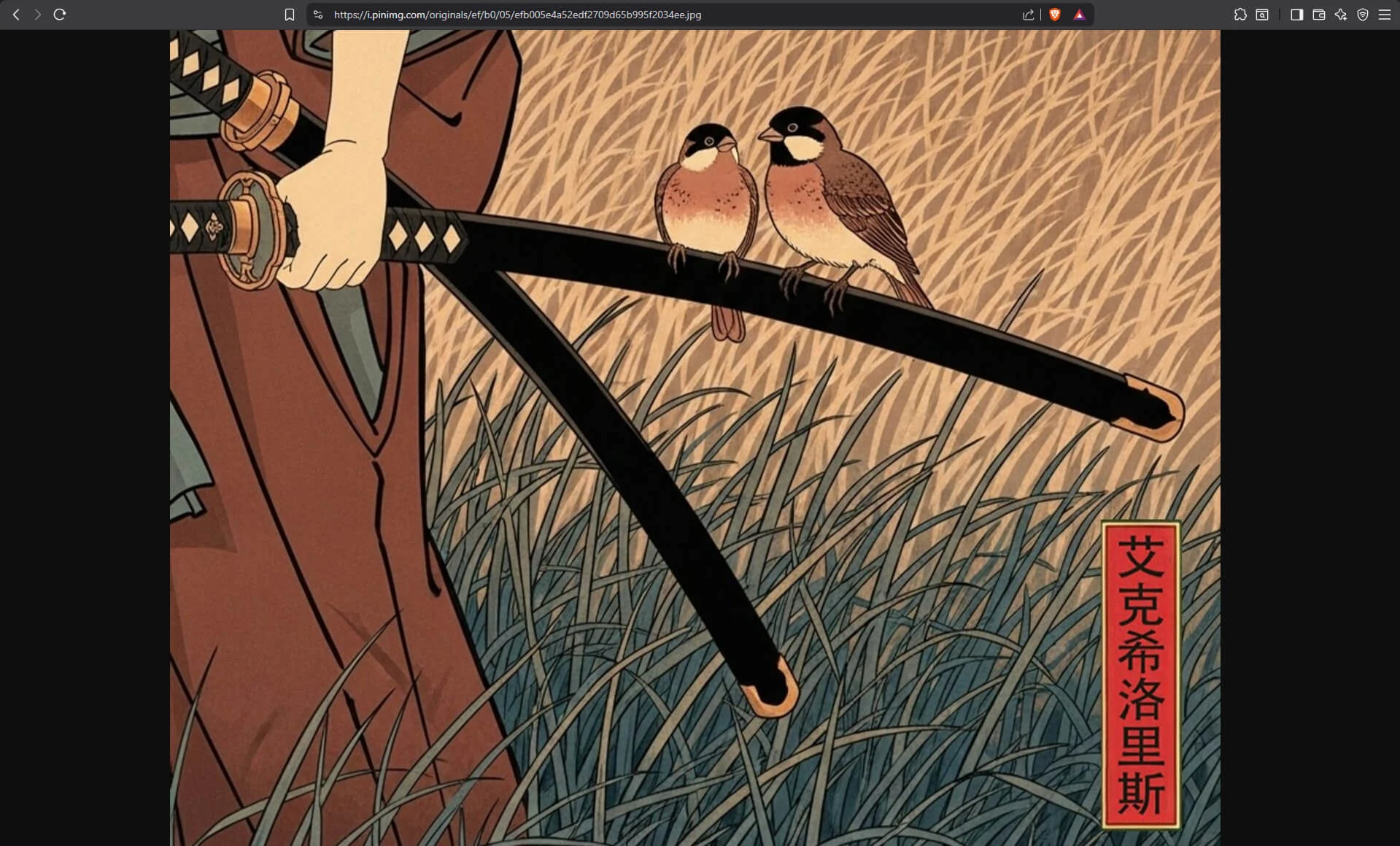
The difference is easy to see on detailed images like photography, artwork or design references. The illustration above is 736×991 in the 736x folder and 1440×1939 in originals.
Getting the original by hand
Pins
- Right-click the image and choose Copy image address.
- Paste it into the address bar.
- Replace the size folder (
236x,736x,1200x) withoriginals, and press Enter. - If the tab shows a 403 Forbidden error instead of the image, change
.jpgat the end of the address to.pngand try again, then.webp, then.gif.
Keep originals when you get a 403. Swapping in 1200x instead loads, but it’s a smaller copy of any upload wider than 1200 pixels.
Pinterest’s own Download image, in the More actions menu next to a pin (Pinterest Help), doesn’t save the original either. Signed in on 15 September 2026, it saved the 736x copy of three pins from the table below: 735×413 of a 3840×2159 original, 735×490 of 3200×2132, and 736×1104 of 5152×7728.
Profile pictures and covers
Profile pictures are real images. Right-click one and “Open image in new tab” gives the small square Pinterest displays.
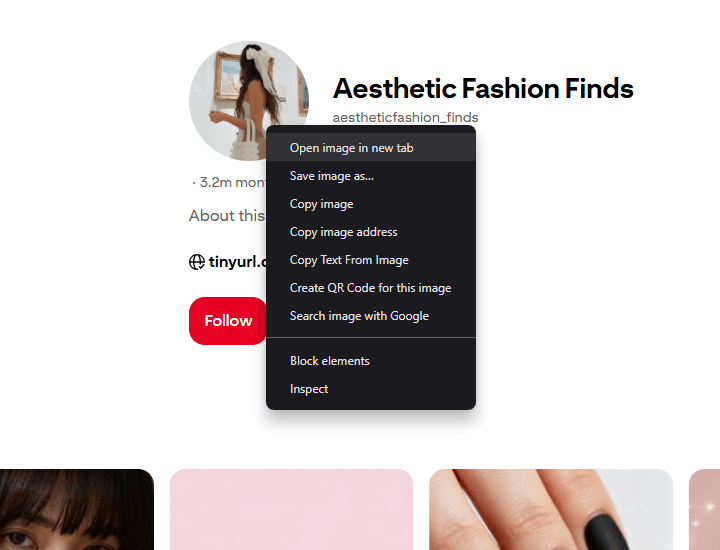
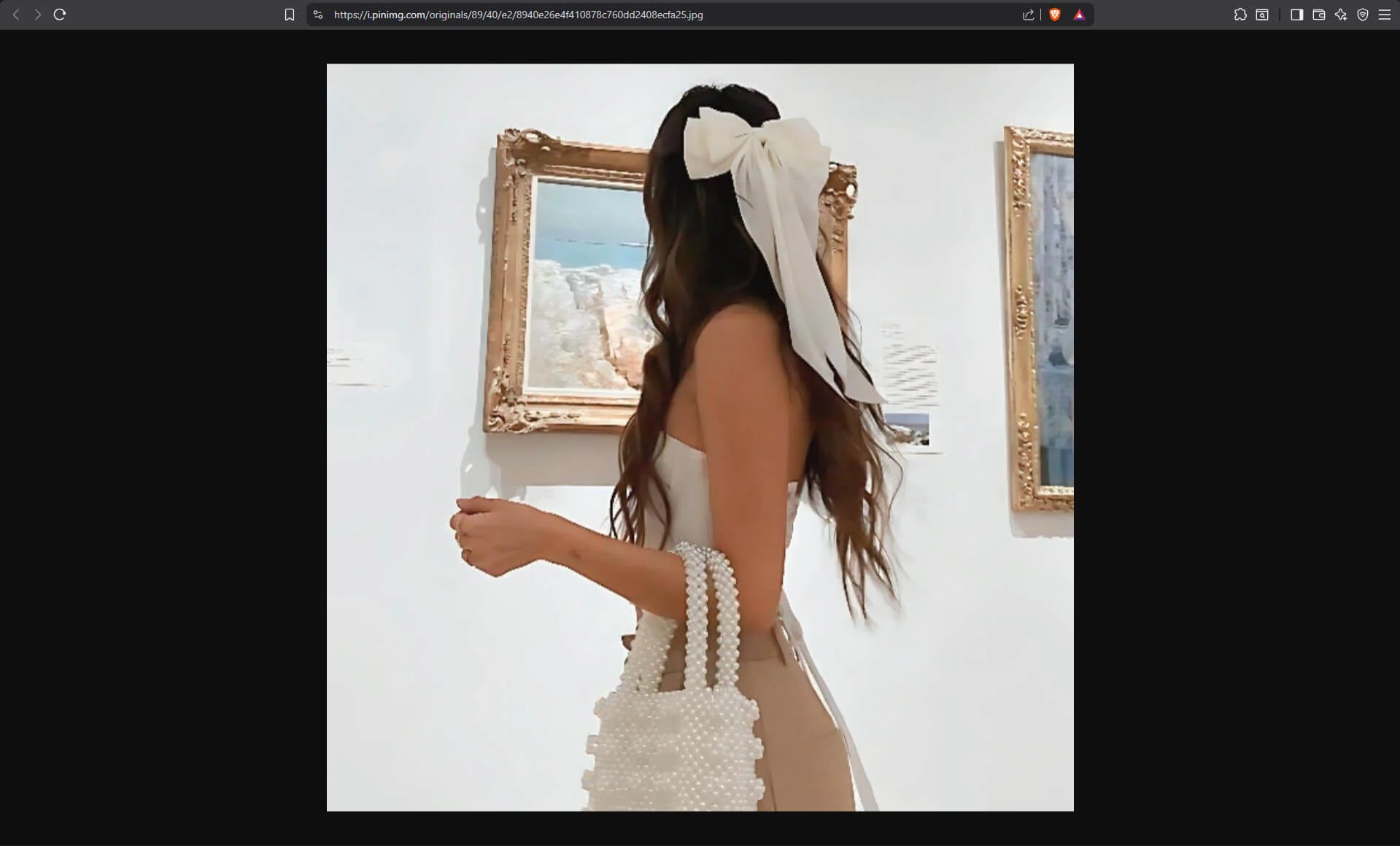
The same swap works on them. For the picture above, the address
https://i.pinimg.com/280x280_RS/89/40/e2/8940e26e4f410878c760dd2408ecfa25.jpgbecomes
https://i.pinimg.com/originals/89/40/e2/8940e26e4f410878c760dd2408ecfa25.jpgwhich on 15 September 2026 was a 1024×1024 JPEG. The extension rule holds here too. The picture of WallpaperSafari, shown next to its pins at 75x75_RS, is a 512×512 PNG, so only the originals address ending in .png loads. The business profile daywaxtag shows its picture at 280x280_RS, and the original is 1440×1440.
Profile pictures have no 1200x folder: it answered 403 for all three. 736x is their largest copy, and it was smaller than the original for two of the three.
The cover image at the top of a business profile works the same way. The daywaxtag cover shows as a 736×414 736x copy of a 1440×810 original. The daywaxtag profile showed the same copies signed in and signed out.
Other sites’ profile pictures open at full size with edits of their own, except where the address is signed; the guide to full-size profile pictures covers them.
How much bigger the original is
On 15 September 2026, every size folder and the original were measured for 40 pins: the first eight from each of five searches, made signed in, for wallpaper 4k, architecture photography, botanical illustration, poster design and landscape painting. Six of them:
| Pin | 236x |
736x |
1200x |
originals |
|---|---|---|---|---|
| Baroque balcony, Turin | 236×354 | 736×1104 | 1200×1800 | 5152×7728 .jpg |
| Dark abstract wallpaper | 235×132 | 735×413 | 1199×674 | 3840×2159 .png |
| Sports car wallpaper | 236×157 | 735×490 | 1199×799 | 3200×2132 .jpg |
| Fast food poster | 236×315 | 735×982 | 1200×1602 | 2480×3312 .png |
| Tall building | 236×295 | 736×920 | 1080×1350 | 1080×1350 .jpg |
| Building reflected in water | 236×354 | 427×640 | 427×640 | 427×640 .jpg |
Sample: the six pins linked in the table, out of the 40 measured. Each size was read from the file itself.
What the 40 showed:
- Every pin had an original. For 32 of them it ended in
.jpg. The other 8 answered 403 at.jpgand loaded at.png. Uploads can also be WebP or GIF: in an earlier sample of 40 pins the same day, one original answered 403 at.jpgand loaded at.webp, and a search for animated GIFs found GIF originals for 9 of 17 pins. 1200xis never wider than 1200 pixels. For 11 of the 40 the original was wider, up to 5152 pixels, more than four times the width of its1200xcopy. For the other 29,1200xwas already the upload at full size.- A size folder never enlarges an image. When the upload is narrower than a folder’s width, that folder returns the image at its uploaded size, as in the last row.
Bellevue on Pinterest
With Bellevue installed, the steps above happen without editing any addresses.
Full-size pins, profile pictures and covers
On www.pinterest.com, a pin’s main image, also in Pinterest’s own full-screen view, a profile picture and a business profile’s cover are swapped for the original in place, whatever its format: Bellevue tries originals with each extension and uses the one that loads. If none does, it uses the larger of the 1200x and 736x copies that loads, and leaves the image as it is when neither is larger than the one shown. The page looks the same, but right-clicking the image and choosing “Open image in new tab” or “Save image as” now gets the original.
Checked signed in on 15 September 2026: the dark abstract wallpaper pin showed its 3840×2159 PNG, WallpaperSafari’s picture next to it showed its 512×512 PNG, and the daywaxtag profile showed its picture at 1440×1440 and its cover at 1440×810. Signed out, the swap works the same.
To look closer without leaving the page, choose View image in current tab from the image menu, covers included, and the original opens in Bellevue’s zoom and pan overlay, as in the Instagram guide.
Hover zoom
By default, holding Alt over a Pinterest image, a grid thumbnail included, shows the original in a hover-zoom popup, and tapping Ctrl opens it in Bellevue’s viewer. The guide to full-size images on hover covers both, and how to change when the popup appears. Both work on any site that shows an image from i.pinimg.com, not only on Pinterest. A grid thumbnail opened in a new tab from the right-click menu is still the 236x copy. The comparison of hover-zoom extensions shows how other extensions handle a pin with no original.
Summary
- Pinterest image addresses name their size in the first folder:
236x,736x,1200x,75x75_RS,280x280_RS. - Replace that folder with
originalsto get the upload. If it answers 403, the upload is in another format: change.jpgto.png,.webpor.gif. 1200xis a smaller copy of anything wider than 1200 pixels, and profile pictures don’t have one. Pinterest’s Download image saves the736xcopy.- Bellevue loads the original in place for pins, profile pictures and business profile covers on www.pinterest.com, and hover zoom shows the original of any Pinterest image, on any site.
Save Pinterest images at full size. Install Bellevue →