To get past an image host’s ad page, click its “Continue to image” button once, then right-click the picture and choose Open image in new tab. If the picture is a clickable preview, choose Open link in new tab instead, since the link leads to the full-size file or to a page that shows it. That leaves you with just the image, in Chrome’s own viewer.
A link to an image from a forum or social media often opens a full-page ad with a “Continue to image” button instead of the image. Past it, the image sits in the middle of a web page, on some hosts as a scaled-down preview, with no viewer beyond Chrome’s page zoom.
Many image hosting sites work this way, and hosts without an ad page, such as PostImages and FastPic, can still show a scaled-down preview in place of the file. This guide shows how to get to the full-size file by hand, with host-by-host steps for four hosts, and then how the Bellevue extension does the same steps for you.
Straight to the image on supported hosts. Install Bellevue →
What stands between the link and the image
When someone shares an image through a hosting service, the link leads to a page about the image rather than the image itself, and that page comes in several layers.
Full-page ads first
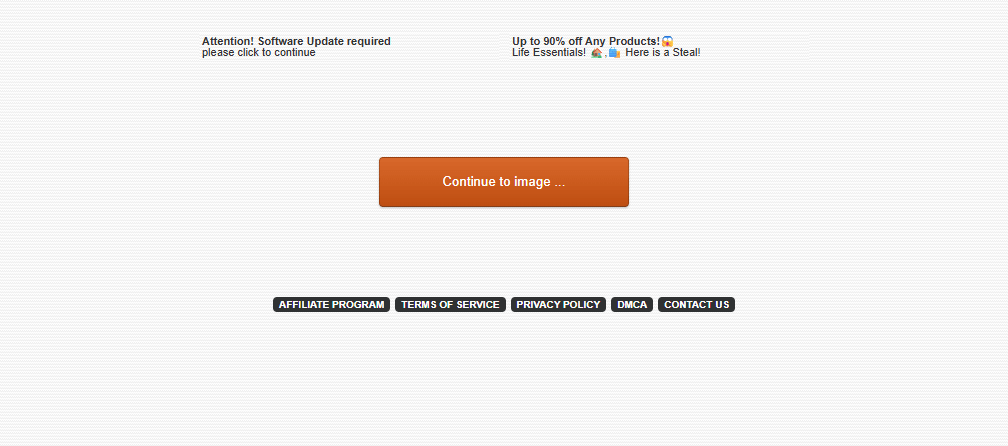
Before you can see the image, many hosting sites show a full-page advertisement. You have to find and click a “Continue to image” or similar button to proceed, every time you open an image from that host.
Embedded in HTML
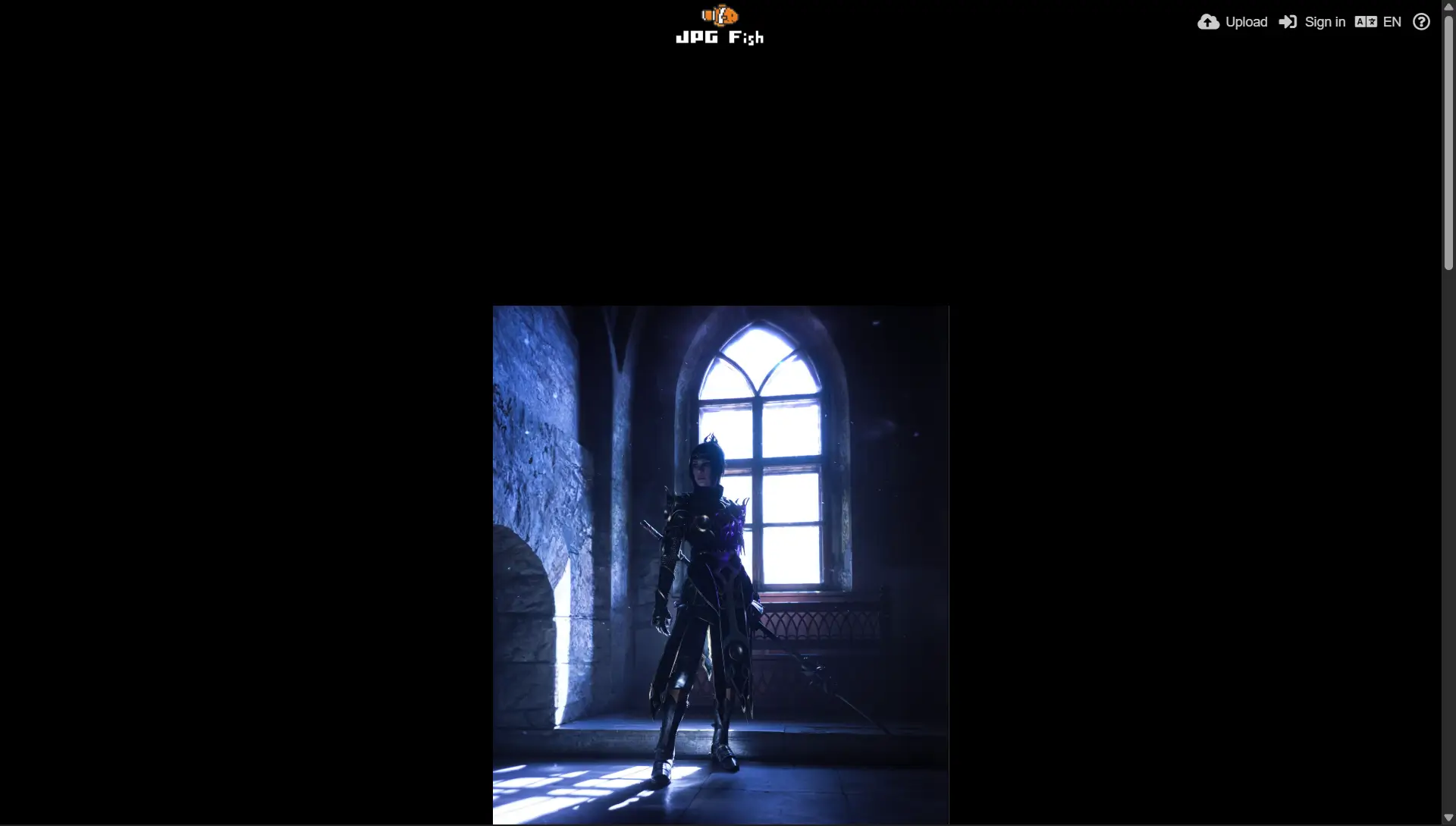
Once you click through the ad, you don’t see the image directly. You see an HTML page with the image embedded somewhere in it. The image is often poorly positioned, so you have to scroll to see it, and headers, footers and sidebars take up the screen.
Scaled down by default
On some hosts, the image on the page isn’t the original but a scaled-down preview. ImgCredit shows a 300-pixel-wide copy of a 3642-pixel photo, FastPic a 400-pixel preview of a 750-pixel one, and PostImages 450 pixels of a 720-pixel upload. To see the full-size version, you have to find and click its link.
Poor or non-existent viewer
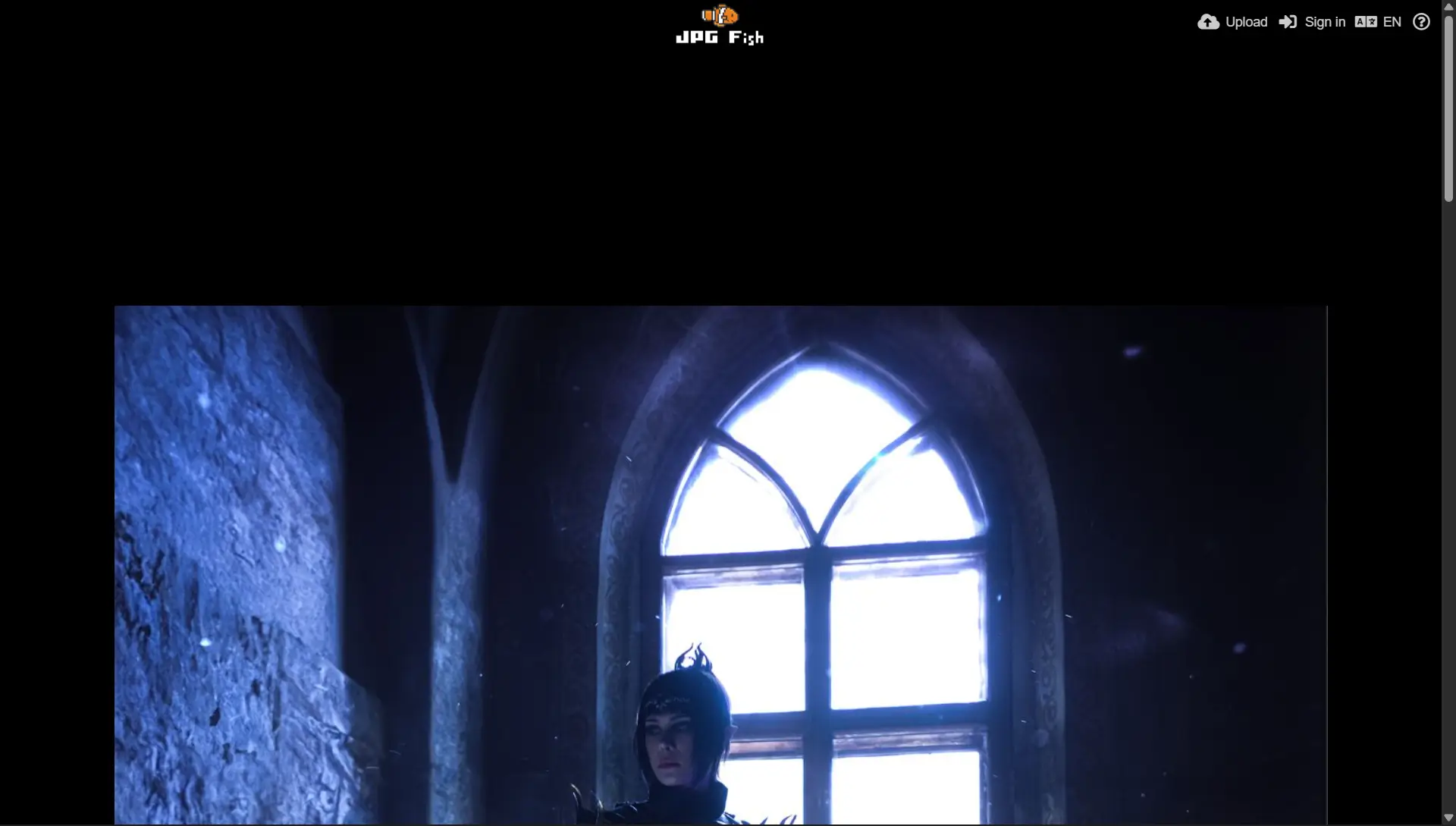
Clicking through to the full-size image often leads to a basic viewer with few controls, or the image stays embedded in the page with no viewer at all. To see details, you’re left with Chrome’s page zoom, which enlarges everything on the page, not just the image.
Getting to the image by hand
The ad page and the page around the image are both wrappers. The file itself is an ordinary image address, and once you have it, none of the rest matters:
- Click through the ad page once. Look for the real “Continue to image” button, not the larger ad buttons designed to look like one. Even the real button can be covered: on one host checked on 15 September 2026, an invisible ad link sat on top of it, and clicking the button opened an ad in a new tab while the page stayed where it was.
- Find the full-size file. If the page shows a preview that links somewhere when clicked, right-click it and choose Open link in new tab. If the image is already the full-size file, right-click it and choose Open image in new tab.
- Keep that address. A direct image address opens without the ad page next time, so it’s the one to bookmark or share.
Host by host
Measured on 15 September 2026, on one image page per host:
| Host | Image on the page | Full-size file | How to open it |
|---|---|---|---|
| ImgBB | 2560×1440, already the original; an upload over 8 MB shows as a 640-pixel-wide copy behind “Load full resolution” | the same i.ibb.co/… address; on a large upload, the one the Download button links to |
Open image in new tab; on a large upload, click “Load full resolution” first |
| ImgCredit | 300×446, a ….md.jpg copy |
3642×5412, the same address without .md |
open the image in a new tab and delete .md from the address |
| PostImages | 450×800 | 720×1280, behind the Download button | right-click Download and choose Open link in new tab |
| FastPic | 400×573, a preview/ copy |
750×1000, a big/ address |
click the preview, then Open image in new tab on the larger copy |
FastPic is the exception to step 3. Its big/ address ends in a signature with an expires time, which on the page checked fell later the same day. Opened in a tab without a valid signature, a big/ address sends the tab back to the image’s page instead of the file. Bookmark the FastPic page, not the file.
Checking you have the full-size file
Open the image in its own tab and look at the tab title: Chrome adds the dimensions after the file name, as in Snapchat-552813982.jpg (2560×1440). If the width matches the largest size the host offers, you have the original. Some hosts state that size on the page too. PostImages, for example, shows “720 x 1280” in the Download button’s tooltip. The same check works on an image found through an image search; the guides to Google Images and Bing Images cover getting from a result to the file.
When you’re sharing an image of your own, ImgBB, ImgCredit and PostImages list a direct link among their sharing options. That’s the plain image address, so the people you send it to skip the ad page too.
Reddit hosts its own images, and getting its originals works differently: the guide to Reddit’s image viewer covers it.
Image hosts with Bellevue
With Bellevue installed, it does the steps above for you on the hosts it supports. It clicks the “Continue to image” button on hosts that have one and opens the image in a full-screen overlay with zoom, pan and rotation. Where the page shows a smaller copy, as on ImgCredit, FastPic, PostImages and large ImgBB uploads, the overlay shows the original instead. The image hosts page lists what it does on each supported host, and the feature can be turned off under Sites in Bellevue’s settings.
Summary
Image hosting sites put an ad page, a web page and sometimes a scaled-down preview between a link and the image.
By hand, you can get past most of it: click through once, open the full-size file in its own tab, check its dimensions in the tab title, and keep that direct address (on FastPic, the page’s address). Install Bellevue to have it done for you on supported hosts, with full-screen images, the original where the host links to it, and zoom, pan and rotation.
Straight to the image on supported hosts. Install Bellevue →