Chrome blurs enlarged images because it smooths them by default. To see crisp, blocky pixels instead, set the CSS property image-rendering: pixelated. For an image open in its own tab, one line in the developer tools console does it; for an image inside a web page, add the property in the Elements tab. Both are shown below.
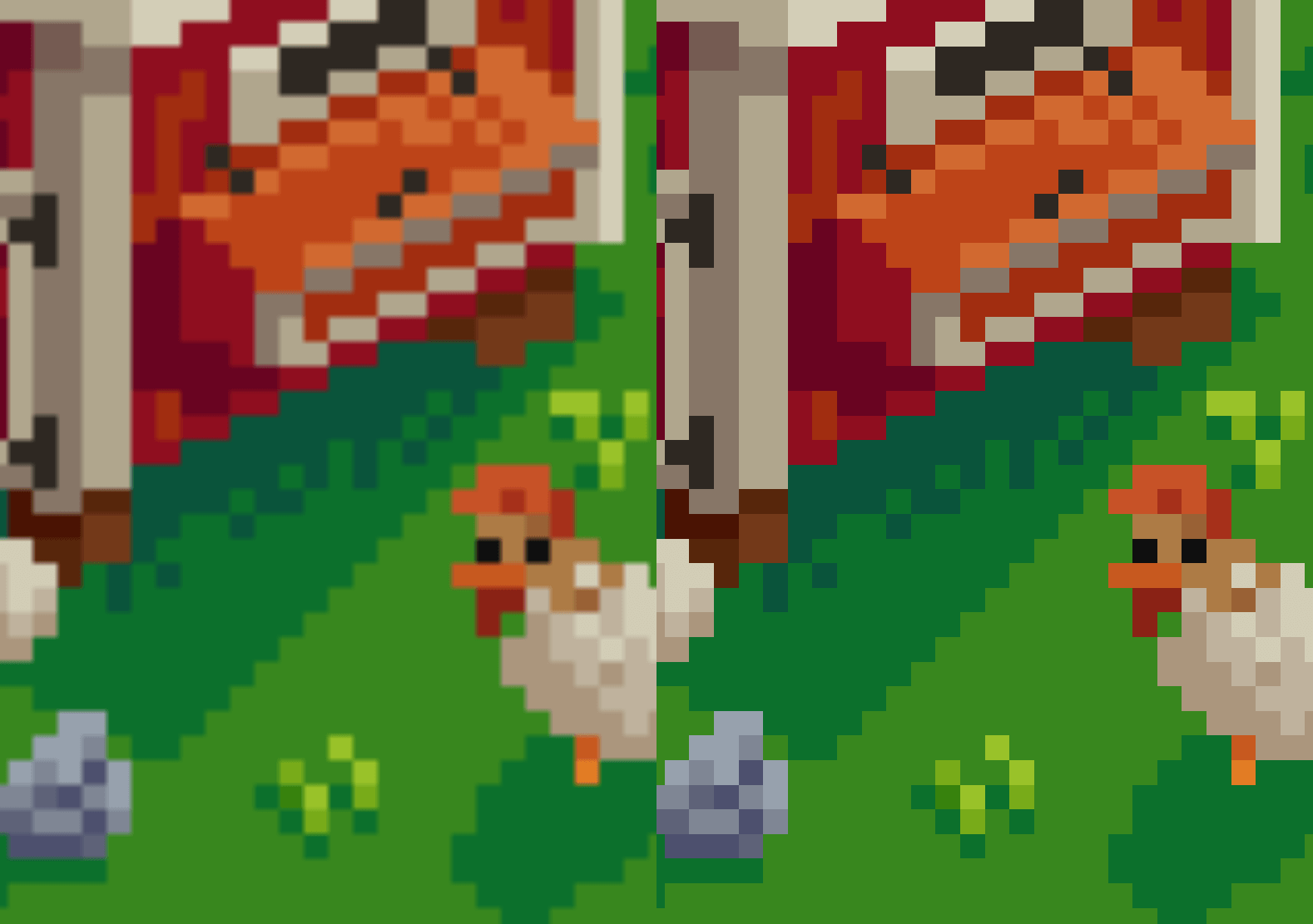
When you zoom in on images in Chrome, especially pixel art and low-resolution graphics, the image becomes increasingly blurry. The more you zoom, the worse it gets. The pixels are still there. Chrome is just blending them together. Zooming past an image’s actual size adds no detail, whether it’s a sprite or a wimmelbild full of tiny characters; it only changes how the pixels the file has are drawn.
See the pixels, not the blur. Install Bellevue →
Why Chrome makes zoomed images blurry
An image has a fixed number of pixels. To draw it larger than that, the browser has to invent the pixels in between, and by default Chrome does this by blending neighboring colors into smooth gradients.
For photographs, that’s the right choice: a smoothly enlarged photo looks closer to the real scene than one made of visible squares. For pixel art, sprites, icons, screenshots of text, and any image where each pixel was placed on purpose, blending destroys exactly what you zoomed in to see. Hard edges turn soft, one-pixel lines smear, and small text becomes unreadable.
The alternative is to copy each original pixel into a larger square of the same color, known as nearest-neighbor scaling. Nothing is invented, so edges stay sharp at any zoom level.
Turning smoothing off by hand
Which of the two Chrome uses is controlled by the CSS image-rendering property. Its default, auto, smooths. pixelated uses nearest-neighbor scaling.
An image in its own tab
- Right-click the image and choose Open image in new tab.
- Press F12 to open developer tools, and switch to the Console tab.
- Paste this line and press Enter:
document.body.style.imageRendering = "pixelated"- Zoom in with Ctrl + +, or pinch on a touchpad.
The line sets the property on the page, and the image inherits it. Setting it on the image itself, as document.images[0].style.imageRendering, doesn’t last: Chrome rewrites the image’s own style when you click it to switch between fitting the window and actual size, or when you resize the window, and the smoothing comes back. Checked in Chromium on 15 September 2026: set on the image, pixelated was gone after one click; set on the page, it survived two clicks and a window resize.
An image inside a web page
In a web page, the line above would switch every image on the page, including shrunk thumbnails. For one image, right-click it and choose Inspect, then add image-rendering: pixelated to its styles in the Elements tab.
Either way, the setting lasts until you reload the page.
Where it falls short
- It also changes shrunk images. Drawn smaller than its real size, a pixelated image skips whole rows and columns of pixels instead of averaging them, so it can look jagged. Checked in Chromium on 15 September 2026 with a 64 × 64 black-and-white checkerboard drawn at 40 × 40: smoothed it came out grey, pixelated it stayed black and white with some squares missing.
- Squares are evenest at whole-number zoom levels, such as 200%, 300% or 400% on a display at 100% scaling. In between, some rows and columns come out one screen pixel wider than others. Checked in Chromium on 15 September 2026 with an 8 × 8 checkerboard in its own tab: at 200% page zoom every square was 2 screen pixels wide, at 250% they alternated between 2 and 3, with no grey between them. The CSS specification and MDN describe
pixelatedas scaling to a whole multiple and smoothing the rest of the way; Chromium didn’t smooth.
Start from the original file
pixelated enlarges the pixels the file has. If a site sent a resized copy, its pixels are no longer the artist’s, and crisp squares only show the resizing more clearly. Open the image in its own tab and check its size in the tab title, such as sprite.png (64×64), before zooming in. On X, for example, a post can show a resized copy of a photo; the guide to original-size X images shows how to open the original instead. On Pixiv, an artwork page shows a JPEG copy even of a PNG upload, and JPEG compression smears the hard edges pixel art is made of; the guide to Pixiv originals covers opening the uploaded file. Reddit’s feed, too, shows a resized copy in a lossy format, and the post on Reddit’s compression says how to tell it from the upload.
Crisp pixels with Bellevue
Bellevue, an image viewer extension, makes this a single key. In its viewer, press P to switch the image to pixelated rendering, and press it again to switch back to smooth. The Sharp pixels button on the viewer’s toolbar, which comes up when you point at the bottom edge of the viewer, does the same, and stays highlighted while the pixels are sharp. It works wherever Bellevue’s viewer does: images opened in their own tab, the images it shows on sites like Reddit and X, and anything opened with View image in current tab.
Bellevue remembers the choice for that image. Reload the tab, or close it and open the image again after restarting the browser, and it comes back pixelated, so a piece of pixel art needs P only once. Switch it back to smooth and Bellevue forgets it. The match is by the image’s address, so it doesn’t hold on sites that give the same picture a new address on each visit, such as Discord attachments, and nothing is remembered in incognito windows.
Checked in Chromium on 15 September 2026 on a 16 × 16 checkerboard in its own tab, zoomed with the mouse wheel to about 3.1 times its size: smoothed, the squares were grey gradients; after P, black and white squares 3 or 4 screen pixels wide; after a second P, gradients again. Checked in Chromium on 5 October 2026: an image pixelated in its own tab was still pixelated after a reload.
For pixel art with transparency, press T, or click Checkered background on the toolbar, to show a checkered background, so you can tell transparent pixels from ones that are simply dark or white. Both keys can be changed in Bellevue’s settings. See upgrading Chrome’s image viewer for the rest of the controls.
Summary
- Chrome blends pixels when it enlarges an image, which blurs pixel art and screenshots.
- By hand: the CSS property
image-rendering: pixelatedswitches to nearest-neighbor scaling. In an image’s own tab, set it on the page from the console so a click doesn’t undo it; in a web page, add it to the image in the Elements tab. Whole-number zoom levels give the evenest squares. - Bellevue toggles it with P or a toolbar button in its viewer and remembers it for that image, so pixel art stays crisp after a reload, alongside smooth zoom and a checkered background for transparency.
See the pixels, not the blur. Install Bellevue →