The problem with Pinterest profile pictures
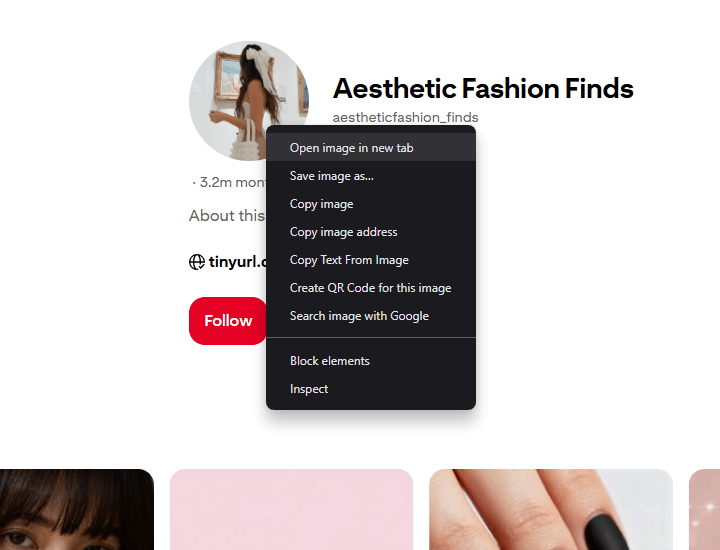
When you try to view someone’s profile picture on Pinterest, you might right-click on it and select “Open image in new tab”.
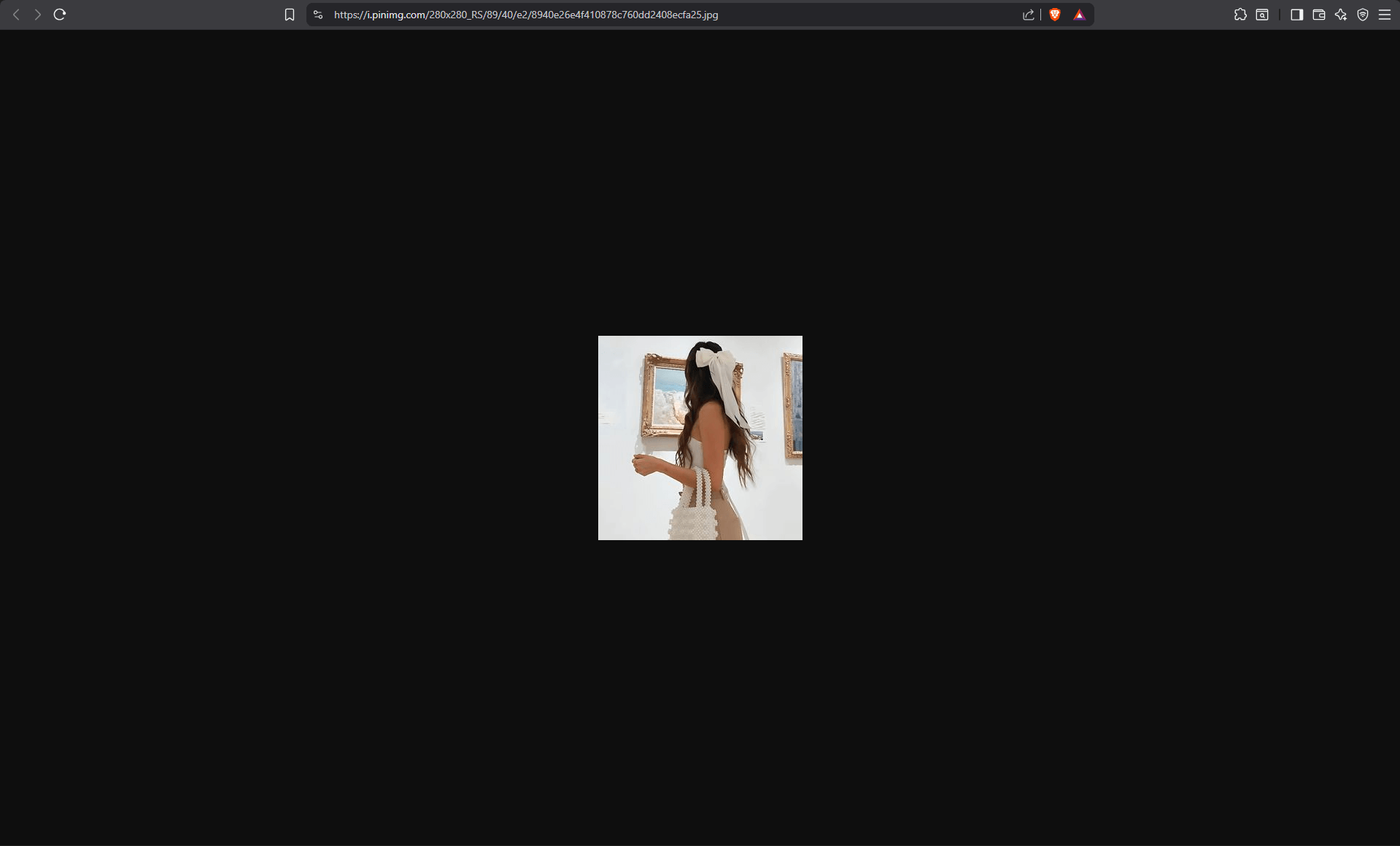
However, the image that opens is only a small thumbnail, not the full-resolution profile picture.
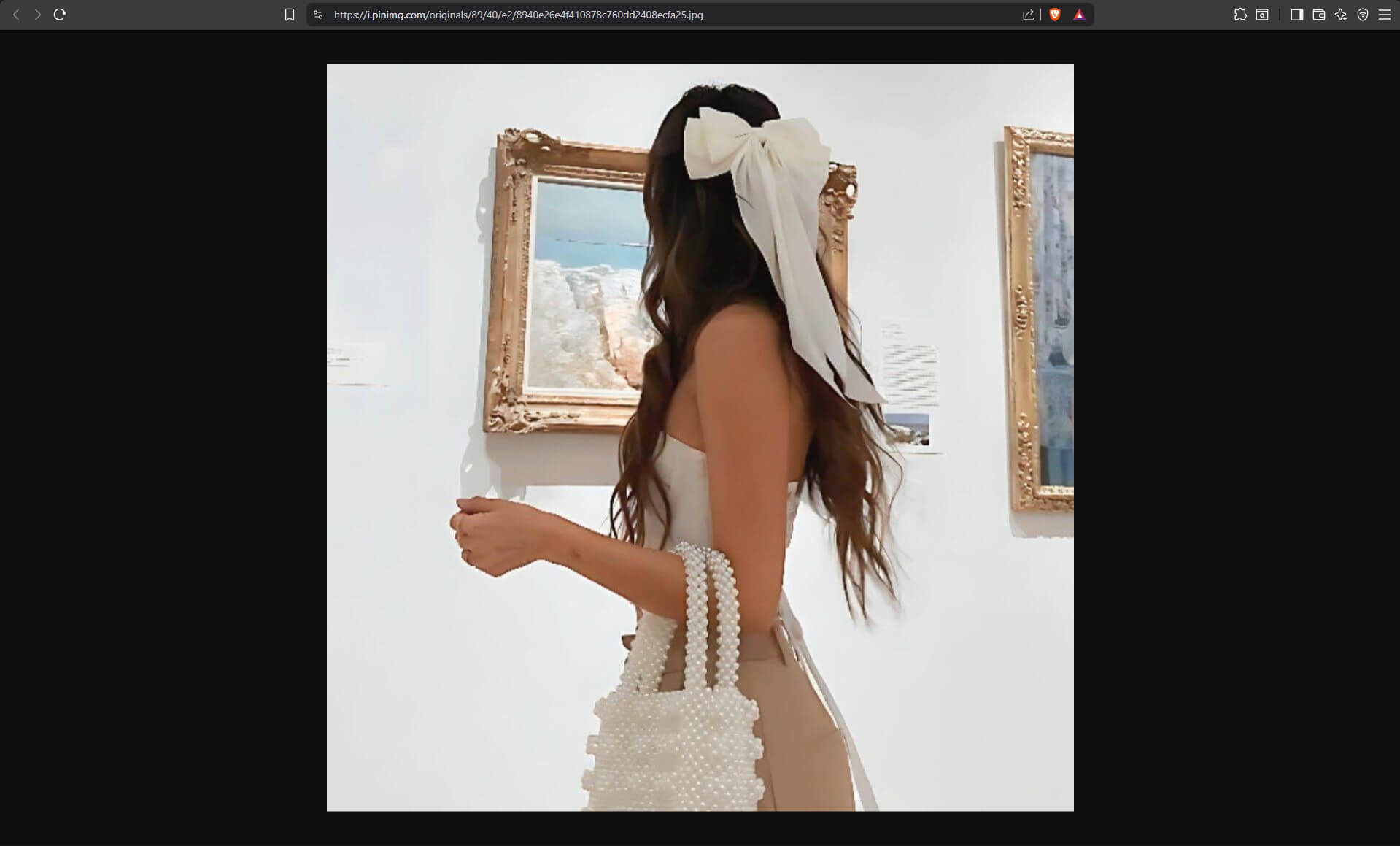
Viewing full-size profile pictures
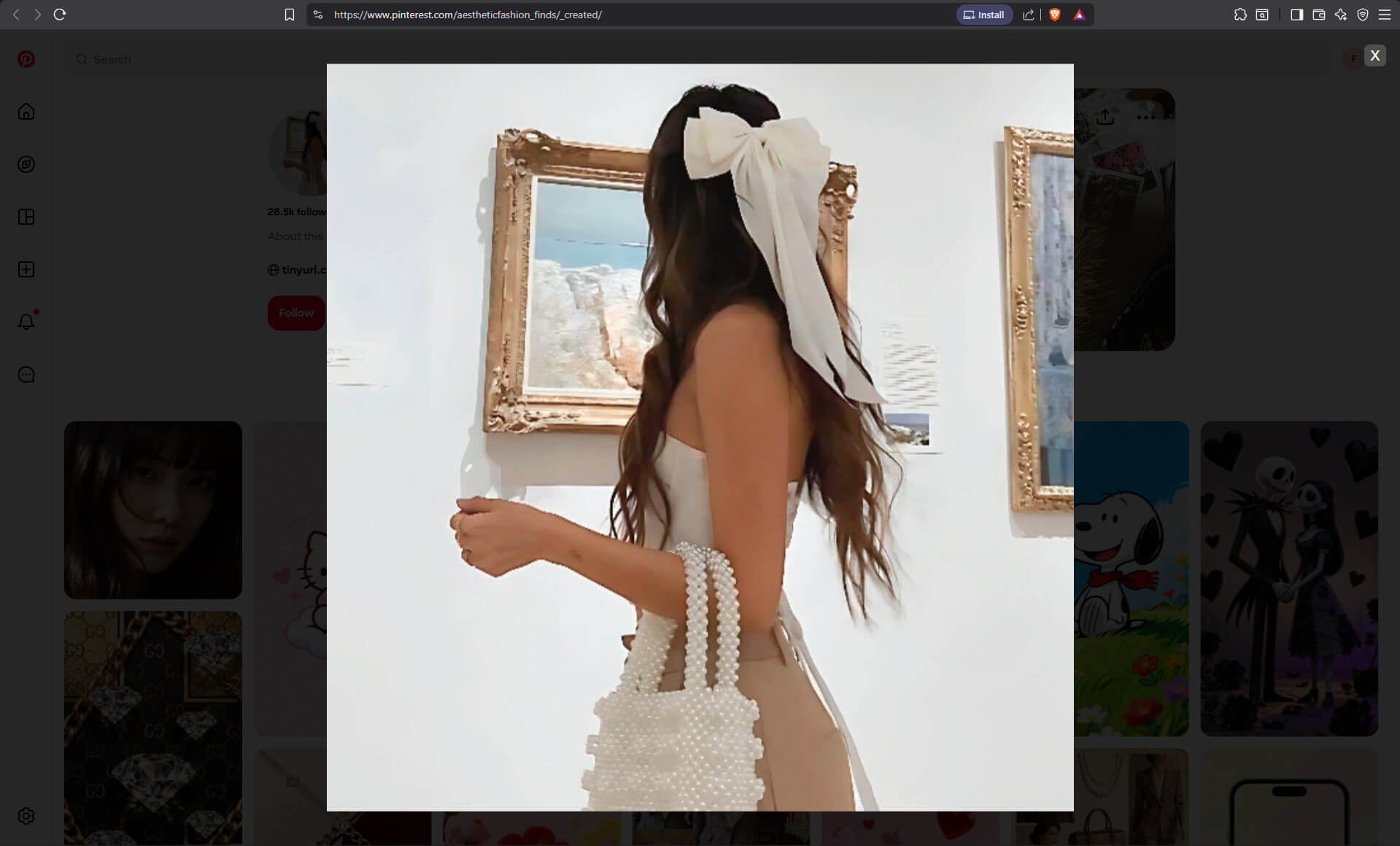
Bellevue solves this issue. With the extension installed, right-clicking on a profile picture and selecting “Open image in new tab” will display the full-resolution version.
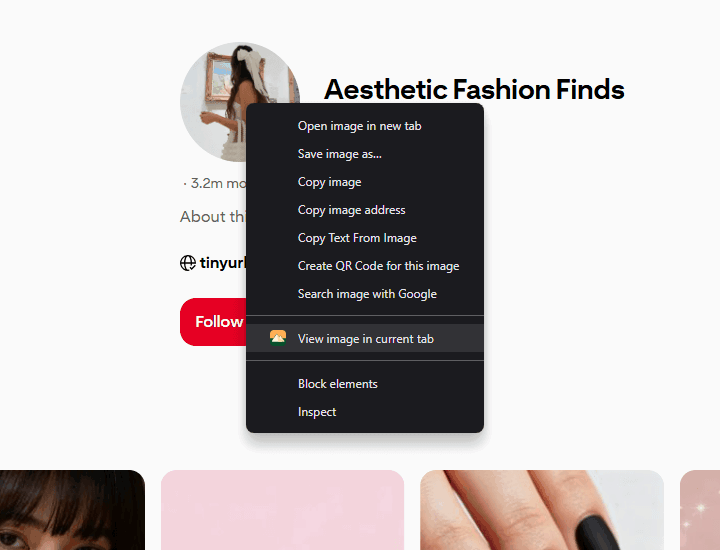
The extension also gives you the option to view the image in the same tab using an overlay.
Simply close the overlay when you’re done viewing.
Works for banners too
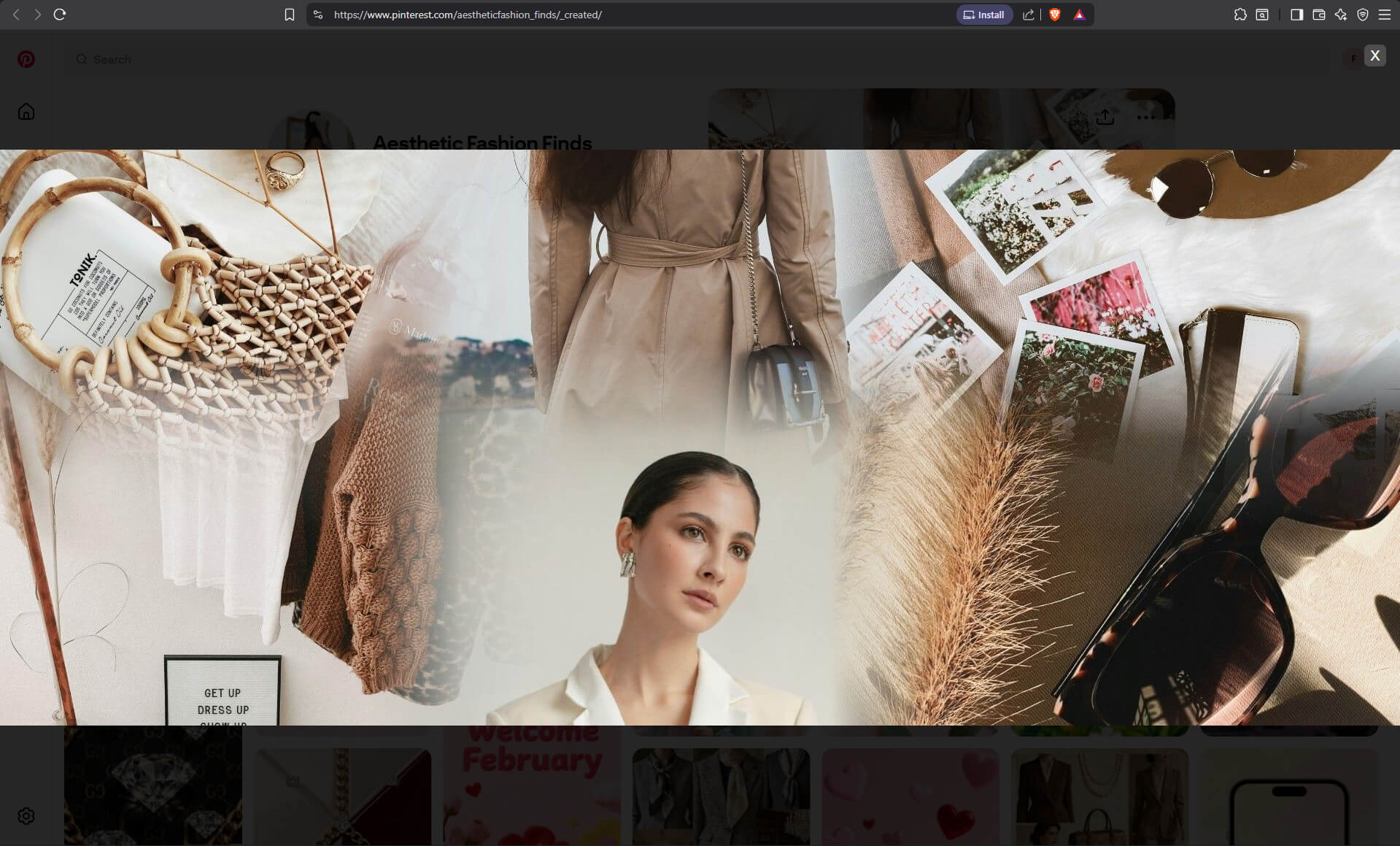
The same functionality works for profile banners. Bellevue loads banners in their full resolution, so you can view and save them at full quality - perfect for design inspiration or archival purposes.
Looking for more Pinterest improvements? Bellevue also lets you view and save full-size Pinterest images.
Join 60,000+ users who’ve upgraded their image viewing. Install Bellevue →