When you open an SVG file in Chrome, the image appears stuck in the top-left corner on a white background. No zoom controls, no centering, just the image at its natural size. If it’s larger than your window, you can scroll. That’s it.
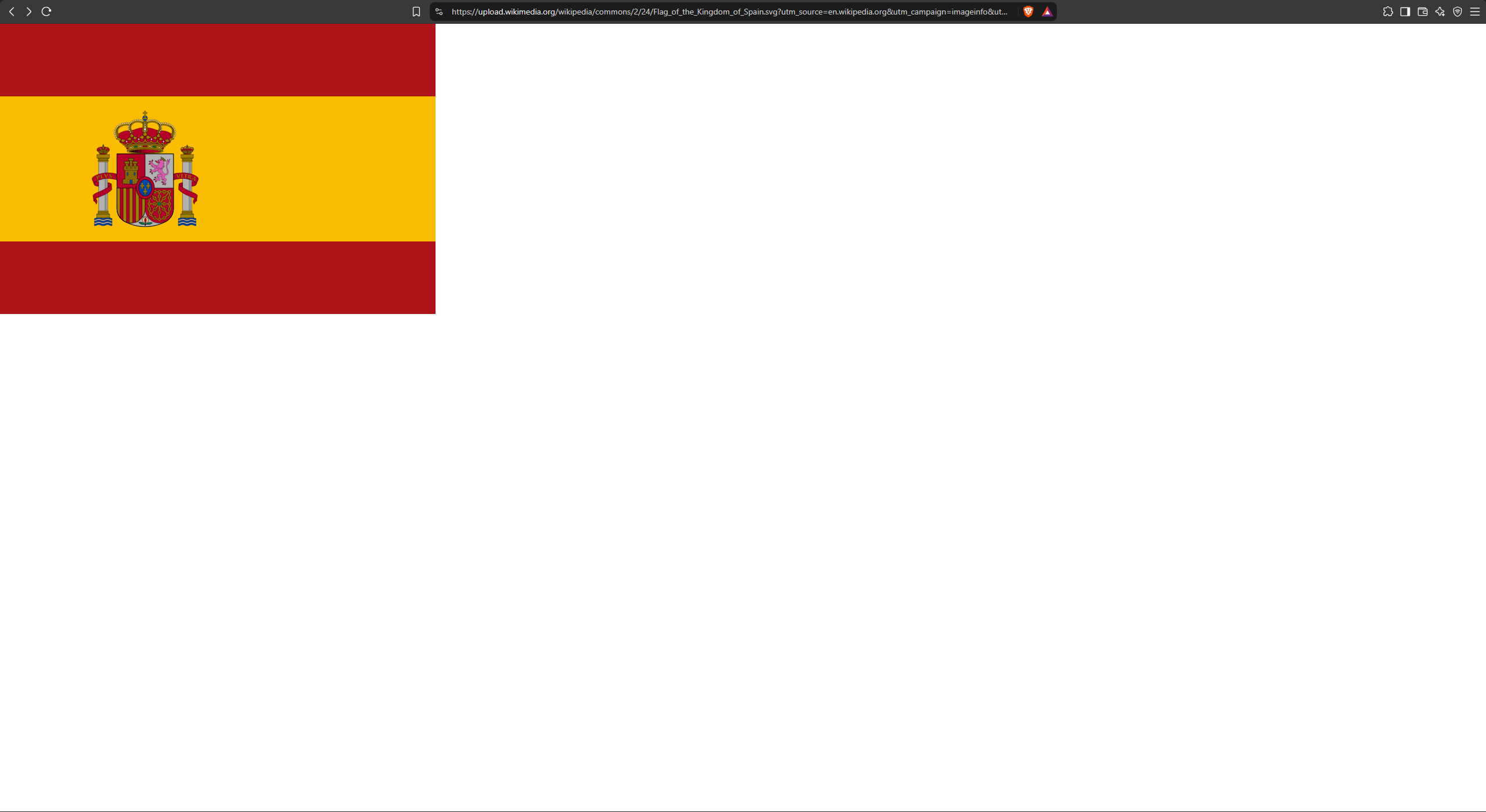
Center, zoom and pan
Bellevue centers the image and adds the same smooth controls available for other formats.
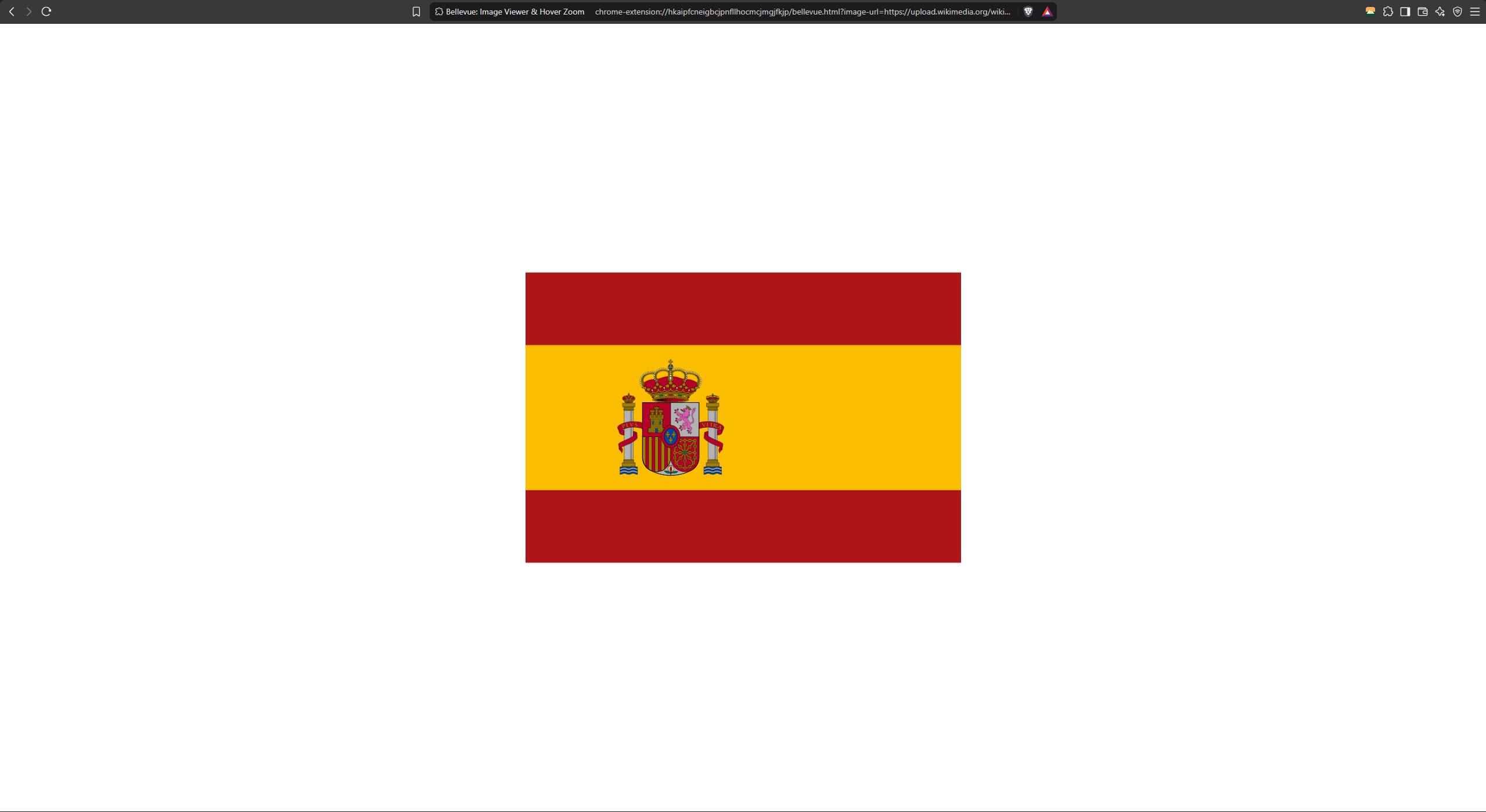
Scroll your mouse wheel to zoom in and out smoothly. The zoom centers on your mouse cursor. Click and drag to pan around the zoomed image.
Beyond SVG support, Bellevue also upgrades Chrome’s regular image viewer and brings special support for image-rich sites like Reddit and image hosting sites.
Install Bellevue and view SVG images with proper controls. Get it free →