Most images on a web page are resized copies of a larger file, made by the service the site runs on. To find the original, open the image in its own tab, look in its address for the size that service wrote into it, such as -428x241, w=400, =s400 or /thumb/…/500px-, and take it out. On every one of the 14 services tested below, that opened a larger file, in one case more than 20 times as wide as the copy on the page. When the address can’t be edited, the site’s own page or a reverse image search leads to a bigger copy. With the Bellevue extension, a tap of Ctrl over the thumbnail makes the edit for you, on hundreds of sites.
Every size below was measured on 29 October 2026, in Chromium 149 on Windows 11, with Bellevue 2.1.0 for what the extension opened. Sizes are the pixels in each file, read after it was downloaded. The guides linked for single sites carry their own dates.
Open the original behind a thumbnail with one key. Install Bellevue →
Check whether you have the original
Right-click the image and choose Open image in new tab. Chrome puts the file’s name and its size in pixels in the tab title, as in the-diplomat-cast-season-4-428x241.jpg (428×241). Compare that with what the page shows, and with what you need: a 428-pixel picture won’t fill a screen or survive a print. With Bellevue installed, the new tab already goes to the original on sites where an address edit works, so the title shows the original’s size.
A resized copy usually gives itself away in its address: a size written into the file name or the query, like -428x241 or ?w=400, or a round width such as 300, 640 or 1024. A small file is another sign. So is missing camera data: a photo’s original often keeps the EXIF data a camera writes, and resized copies almost never do.
Some pages offer several sizes and let the browser pick one to fit. Right-click the image, choose Inspect, and look at its srcset: it lists each copy with its width, and the largest is often bigger than the one shown. It isn’t always the original, though, as WordPress’s -scaled copies below show.
Remove the size from the address
The service that made the copy wrote its size into the address, in one of four places:
- In the file name:
photo-428x241.jpgon WordPress,71d6CcN8Q5L._AC_UY218_.jpgon Amazon. - In the query, after the
?:?w=400,?resize=300%2C188,?format=750w. - After an
=at the end:=w526-h296on Google’s image servers. - In a folder of the path:
/thumb/…/500px-File.jpgon Wikimedia,/upload/c_fill,w_384/on Cloudinary,/resize:fill:68:44/on Medium.
Open the image in its own tab, take the size out, or set it to the largest the service allows, and press Enter. Then read the tab title again. Here’s what that gave on one live page for each service:
| Service | Page | Copy on the page | After the edit | Bellevue |
|---|---|---|---|---|
| WordPress | JustJared | 428 × 241 | 1200 × 675 | yes |
| WordPress, via Jetpack | WordPress.org News | 300 × 188 | 1920 × 1200 | yes |
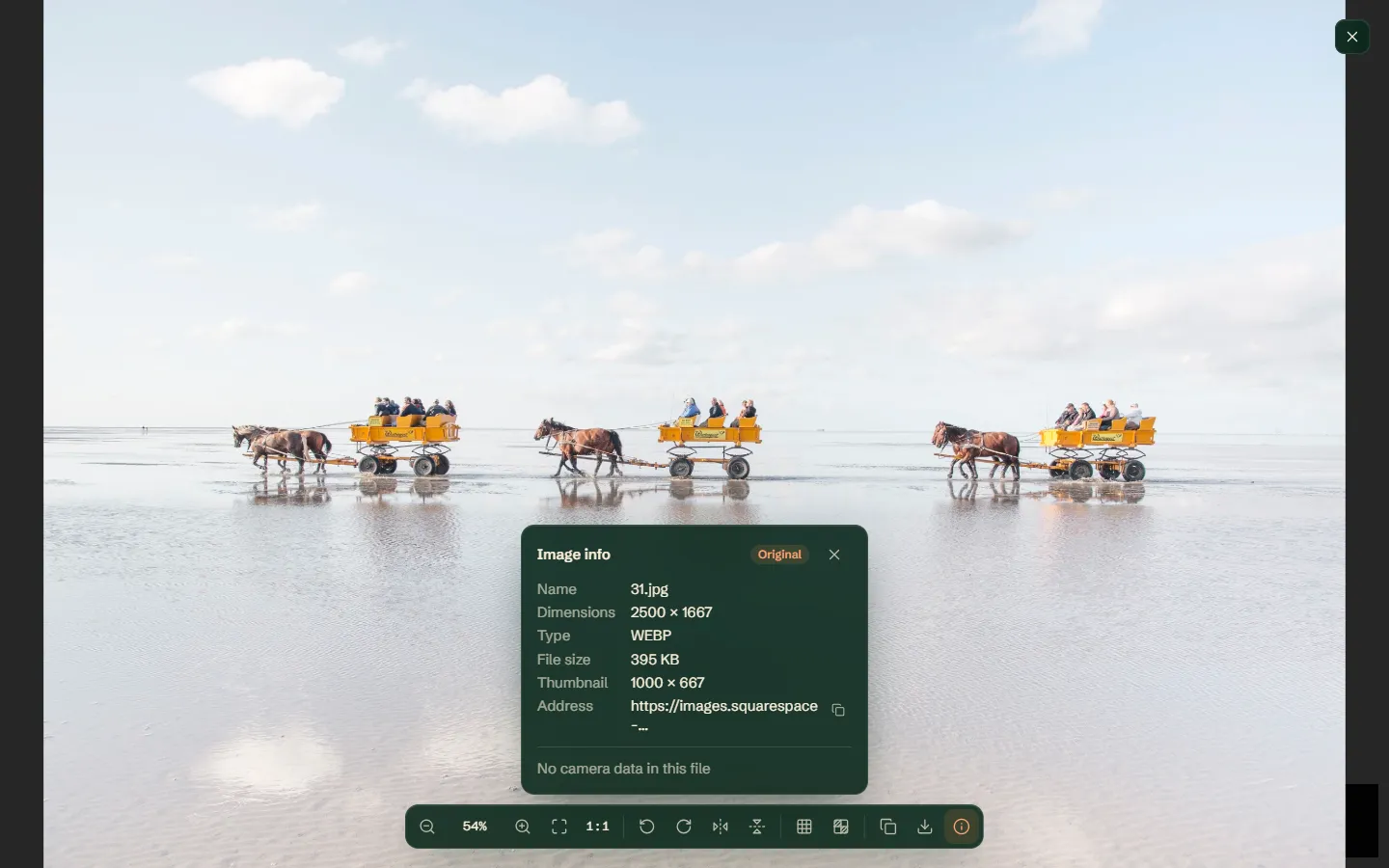
| Squarespace | Wexley template | 750 × 500 | 2500 × 1667 | yes |
| Wix | 107 Roasters | 699 × 466 | 3456 × 2304 | yes |
| Shopify | Hydrogen demo store | 400 × 500 | 3908 × 3908 | yes |
| Cloudinary | The Infatuation | 384 × 288 | 7666 × 5111 | yes |
| Google’s image servers | Google Play | 166 × 296 | 1080 × 1920 | yes |
| Wikimedia | Wikimedia Commons | 500 × 313 | 7360 × 4600 | yes |
| Amazon | Amazon search | 339 × 218 | 2560 × 2560 | yes |
| Medium | Medium | 68 × 44 | 1536 × 1024 | yes |
| Unsplash | Unsplash search | 400 × 660 | 3634 × 5998 | yes |
| Cloudflare resizing | Figma Community | 710 × 480 | 1427 × 964 | on this site |
| Next.js | 032c | 256 × 359 | 2143 × 3000 | on this site |
| Drupal | University of Cambridge | 1280 × 666 | 2000 × 1041 | no |
“Yes” means Bellevue opened the same file as the edit, and does so for the service’s usual addresses: /wp-content/uploads/ on WordPress, cdn.shopify.com on Shopify, cloudinary.com on Cloudinary. A site that serves the same images from an address of its own needs a rule of its own. “On this site” means Bellevue has a rule for that site only. Each edit is described below.
WordPress
WordPress names each resized copy after the upload, with its size added: the-diplomat-cast-season-4-428x241.jpg. Delete -428x241 and you have the upload, here 1200 × 675 on JustJared. Delete any query too, such as ?resize= or ?w=. On sites that run images through Jetpack, the address starts with i0.wp.com/ (or i1, i2…) and the size is in the query: removing ?resize=300%2C188&ssl=1 from a WordPress.org News image turned 300 × 188 into 1920 × 1200.
Since version 5.3, WordPress shrinks an upload wider or taller than 2,560 pixels to that size and keeps the upload beside it (WordPress). The shrunk copy’s name ends in -scaled, and sites use it as their largest, so delete -scaled as well. On PetaPixel, a lens photo’s -scaled.jpg is 1851 × 2560, and the same name without it is the 2024 × 2800 upload. PetaPixel keeps its uploads in /assets/uploads/ rather than WordPress’s usual /wp-content/uploads/, but the names follow the same pattern.
Squarespace
Squarespace puts the width in a format= parameter: change ?format=750w to ?format=2500w. On the Wexley template that turned 750 × 500 into 2500 × 1667. format=original and no format at all returned the same 2500-pixel WebP, so for this photo 2,500 pixels is as wide as Squarespace serves it, re-encoded rather than as uploaded.
Wix
A Wix address names the file twice, with the resizing between: …~mv2.png/v1/fill/w_699,h_466,al_c,q_85,…/…~mv2.png. Cut everything after the first ~mv2.png (or .jpg). On 107 Roasters, 699 × 466 became 3456 × 2304.
Shopify
Shopify images take their size from width=, height= and crop= in the query, whether they’re served from cdn.shopify.com or from the shop’s own domain under /cdn/shop/. Delete those and keep v=, the version. On Shopify’s Hydrogen demo store, 400 × 500 became 3908 × 3908, and on Allbirds’ own domain, a 300 × 300 shoe photo became 2000 × 2000.
Cloudinary
Cloudinary addresses carry their resizing as short codes after /upload/: /upload/c_fill,w_384,ar_4:3,g_center,f_webp/images/…. Delete that whole segment, so the address reads /upload/images/…. On The Infatuation, a 384 × 288 WebP became a 7666 × 5111 JPEG.
Google’s image servers
Images on googleusercontent.com and ggpht.com, which include Blogger posts, YouTube channel pictures and Google Play, end in a size after an =, such as =w526-h296-rw. Replace it with =s0. A Google Play screenshot went from 166 × 296 to 1080 × 1920.
Wikimedia
Wikipedia and Wikimedia Commons show thumbnails from addresses like this:
https://thumb.wikimedia.org/wikipedia/commons/thumb/b/bf/Vignes….jpg/500px-Vignes….jpg
Change the host to upload.wikimedia.org if it’s thumb.wikimedia.org, then delete the /thumb folder after /commons and the last part, from /500px- on:
https://upload.wikimedia.org/wikipedia/commons/b/bf/Vignes….jpg
The host matters: the same path on thumb.wikimedia.org answered with a web page instead of the image. A photo on Commons’ main page went from 500 × 313 to its 7360 × 4600 original, a 43 MB file. Without editing anything: on Wikipedia, click the image, then More details, and use the Original file link on the file’s page.
Amazon
An Amazon image’s size code sits between dots and underscores before the extension: 71d6CcN8Q5L._AC_UY218_.jpg. Delete it, leaving 71d6CcN8Q5L.jpg: a 339 × 218 search result became 2560 × 2560. IMDb’s images come from the same servers and take the same edit. The Amazon guide covers product galleries.
Medium
Medium’s addresses have a resize: folder after /v2/: delete resize:fill:68:44/ from miro.medium.com/v2/resize:fill:68:44/1*….png. A 68 × 44 card picture became 1536 × 1024.
Unsplash and other sizes in the query
Unsplash serves its photos with the size in the query: photo-1472396961693-142e6e269027?w=400&auto=format&fit=crop&q=60…. Delete everything from the ? and the 400 × 660 thumbnail became 3634 × 5998. Any image address whose query has w=, h=, width=, fit= or resize= is worth trying without it.
Addresses inside addresses
Some sites pass the image through a resizer whose address contains the original’s, whole or nearly so:
- Cloudflare:
/cdn-cgi/image/format=auto,quality=auto,width=800,height=480/hub/file/…. Delete/cdn-cgi/image/and the options after it. On Figma Community, 710 × 480 became 1427 × 964. - Next.js:
/_next/image?url=https%3A%2F%2Fcdn.sanity.io%2F…jpg&w=256&q=90. Copy the part betweenurl=and&, and turn each%3Ainto:and each%2Finto/. On 032c, that gave the 2143 × 3000 original, whose file name already said-2143x3000.jpg. - Drupal:
/sites/default/files/styles/homepage_hero/public/2026-10/….jpg.webp?h=…&itok=…. Deletestyles/homepage_hero/public/, the query, and the.webpDrupal added to the name. On the University of Cambridge’s home page, 1280 × 666 became 2000 × 1041. With.webpleft on, the address gave 404.
Sites with their own guide
- eBay: change the
s-l500in the address tos-l1600(eBay guide). - X: set
name=orig, and if that gives 404,format=png(X guide). - Pinterest: swap the size folder, such as
/236x/, for/originals/, and if that gives 403, try.pngin place of.jpg(Pinterest guide). On both sites the thumbnail’s address doesn’t say which file type the original is. - Reddit: the original is on
i.redd.it, notpreview.redd.it(Reddit guide). - Fandom: delete everything between
/revision/latestand the?(Fandom guide). - Pixiv: sign in and click the illustration on its artwork page. A pasted image address gives 403, because Pixiv’s image server answers only requests from pixiv.net (Pixiv guide).
- Profile pictures on Discord, YouTube, Bluesky, Steam and others (profile picture guide), and image hosts that put an ad page in front of the file (image host guide).
An edit that gives 404, 403 or 410 wasn’t the right one for that service, or the address is signed. It doesn’t mean there’s no larger file.
When the address can’t be edited
Some sites sign their image addresses: part of the address is a code worked out from the rest, size included, so a changed size no longer matches it. Others store each size as a separate file under a name you can’t guess. Editing gives an error, and the original’s address has to come from the site.
- Instagram: removing the size from an Explore thumbnail’s
stp=parameter, or raising it to 1080, both answered 403 withURL signature mismatch. The post’s own page shows a larger copy; see the Instagram guide. - Flickr: changing a photo’s ending to
_bopened the 1024-pixel copy, but_k, the 2048-pixel one, answered 410: Flickr gives each size above 1024 pixels its own code. The photo’s own page can list the larger sizes, if its owner allows it.
Where the address won’t help, open the item’s own page, the post, listing or photo page, and look for a View original or Download link, or a lightbox, which usually loads the largest copy. Inspect on that image can show a srcset or a data- attribute with a bigger address.
Sometimes there is no original to find. Some services keep only resized copies: eBay’s largest is 1,600 pixels, and larger size codes return the same file. And some images were only ever posted at the size you have.
Find a larger copy elsewhere
When the page has nothing bigger, or you have the file but not the page, a reverse image search finds other copies of the same picture, some of them larger:
- Google Lens: right-click the image and choose the Google Lens search in the menu, then Exact matches, which lists pages carrying the same picture with the size of each copy. The Google Images guide walks through it.
- TinEye: search with the image or its address, then sort by Biggest image. In TinEye’s own example, the largest Mona Lisa it found was 7854 × 11498 pixels (TinEye).
- Bing: its visual search does the same; see the Bing guide.
An AI upscaler is no substitute. It makes up the detail a resized copy has lost, and zooming into a copy can’t bring that detail back either. And a bigger copy is still someone’s work: finding it doesn’t change what you may do with it.
Open the original in Chrome with Bellevue
Tap Ctrl over a thumbnail, or right-click it and choose View image in current tab, and Bellevue opens the original in a viewer over the page. It makes most of the edits above for you, and on sites like Instagram and Flickr, where no edit works, it fetches the original’s address from the site. On Instagram it opened the 1080 × 1350 original of a 320 × 400 Explore thumbnail, and on Flickr a 4032 × 2678 copy of a 500-pixel one. If the original won’t load, the viewer shows the thumbnail instead.
Press I in the viewer and the info panel marks the image Original and gives the thumbnail’s size beside the original’s. Hold Alt over a thumbnail instead to see the original in a hover popup, or tap Shift to open it in a background tab. On sites where an address edit works, opening a thumbnail’s own address in a tab, with Open image in new tab for one, lands on the original as well.
Bellevue knows the addresses of hundreds of sites, not every site. On one it doesn’t know, it opens the copy the page loaded: on the University of Cambridge’s Drupal page, it showed the 1280 × 666 copy, where the edit above found 2000 × 1041. It doesn’t search other sites for copies either; that’s what reverse image search is for. On install, Bellevue opens a consent page and does nothing until it’s answered.
Summary
- Open the image in its own tab: the tab title gives its size.
- Find the size in the address and take it out:
-428x241on WordPress,format=750won Squarespace,=w526-h296on Google’s servers,/thumb/…/500px-on Wikimedia, the folder after/upload/on Cloudinary. - On all 14 services tested, the edit opened a larger file, from 1.6 to more than 20 times as wide.
- Signed or separately stored sizes, as on Instagram and above 1024 pixels on Flickr, can’t be reached by editing: use the item’s own page.
- Nothing bigger on the page: search for other copies with Google Lens or TinEye’s Biggest image.
- Bellevue makes the edit with a Ctrl tap on hundreds of sites, and marks what it opens Original.
Open the original behind a thumbnail with one key. Install Bellevue →